Adjust master controls
The master controls section allows you to adjust the overall output level of the Rig, and apply
EQ, compression, delay, and reverb (post-cabinet and mic emulation) to the entire rig output.
To adjust Rig level:
Scroll down to see the Master section.
Adjust the overall output volume with the Output slider in the UAFX Control app, or with the
Output knob on the OX Stomp hardware.
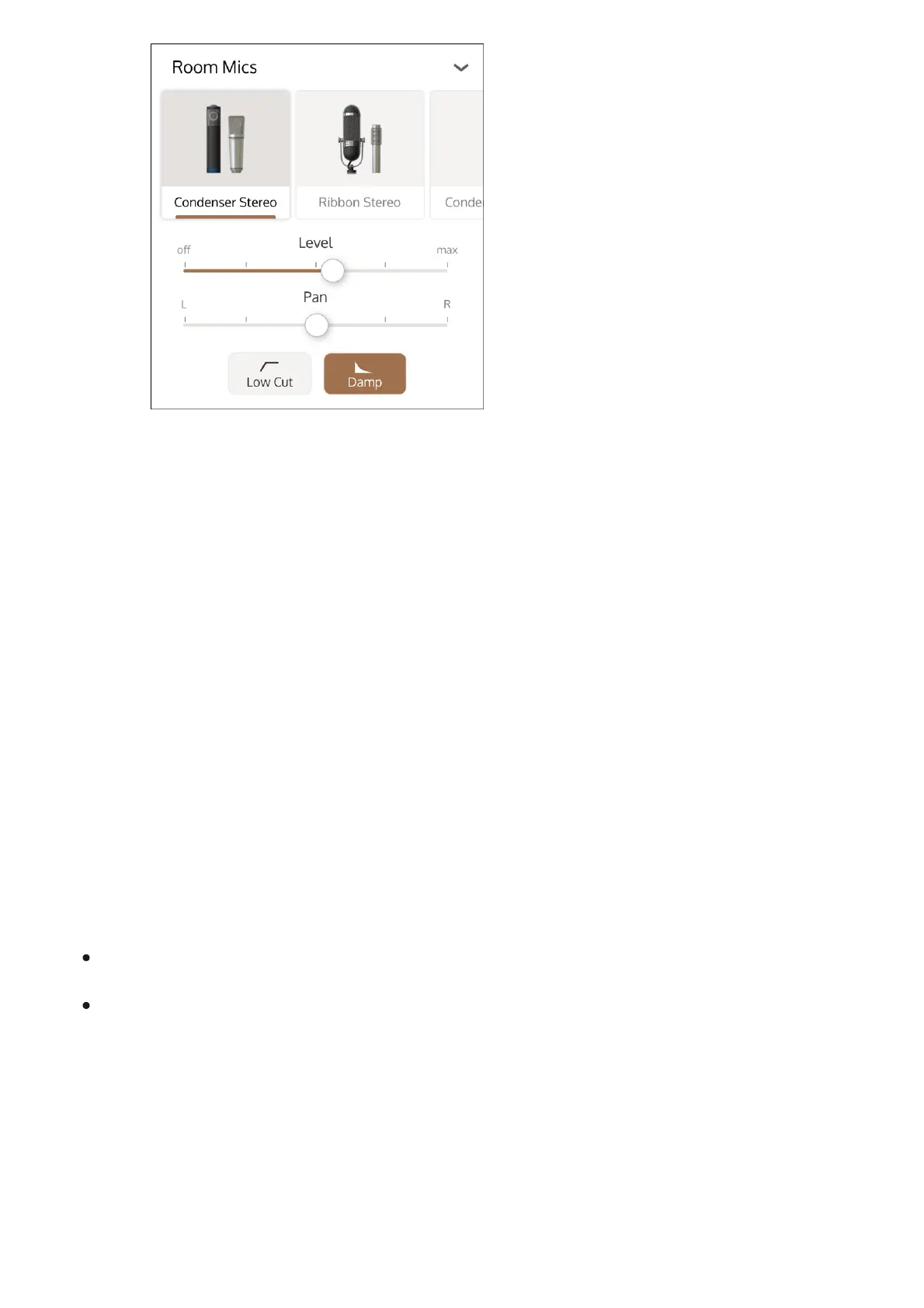
Adjust the room mic level with the Level slider.
4
Adjust the panning of the room mic(s) with the Pan slider.5
To apply a low cut, tap the Low Cut button.
6
To damp the room, tap to enable the Damp button.
Damping adds baffles and carpeting to tighten and even out the room sound.
7



 To Next Page