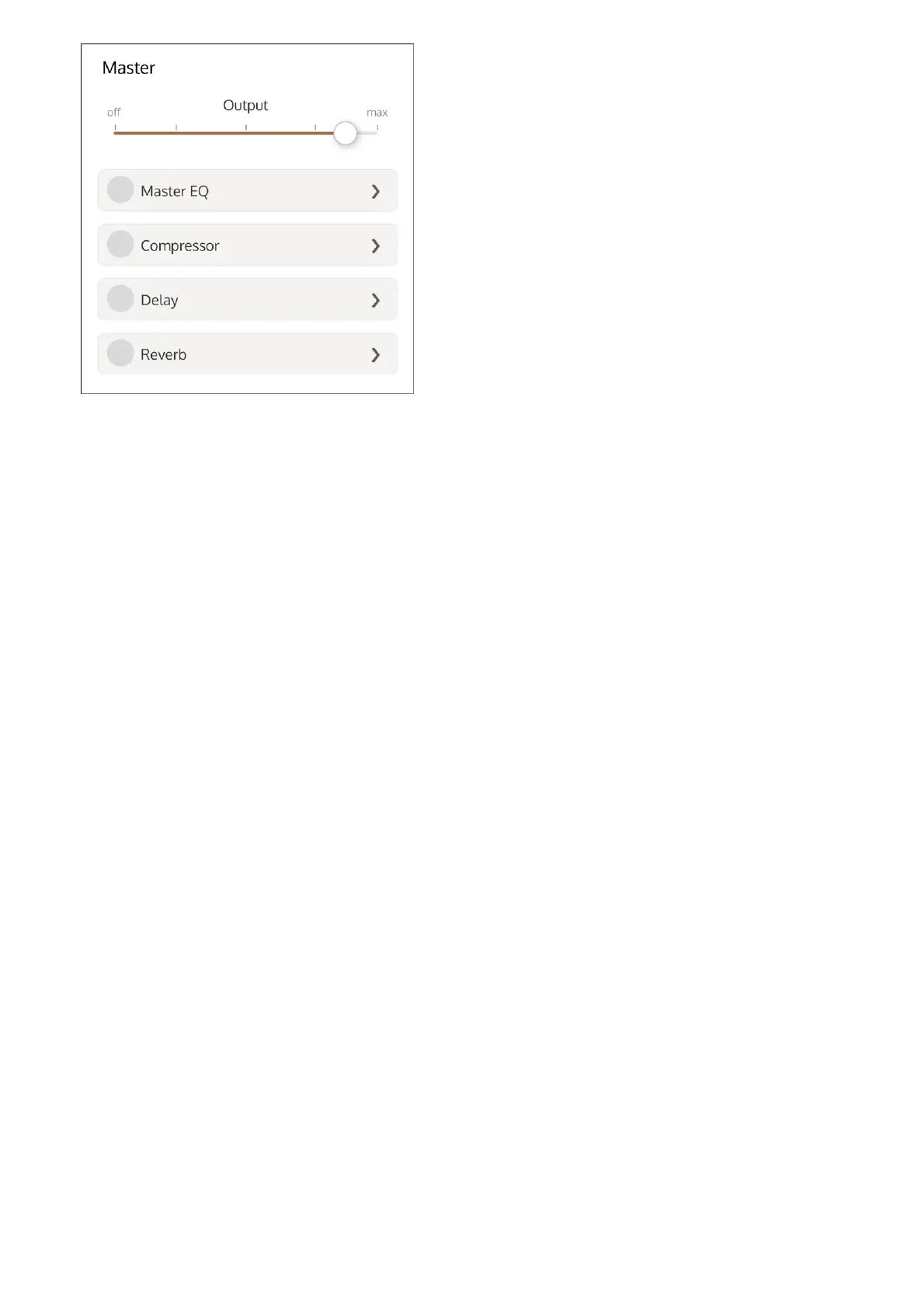
Enable and adjust Master EQ
The Master EQ applies equalization to the overall Rig.
Enable or disable the Master EQ by highlighting or clearing the Master EQ button.
1
Tap the selection triangle at the right of the Master EQ label to open the master EQ
settings.
2
Adjust the boost/cut for each EQ band with the sliders.
3
Adjust the high cut and low cut filters with the sliders.
4



 To Next Page