
 Need help?
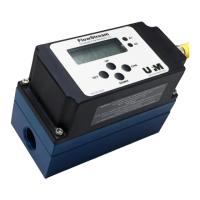
Do you have a question about the Universal Flow Monitors FlowStream FP-EF-2N-360SCFH-CO2-X1B and is the answer not in the manual?
Steps to change menu item set points using SET, UP, DOWN, and CHG buttons.
Steps to change the selected gas type using SET and CHG buttons.
Setting the high flow alarm point, including range and hysteresis.
Setting the low flow alarm point, including range and hysteresis.
Scaling the 4-20 mA output to user-specific flow rates.
Setting the threshold percentage for filtering noisy flow readings and signal averaging.
Changing the currently selected gas type from a pre-programmed list.
Entering a custom gas factor for non-pre-programmed gases to improve accuracy.
Resetting all parameters back to original factory settings with a safety delay.
 General
| Brand | Universal Flow Monitors |
|---|---|
| Model | FlowStream FP-EF-2N-360SCFH-CO2-X1B |
| Category | Measuring Instruments |
| Language | English |

 To Next Page