Page 4
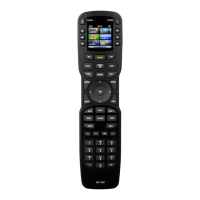
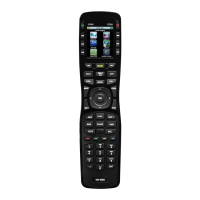
MX-810 OWNERS MANUAL
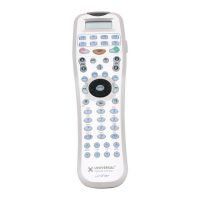
Programming the MX-810
The MX-810 is programmed via a Windows PC equipped with a USB port
(programming cable included), using our proprietary software, MX-810
Setup. You can download this software from our website:
www
.universalremote.com
Basic setup takes only a few minutes with this software. However, to fully
automate an audio/video system the programmer must have a detailed
knowledge of each component and how the system is connected and
operated. We highly recommend that you use a professional audio/video
installer to program your MX-810 so you will be able to enjoy all the ben-
efits of the MX-810 as well as one touch operation via Activities.
If you do opt to do some programming on your own, fill out the NOTES at
the end of this manual before beginning. This will greatly speed the
process of programming.





 To Next Page