4. Programming the MX-500
TM
to Control Your Components
12. When you are finished programming your remote, exit
from the preprogramming mode by pressing the MAIN
button and then exit from the SETUP mode by pressing the
MAIN button once again.
Tip: You can change the preprogrammed code for each
device at any time by following the steps above. The new
code will override the old code. For example, this would be
done if you replaced your old TV with a new one.
2. Auto Scan With Three-Digit Number
You can also program your remote control by sending out a
series of Power Off commands for different brands stored
in the library by using the following steps. This is similar
to the first method, except it is easier to move through all
of the device codes for your device and make note of each
one that turns your device OFF.
1. Manually turn on the device you plan to operate.
2. Go to the SETUP mode by pressing both the MAIN and
ENT buttons simultaneously for three seconds.
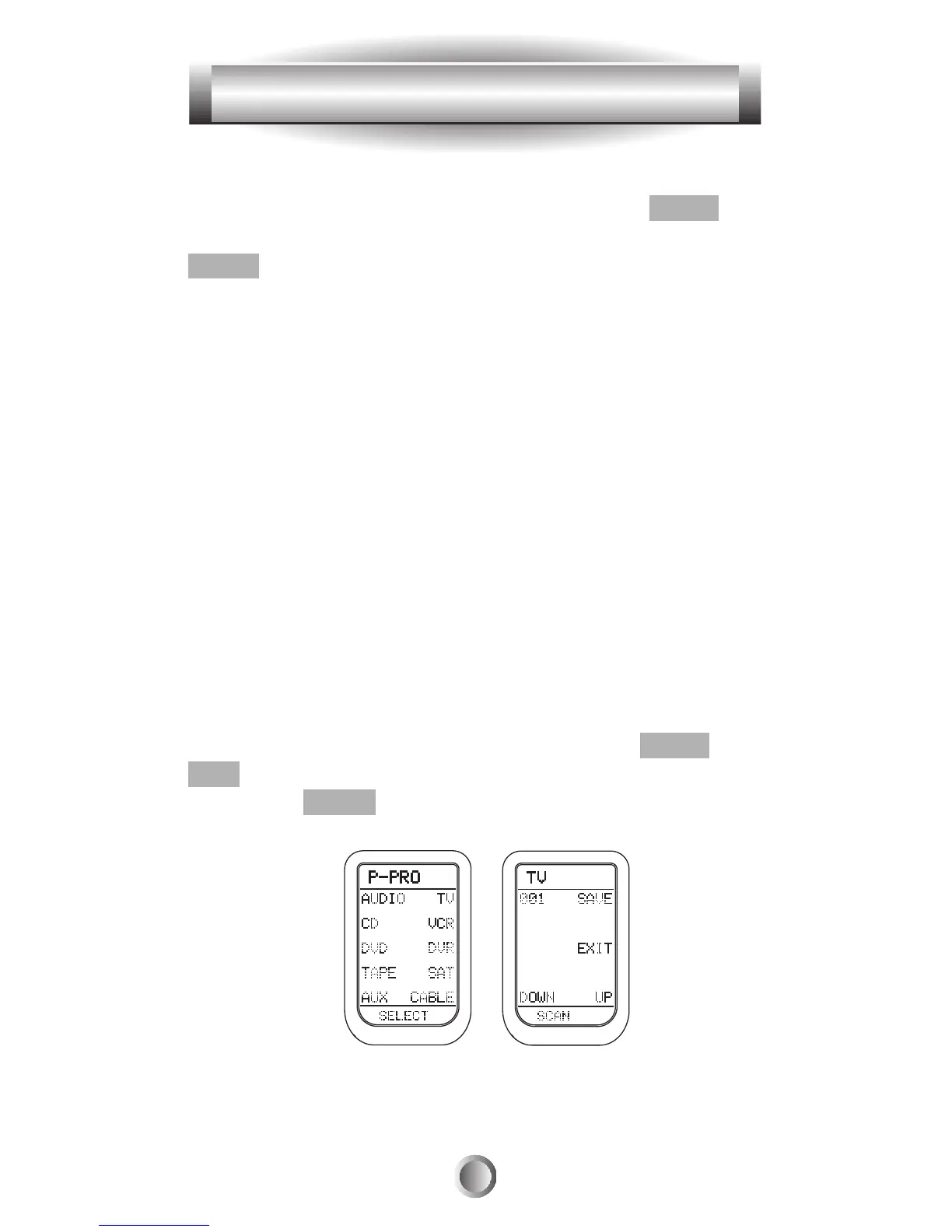
3. Press the P-PRO button next to the LCD screen.
16








 To Next Page