20
remote’s button until “Good” flashes twice on the LCD
screen.
●
Try varying the distance between the remotes until you
find an optimal distance where the codes are learned on the
first or second try.
1. Programming The Function Buttons
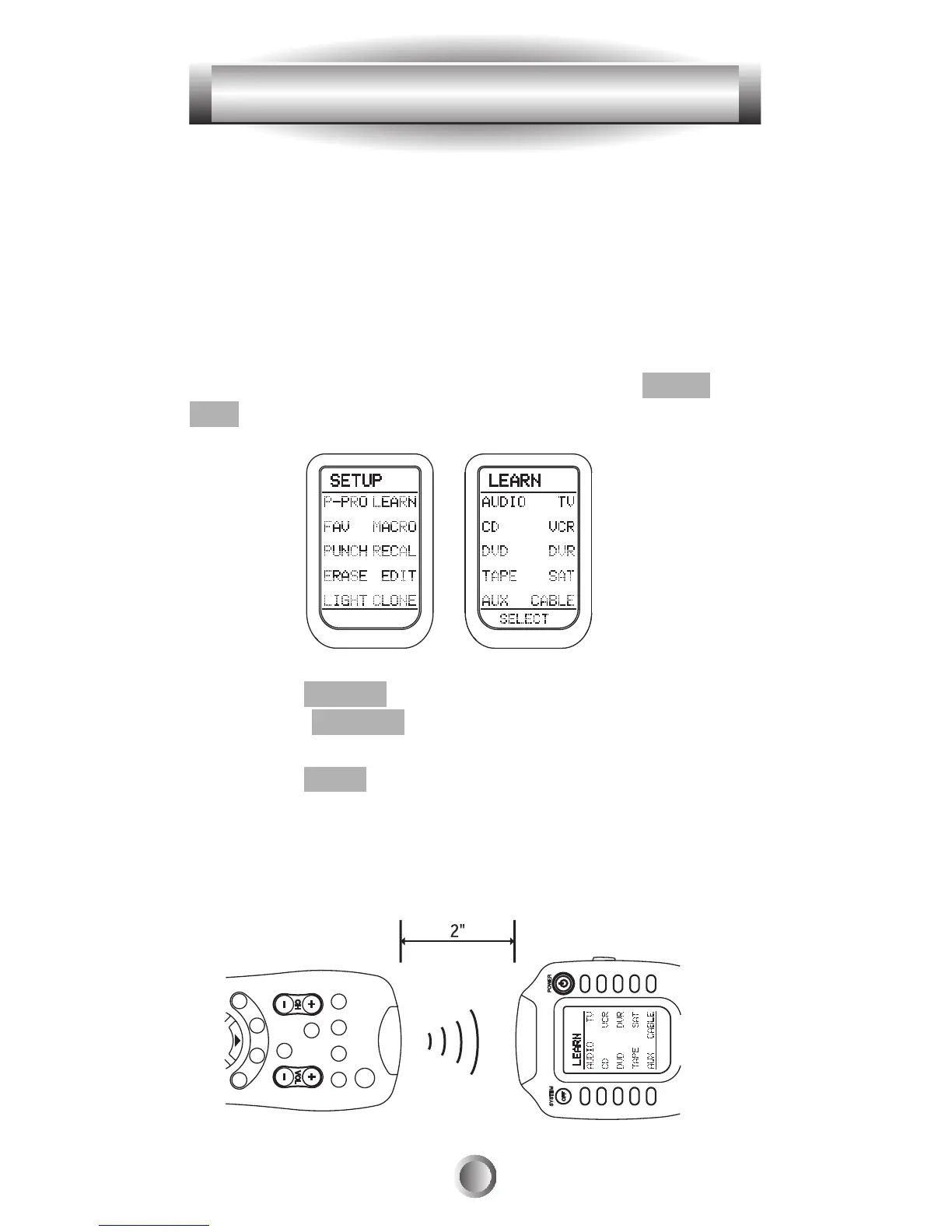
1. Go to the SETUP mode by pressing both the MAIN and
ENT buttons simultaneously for three seconds.
2. Press the LEARN button next to the LCD screen.
3. Select the DEVICE that contains the function button you
wish to program.
4. Press the PAGE button to go to page 2 of the device if
you need to.
5. Place your original remote control head to head with the
MX-500
TM
about 2 inches apart on a flat surface as
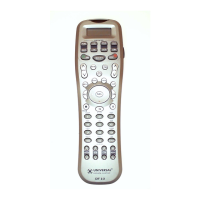
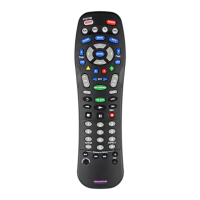
illustrated below.
4. Programming the MX-500
TM
to Control Your Components








 To Next Page