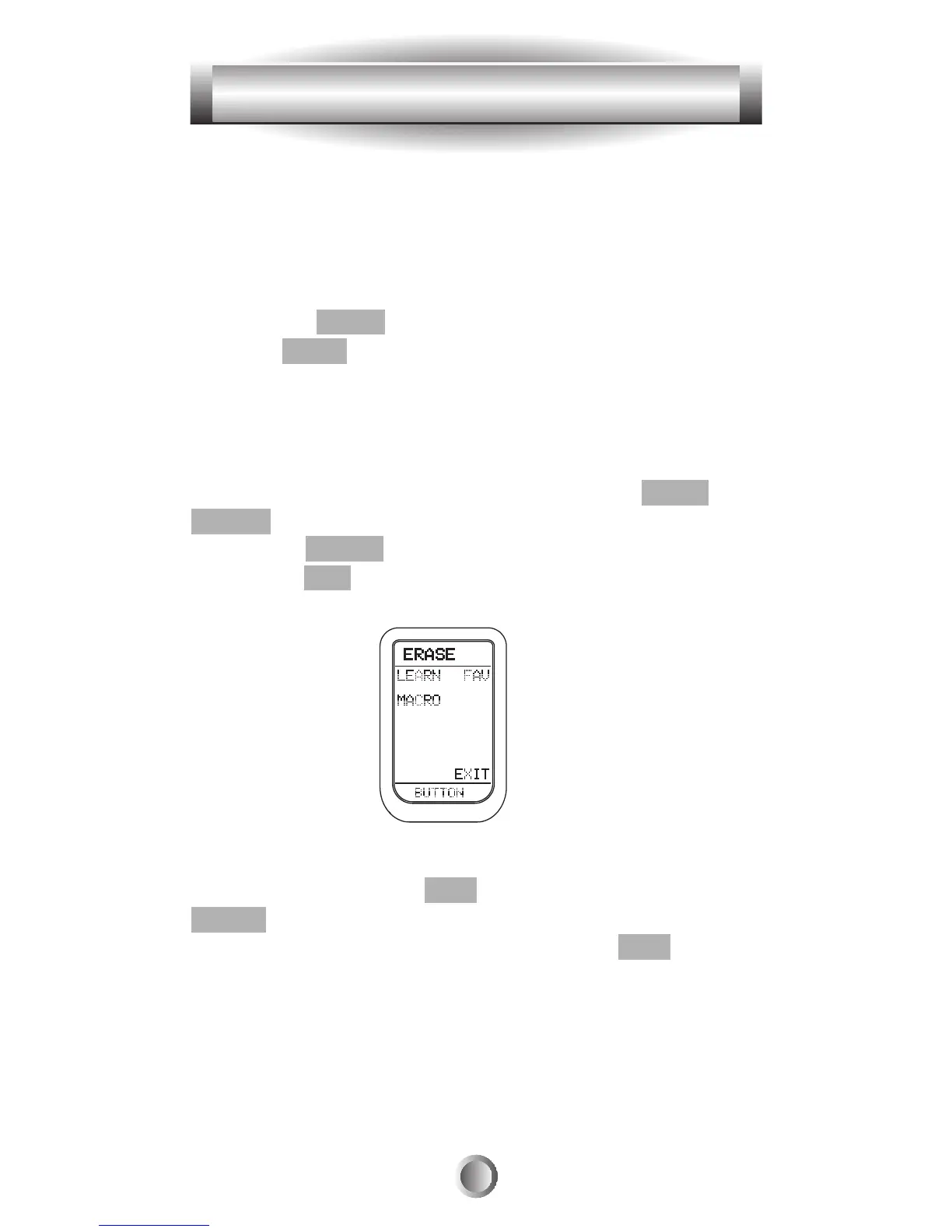
8. Press a single button if you wish to erase individual
buttons one at a time. This will show all the functions in
the device. Press the button you wish to erase.
9. Repeat from Step #5 to erase any other devices or
learned buttons you require.
10. Press the MAIN button to exit to main Erase mode.
Press the MAIN button once again to exit the SETUP
mode.
B. Erasing Favorite Channel Buttons
1. Go to the SETUP mode by pressing both the MAIN and
ENTER buttons simultaneously for three seconds.
2. Press the ERASE button next to the LCD screen.
3. Press the FAV button.
4. If you wish to erase all the favorite channel buttons in
the MX-500
TM
, press the ALL button and then press the
SURE? button at the next LCD screen.
5. If you wish to erase one button, press the KEY button.
Press the individual button you want to erase and continue
with any other individual buttons you want to erase.
6. Repeat from Step #5 to erase any favorite channel
buttons you require.
35
8. Erasing Existing Programming








 To Next Page