Pirate’s Hook Manual
11
6. GAME OPTIONS
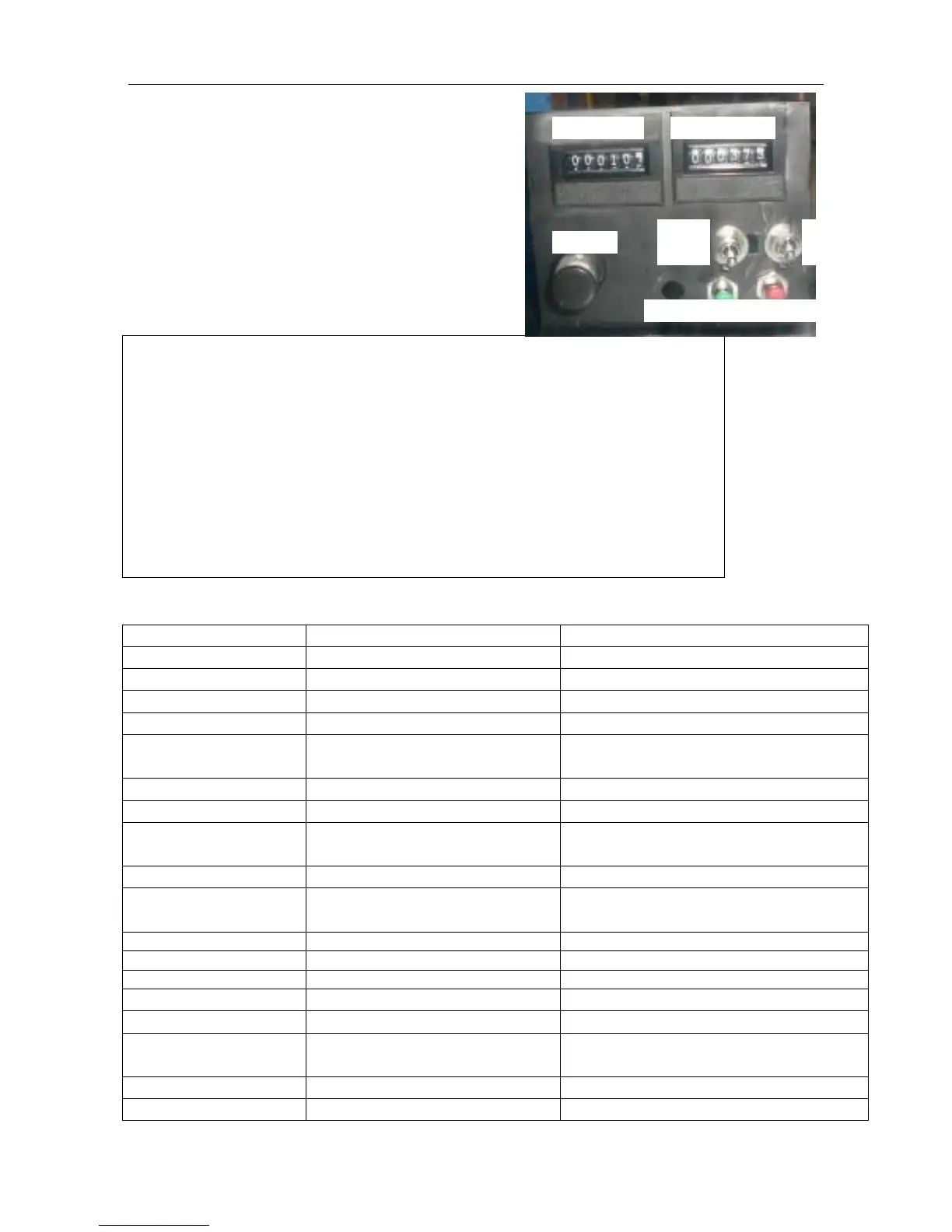
6.1 Testing Button Distribution:
You can see testing button after you open the coin
door in orange fishing mechanism. Press testing
button, enter Menu adjustment options.
6.2 Main Menu Options:
Main Menu
6.2.1 Game mode
Name Option
urn on/off the free play mode.
inserted coin to play one game.
urn on/off the demo music.
Save Coins ON/OFF
Whether memory inserted coins after
power off.
Set the volume of the game.
Fix ticket setting. “0” is fixed ticket off.
Lobster Mega Bonus 1-10 10 is the lowest frequency to show up
lobste
is the highest frequency.
Ticket/Point Ticket/Point
arget is defined as ticket or points.
Average Payout 10-40 Ticket payout setting. It is invalid when
fixed ticket ON or point mode ON.
Please refer to 6.2.1.1
Tar
Please refer to 6.2.1.2
Score Board
Please refer to 6.2.1.3
Game Difficulty 1
the easiest, 4 is the hardest.
Game Duration 10,20,30,40,50,60,70,80,90 s
Play time setting
Auto Play Time 5-20 s Insert coins, time to wait before auto
start.
Please refer to 6.2.1.4
Back
Back to the main menu
Coin counter
Coin Up
Down
Menus
Ticket Reset Service Button


 To Next Page