
 Need help?
Do you have a question about the UNIVIEW OET-213H-NB and is the answer not in the manual?
Legal notice and document usage guidelines.
Essential safety guidelines for device operation and handling.
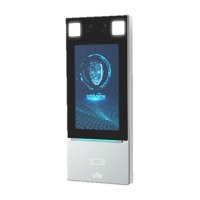
Describes the device's purpose and physical structure.
Instructions for physically setting up the device.
First-time setup and password configuration.
Explains the primary display and core functions like mask/temp detection.
Covers setting up the device activation password and core settings.
Adding, editing, and deleting user data.
Guidelines for logging into and using the web management interface.
Creating and managing face libraries for user recognition.
Configuring access schedules for users based on time.
Viewing, sorting, and exporting captured photos.
Configuring network communication and camera image quality.
Face detection, templates, and access rules.
Managing alerts, security protocols, and access policies.
Software upgrades, restarts, backups, and troubleshooting.
 General
| Brand | UNIVIEW |
|---|---|
| Model | OET-213H-NB |
| Category | Touch terminals |
| Language | English |

 To Next Page