Chapter 5 Troubleshooting Guidelines
340S2 64 Rev : B
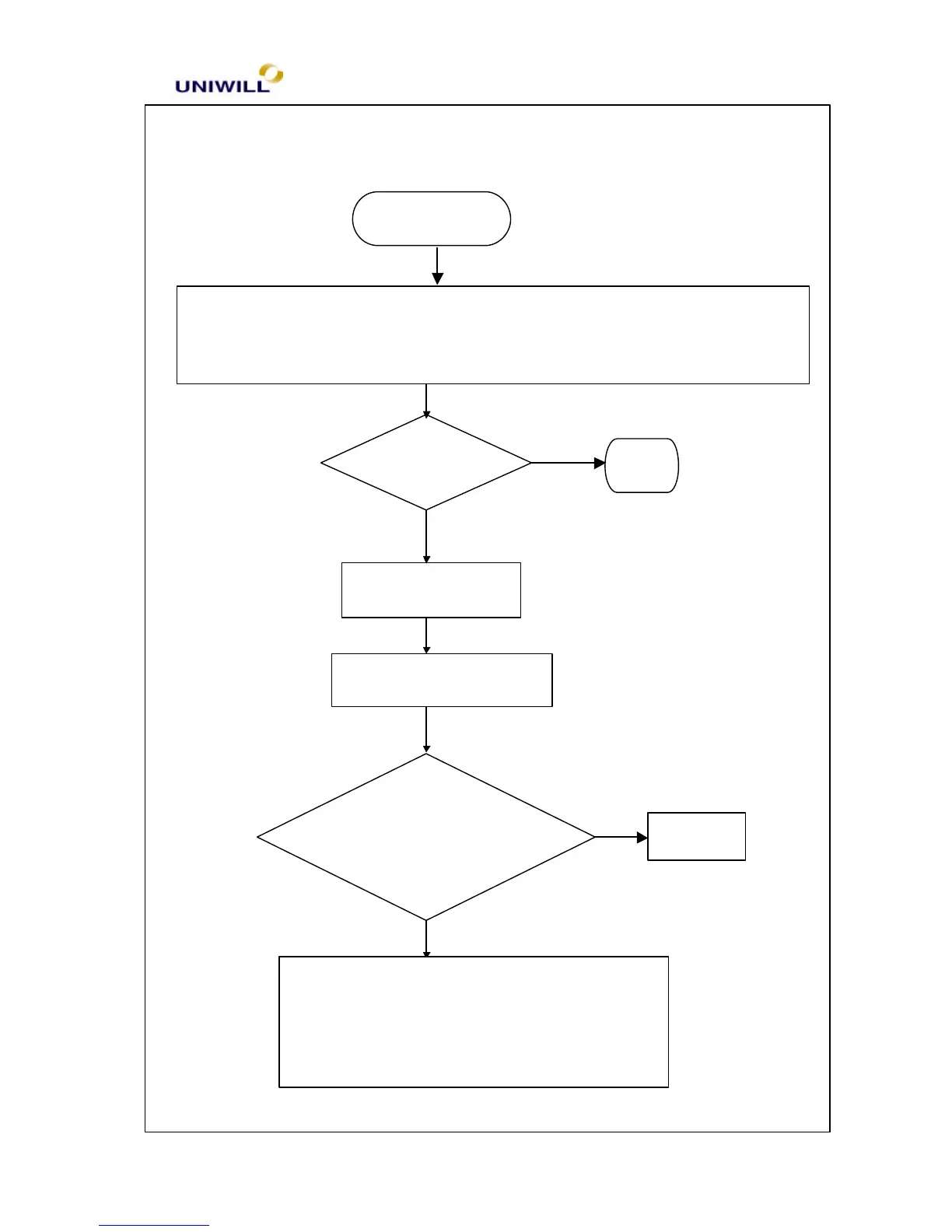
CMOS test error
1. Plug in AC adapter, power on the system and set correct data in BIOS setup
2. Keep the system power on for 8 hrs. to fully charge the RTC battery
3. Turn off power for 1 hour then turn on again
Re-boot OK?
END
Board level troubleshooting
Replace motherboard
Check CMOS RAM,
CMOS battery for
cold solders
Re-solder
5.10 CMOS test error
1. CMOS data lost, or inaccurate system time & data
Yes
Yes
One of the following parts on the motherboard
maybe defective, replace the parts one a time and
test after each replacement:
1.CMOS RAM 2. CMOS battery
No
No


 To Next Page
 Loading...