Need help?
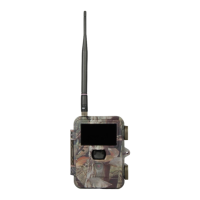
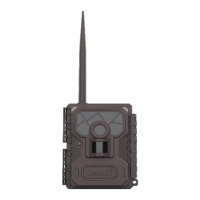
Do you have a question about the Uovision UV595-HD and is the answer not in the manual?
Procedure to format the SD card for camera use.
Steps for initial camera setup, including time and date.
How to browse, view, and delete captured photos on the camera display.
Explanation of icons and indicators displayed on the camera's main screen.
Guide to adjusting various camera settings for optimal performance.
Overview of the camera's default configuration values for all settings.
 General
| Image Sensor | CMOS |
|---|---|
| Battery Life | Up to 6 months |
| PIR Sensitivity | Adjustable |
| Operation Temperature | -20°C - +60°C |
| Night Vision | Yes |

 To Next Page