3.
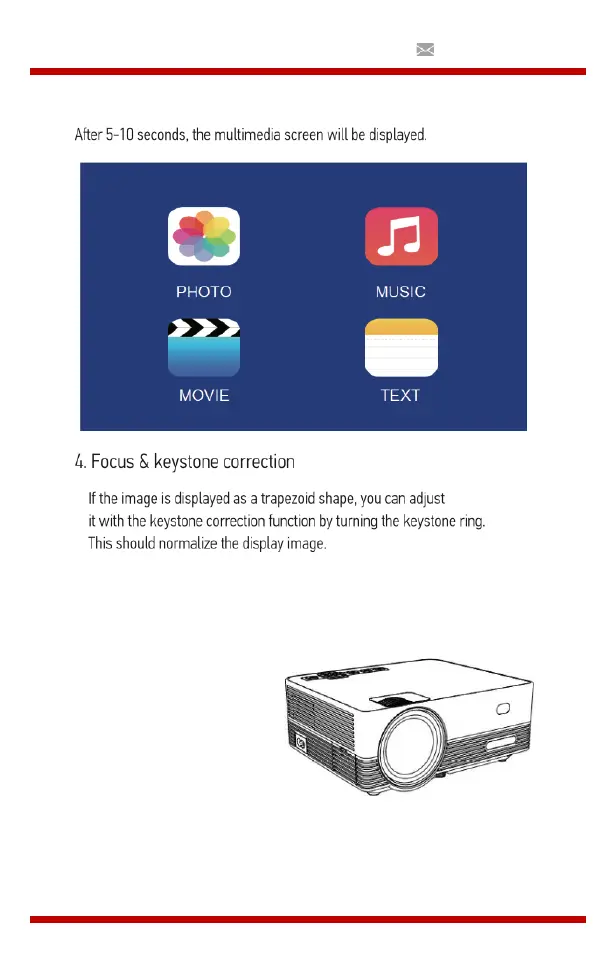
Multimedia Boot Screen
Na 5-10 seconden wordt het multimediascherm weergegeven.
4.
Focus & keystone-correctie
a.
Als het beeld wordt weergegeven als een trapeziumvorm, kunt u dit
aanpassen met de keystone-correctiefunctie door op knop 3 te drukken.
Dit zou het weergavebeeld moeten normaliseren.
b.
Afbeelding scherpstellen
Make sure the projector is horizontal to the projector screen and adjust
the focus by turning the focus ring.
You can display the
video or the menu
screen to check the
adjustment.


 To Next Page