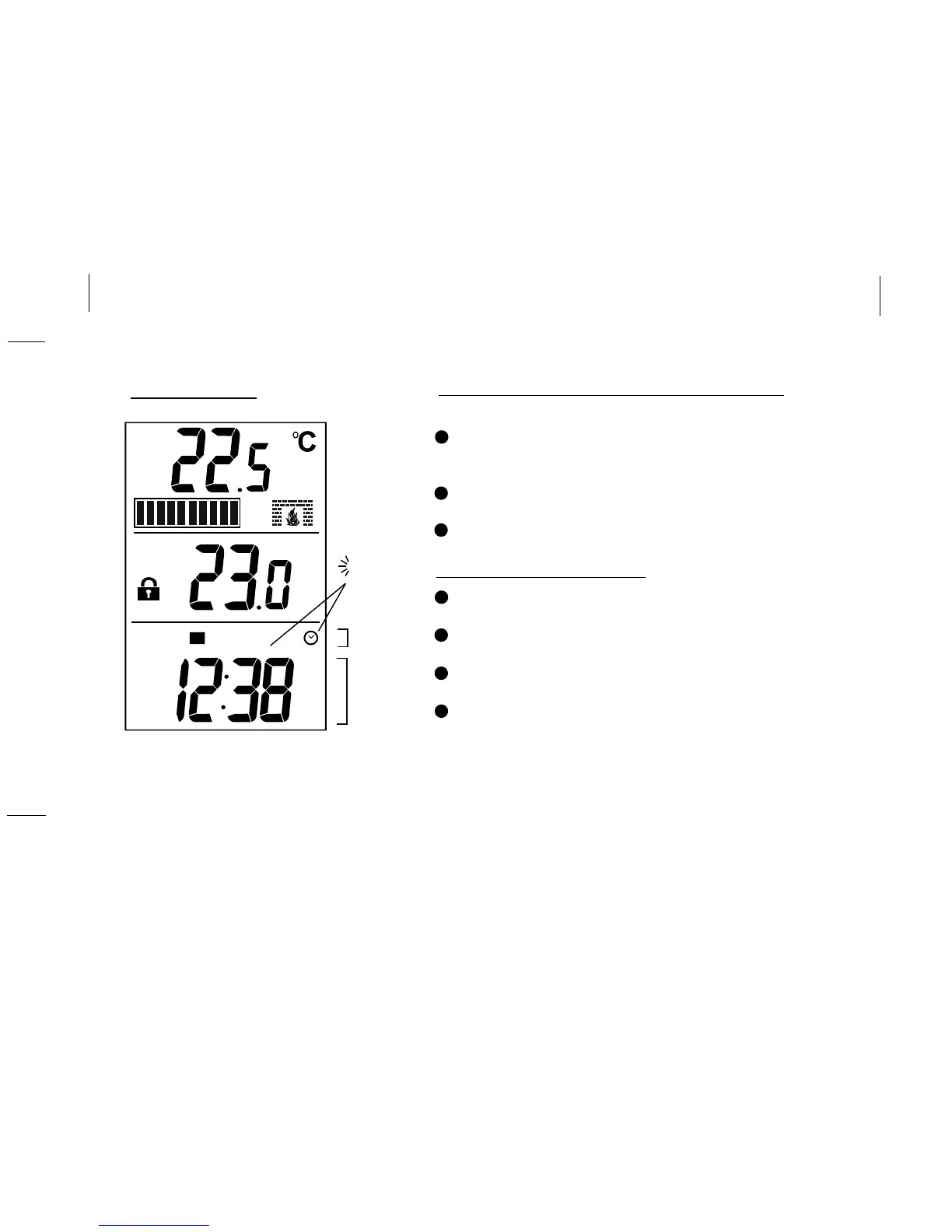
SET CLOCK
12
P1
TU
PM
SET
TIME
WEEKDAYS
Set Clock / Weekday
Press SET to enter the clock-setting mode.
(SET will display and the clock symbol/time flashes)
Press the AHEAD or BACK button to scroll to the
correct time of day, hold the button to accelerate.
Press DAY repeatedly to change the day
of the week.(Weekday symbols will flash)
Press SET to end the time mode, or wait
15 seconds for normal display to return.
2
1
3
4
Choose 12- or 24-hour hour clock
Note: 12-hour mode is the default.
Press and hold SET for 3 seconds to enter the
option setting mode. (12Hr or 24Hr will flash on
the bottom pane of the LCD screen)
Press UP or DOWN to toggle between12- and
24-hour display.
Wait 15 seconds for normal display to return.
2
1
3
FLASHING
CLOCK
SYMBOL
& TIME



 To Next Page