7
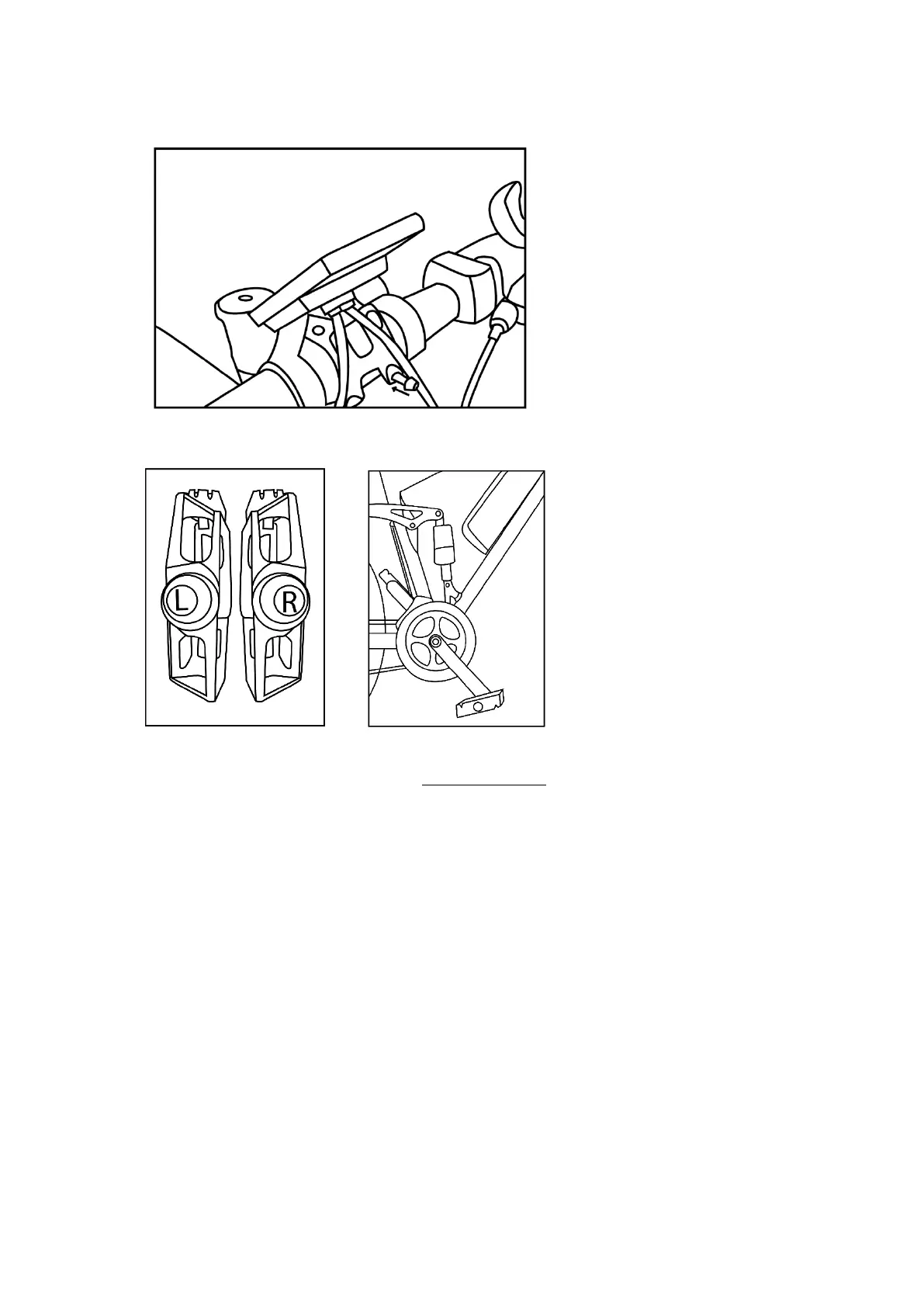
3. Insert your handlebars into the handlebar slot, then tighten the screws to secure the handlebars.
4. Screw on the pedals
Ignition and use
- First, insert and turn the key into the key slot on the battery to turn it on.
- Turn on the control panel by pressing the Power button.
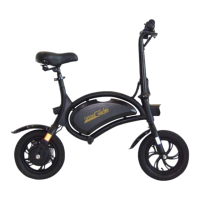
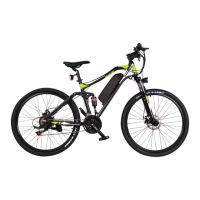
- Get on the bike and start pedalling, the electric assistance will start to help you, check your speed on the
screen, if you exceed 25km/h or if you stop pedalling the electric assistance will automatically deactivate
for your safety.
- When you are not on the bike, turn it to "OFF" by pressing and holding the Power button for 3 seconds.
- Then turn off your bike's battery by turning and removing the key from your battery.




 To Next Page