
 Need help?
Do you have a question about the Urbanista ATLANTA and is the answer not in the manual?
Connect to two devices simultaneously. Seamlessly switch between devices without disconnecting.
Double-tap left or right side to play or pause music and manage calls.
Triple-tap the left earphone to skip to the previous track.
Triple-tap the right earphone to skip to the next track.
Double-tap either earphone to answer or end a call.
Long-press either earphone to reject an incoming call.
Long-press the left earphone to activate your device's voice assistant.
Long-press the right earphone to switch between ANC and Transparency modes.
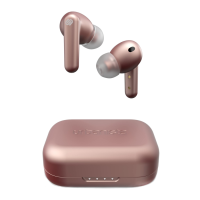
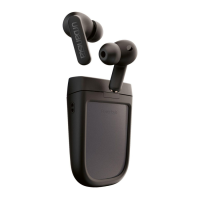
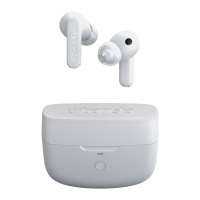
LED indicator shows case battery level: amber (0-30%), white (30-100%), solid white (100%).
Place earphones in case, close lid, reopen after 10s to re-pair.
Delete 'Urbanista Atlanta' from your device's Bluetooth settings.
Press reset button in case for 10s until LEDs solid to restart earphones and initiate pairing.
Follow 'First Time Pairing and Reconnecting' instructions to re-establish connection.


 To Next Page
 General