EasyManua.ls Logo

UROVO CT58 - User Manual

Default Icon
68 pages
Print Icon
To Next Page IconTo Next Page
Loading...
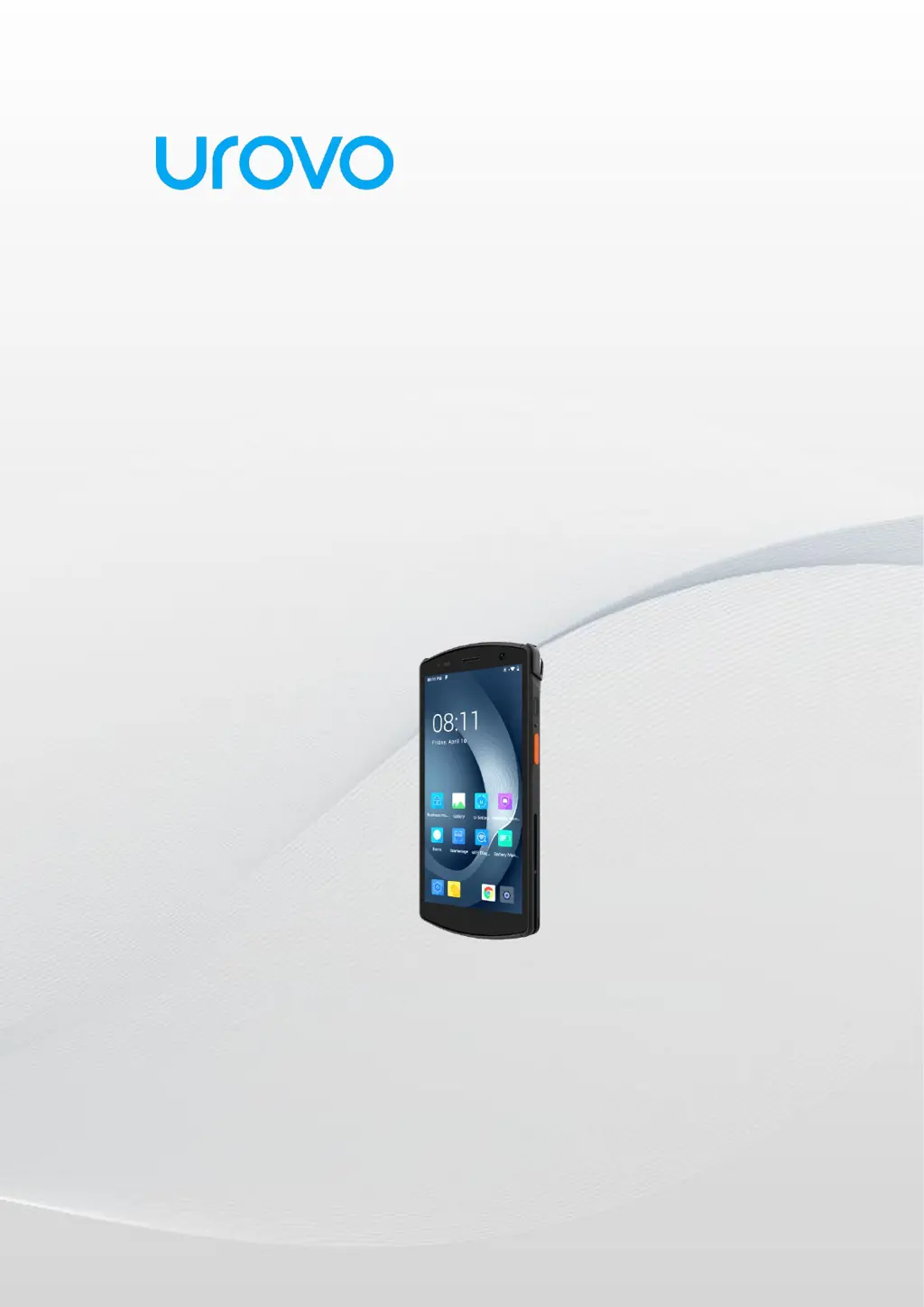
Mobile Computer
CT58
User Guide
UROVO TECHNOLOGY CO., LTD.

Questions and Answers

Summary

About the Guide

Unpacking

Steps to unpack the device and check its contents.

Technical Specifications

Getting Started

Install;Replace Battery

Step-by-step instructions for installing or replacing the device's battery.

Installing SD;SIM Card

Guide on how to insert the SIM card and SD card into the device.

Charging the Device

Instructions on how to charge the mobile computer using different methods.

Charging Precautions

Important safety guidelines and considerations when charging the device.

Turn On;Off CT58

Procedures for powering the device on and off, including troubleshooting.

Using The Device

Unlocking the Screen

How to unlock the device's screen using various methods like pattern, PIN, or password.

Home Screen

Overview of the device's home screen layout and its elements.

Device Settings

Network & Internet Settings

Configuration options for Wi-Fi, mobile data, and other network connections.

Hotspot & Tethering

How to share the device's internet connection via Wi-Fi hotspot or USB/Bluetooth tethering.

Bluetooth Settings

Steps for enabling, disabling, and managing Bluetooth connections.

App Management

How to view app usage, set timers, and manage application permissions.

Security Settings

Options related to screen lock, device security, and Find My Device features.

Scanner Settings

Configuration options for the device's built-in scanner functionality.

Maintenance and Troubleshooting

Troubleshooting Common Problems

Lists common problems and their solutions for the device.

Safety Precautions

Important safety guidelines and warnings for using the device.

UROVO CT58 Specifications

General IconGeneral
BrandUROVO
ModelCT58
CategoryPDA
LanguageEnglish

Related product manuals