© U.S BLASTER Design - USA - P.O. Box 5376 - Carefree - AZ 85377.
USB 7392 - 7393
Microphone systems
RECEIVER LOCKING
- Press the SET button and hold it depressed until
the LCD shows “LOCK”.
- The display will show either "LOC ON " or "LOC
O
FF".
(LOCK ON means that the system is locked at a
frequency. Frequency setting cannot be changed,
and the system cannot be turned off).
- By using the Up & Down buttons, select either
LOC ON or LOC OFF.
- Press the Set button again to confirm your
selection.
FREQUENCY SETTING CHANGE
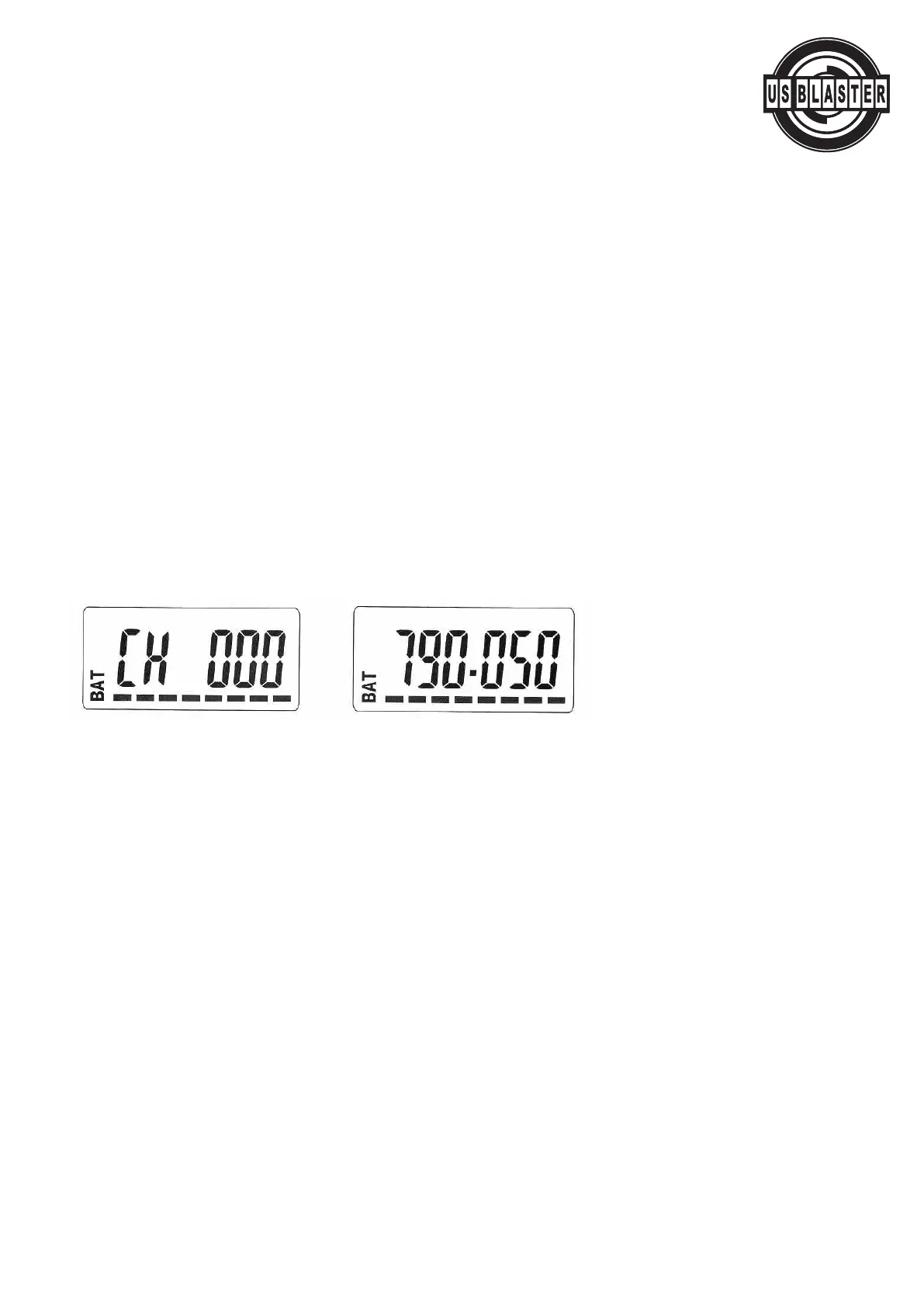
- Press the Set button and hold it depressed until the LCD shows CH001 * (channel number) or
750.000* ( * frequency value) (*the value depends on particular settings).
- To select a channel of another frequency, use the Up and Down buttons (channel numbers range
from 1 to 99). The display starts blinking.
- Press the Set button to confirm your selection.
Warning:
- If y
ou do not press the Set button to confirm your selection, the changes will not be confirmed.
- Use the same frequency as that set for the receiv
er
.
Change between Frequency/Channel Number displaying:
- Press the Set button and hold it down until the LCD shows “DISPLAY”.
- After 2 to 3 seconds, the displa
y will show either FYE 9u
(for frequency) or CHAnnl (for channel) – refer to figure 19.
- Use the Up and Down buttons to select from between the two options.
- The display starts blinking.
- Press the Set button to confirm your selection.
© US Blaster Europe BV



 To Next Page