English
7
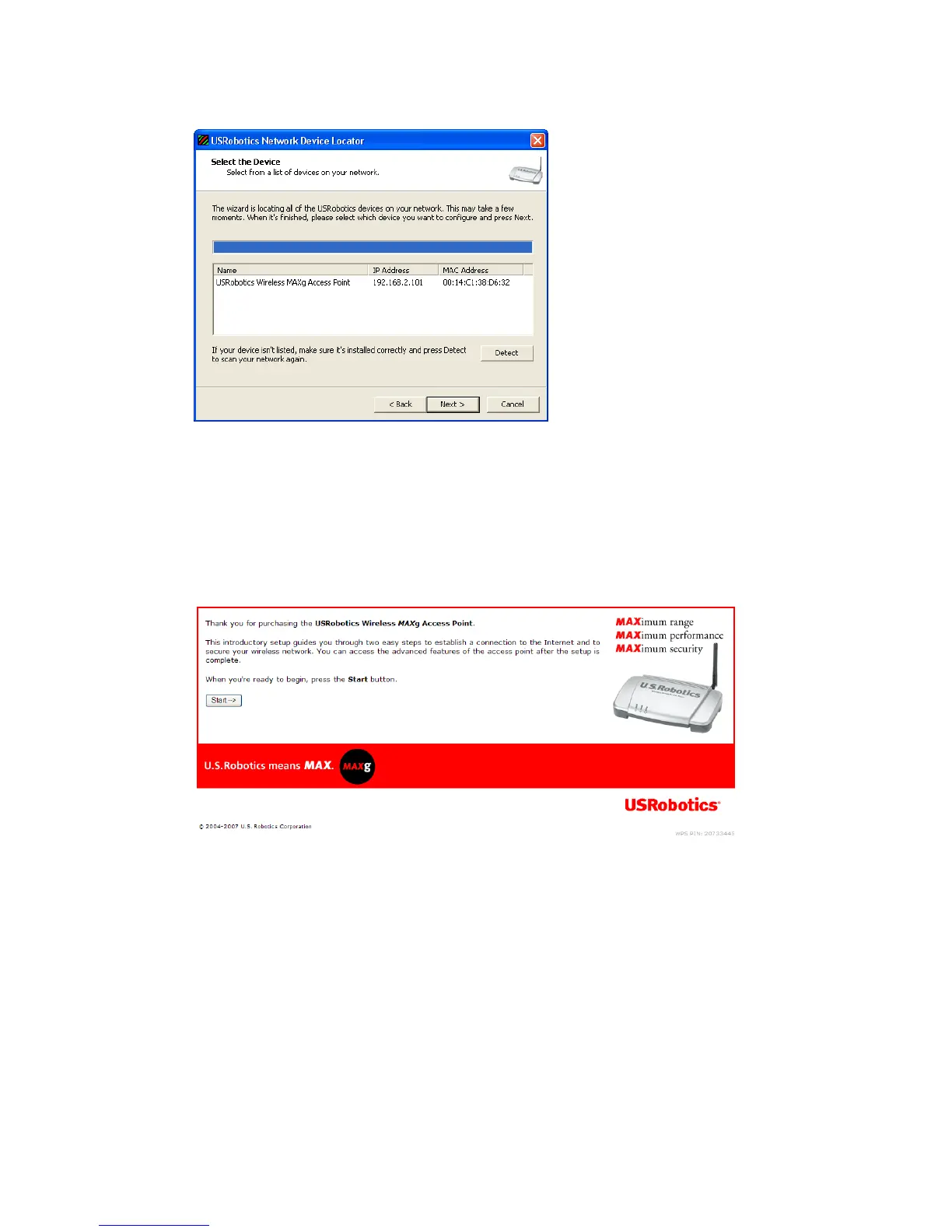
The locator lists the access point as well as any other USRobotics devices that
were found:
7. Select the device whose MAC address matches the LAN MAC address on
the bottom of the access point, and click Next.
The locator displays the IP address and LAN MAC address of the access
point. Note the IP address for later use.
8. Click Finish.
The locator starts the setup wizard for the access point.
9. In the setup wizard, follow the on-screen instructions to complete the initial
configuration of the access point.
For step-by-step instructions in using the wizard, see the User Guide on the
USRobotics Installation CD-ROM
10. The access point confirms initial configuration, click Continue.
11. If prompted, enter the user name and password that you created during the
initial configuration.
The access point displays its Status page. If you intend to connect wireless
devices to the access point manually, you will need the information on the
status page. Consider bookmarking the page for easy access to the required
information.



 To Next Page