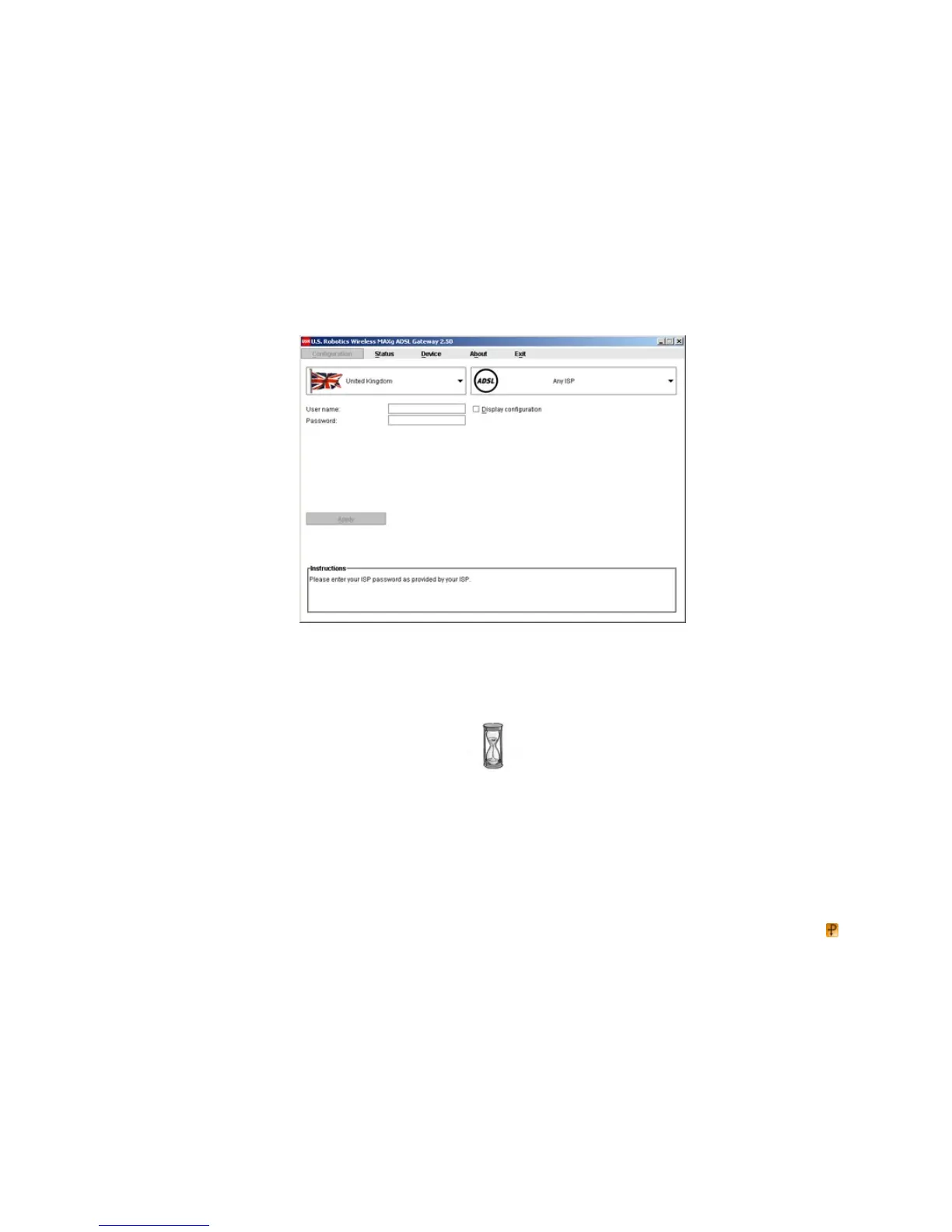
2. This window appears after you log in:
(If this window does not appear, click on Conf igurat ion near the top of the window.) Select your country and your Internet Service Provider (ISP) from the
drop- down lists. If your country or ISP does not appear in the list, select Ot her and manually enter the settings provided by your ISP.
You may need to enter your ISP- supplied user name and password after making your selections. Click Apply to continue.
3. EasyConfigurator now configures your gateway based on your ISP selection or manually- entered settings.
At this point, the system attempts to access the Internet. This may take a few minutes, until the following status page appears.



 To Next Page