21
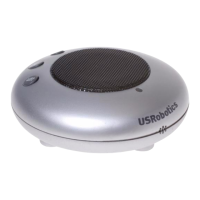
You have installed the USRobotics USB Internet Speaker-
phone. Please open your Web browser and register your
speakerphone at www.usr.com/productreg/
.
Note: After installation, all sounds will play through your
speakerphone. If you want Windows to use your speaker-
phone for Skype only, see page 26 in the “Troubleshooting”
section of this guide.
Changing Speakerphone Settings
To change speaker and microphone settings, use the but-
tons on the speakerphone as described on page 7 or follow
the instructions below to make changes through your oper-
ating system:
1. Open the Windows Volume Control panel.
2. If you don’t know how to find this panel, see “Where is
the Windows Volume Control Panel?” on page 27.
3. From the Options menu, select Properties.
4. In the Mixer device list, select the speakerphone as fol-
lows:
Congratulations!



 To Next Page