26
Note: If you do not see an Advanced button, click the
Options menu and select Advanced Controls.
2. Ensure that AGC is selected and click Close.
All sounds are coming through the speakerphone, but I
want to play music through my computer speakers.
Possible Solution:
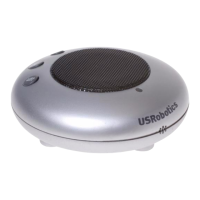
Your computer may be using the speakerphone as your
default sound playback device.
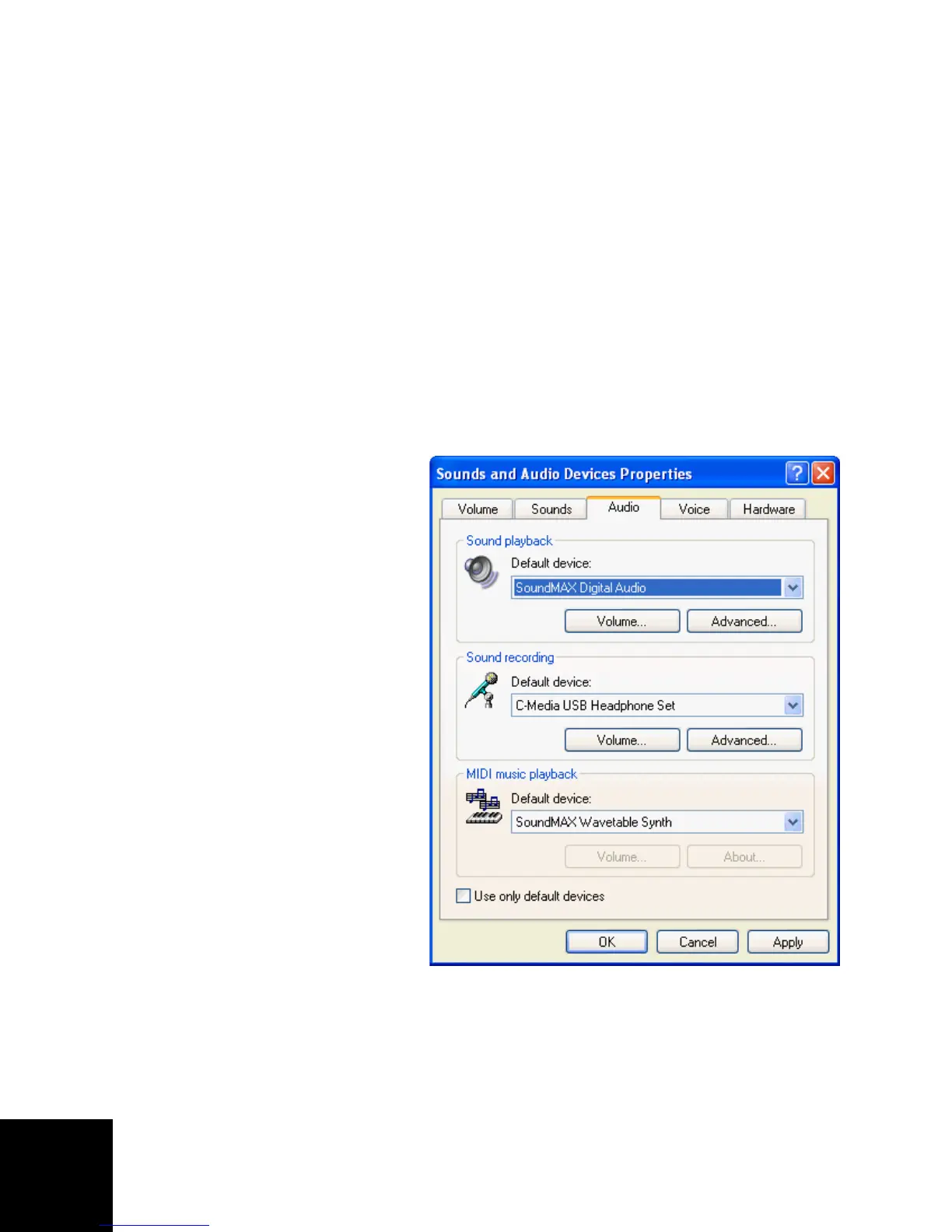
1. Windows XP: From
your Windows start
menu, select Control
Panel, then select
Sounds and Audio
devices.
Windows 2000: From
your Windows Start
menu, select Settings
and Control Panel;
then select Sounds
and Multimedia.
2. On the Audio tab,
select your preferred
sound playback device
and click OK.



 To Next Page