59
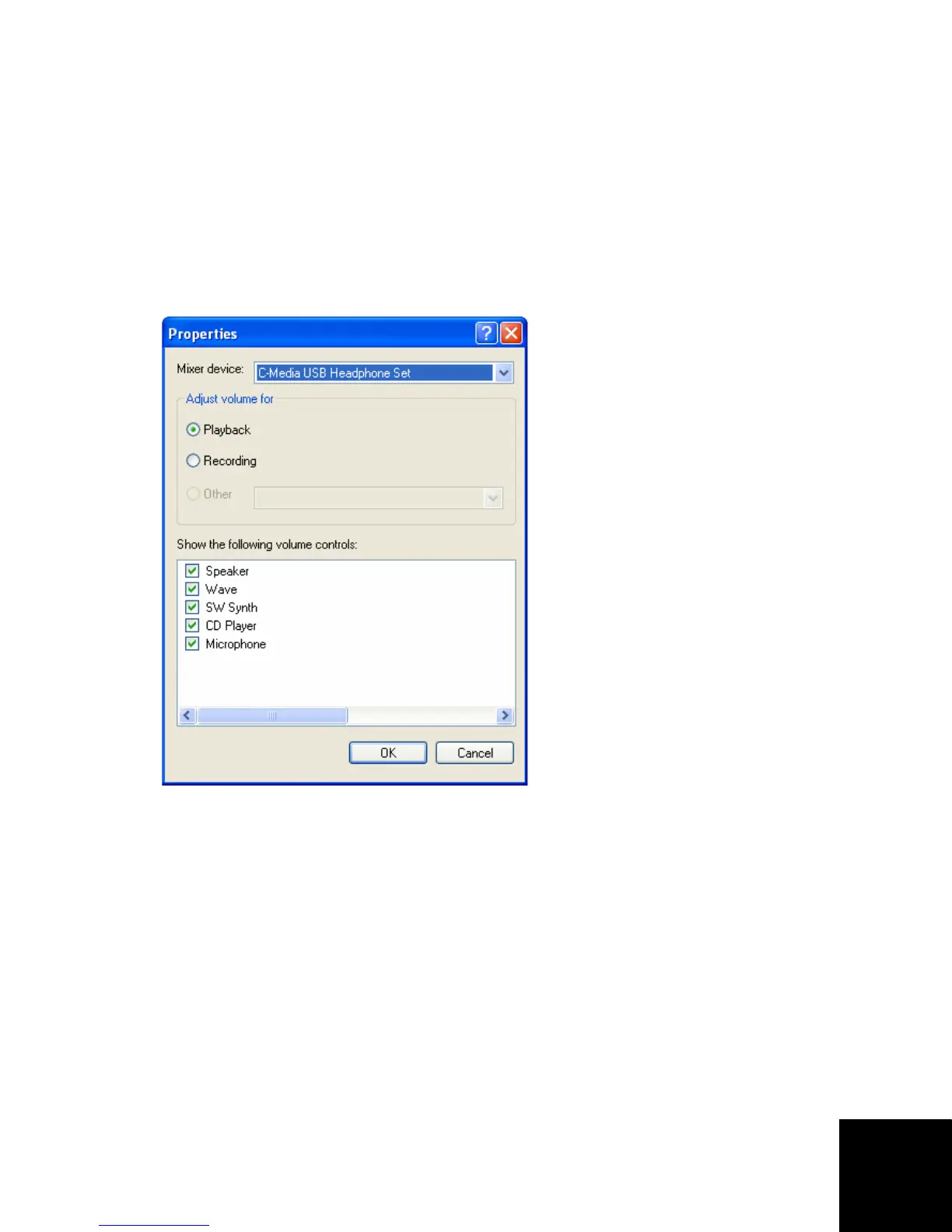
4. Dans la liste Mixer device (Périphérique mélangeur),
sélectionnez le téléphone à haut-parleur de la manière
suivante :
Utilisateurs de Windows XP : sélectionnez C-Media USB
Headphone Set.
Utilisateurs de Windows 2000 : sélectionnez USB Audio
Device.
5. Selon les commandes que vous souhaitez modifier,
sélectionnez soit Playback (Lecture) soit Recording
(Enregistrement), puis cliquez sur OK.



 To Next Page