9
Quick Setup Guide
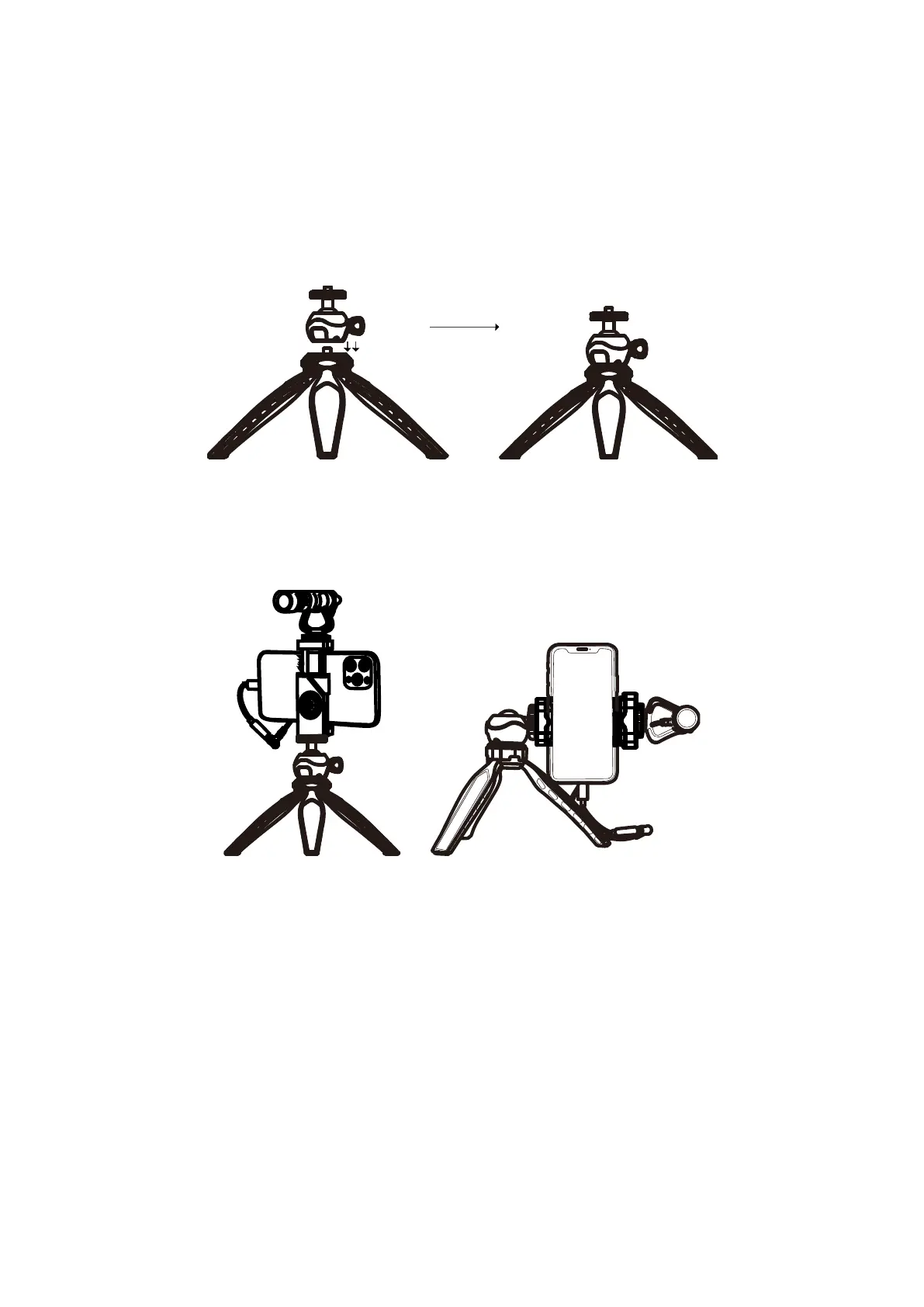
Install the ballhead on the tripod.
If you don’t need to shoot at a different height, then mount the VLOG K1 tripod ballhead
onto the tripod directly as shown below.
Setup A: Horizontal mode with phone mounting.
Setup B: Portrait mode with phone mounting.
Mount the UVM-V Microphone
Plug the TRRS cable into the audio jack of your smartphone. Open the audio-only mode,
or video recording app, and begin recording.
Note: If your iPhone or smartphone is equipped with Type-C or Lighting, please
separately purchase a certified Type-C/Lighting convert cable (not included).



 To Next Page