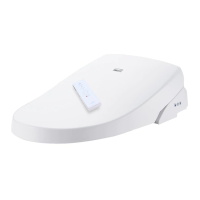
HOW TO SET ID
SET THE UNIT
- This function is useful for public toilets when more than one unit of this product is installed.
- To prevent interference among units, main unit and remote control should be set with the same ID.
- If there is only one unit in the bathroom, you do not need to set ID.
- Initial ID of remote control and main unit are "0". There are 16 choices in ID(00~15).
- If ID's of the remote control and the main unit are different, the main unit will not work.
- Make sure the remote control and the main unit are set with the same ID.
- ID will remain even the power is unplugged or the batteries of the remote control are replaced.
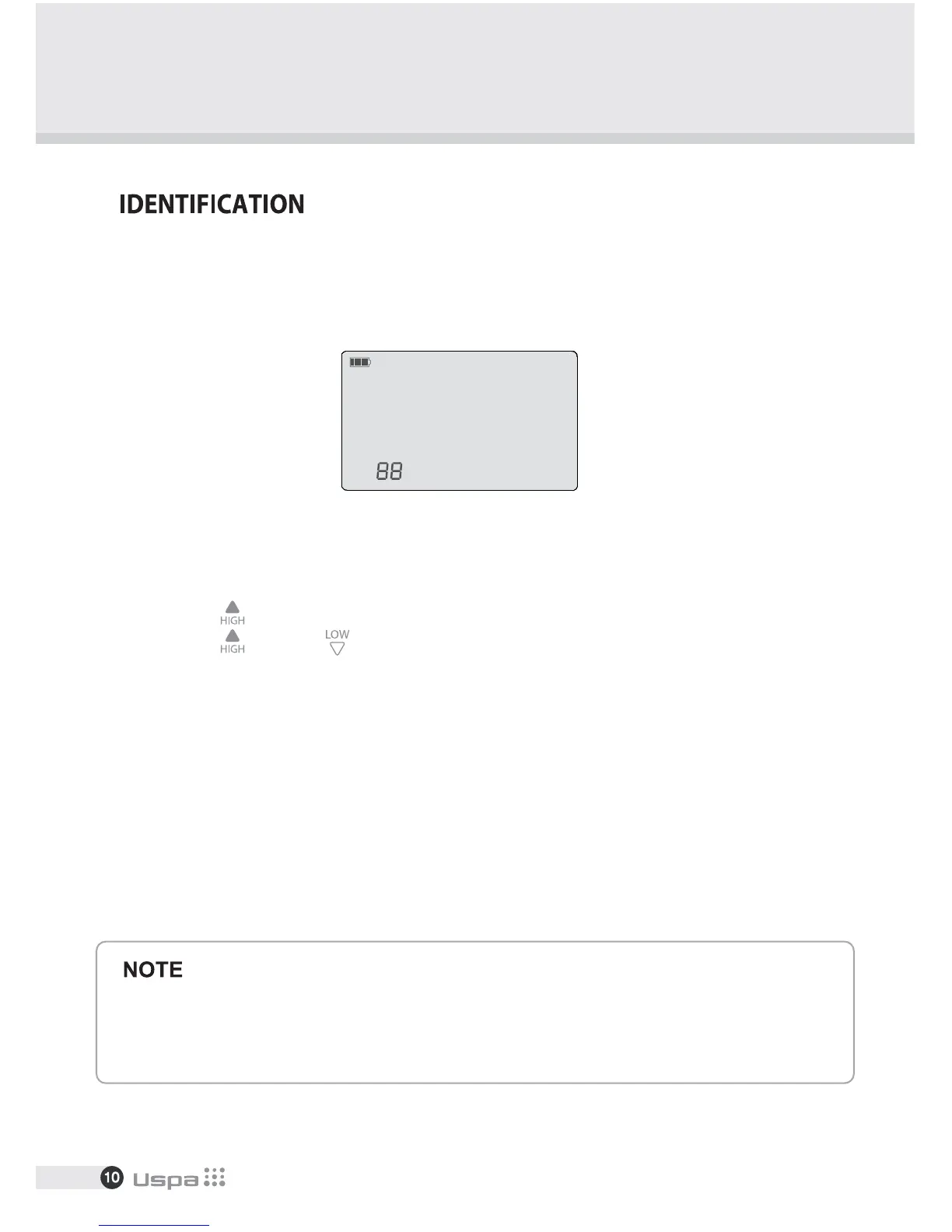
- Press "High"( ) button for 3 seconds and ID shows up in display.
- Press "High"( ) or "Low"( ) button until your ID appears in display. (00~15)
- Press "Stop" to save the ID.
- Unplug the unit and then plug it back in.
- Push the power bidet button on the side of the unit to turn the unit off.
- Push the button again and this time hold it down(It should turn on when you do this)
- While holding that button down push the stop button on the remote for 2 seconds.
[REMOTE CONTROL]


 To Next Page
 Loading...