(QJOLVK
༃
༄
༅
༆
༇
༈
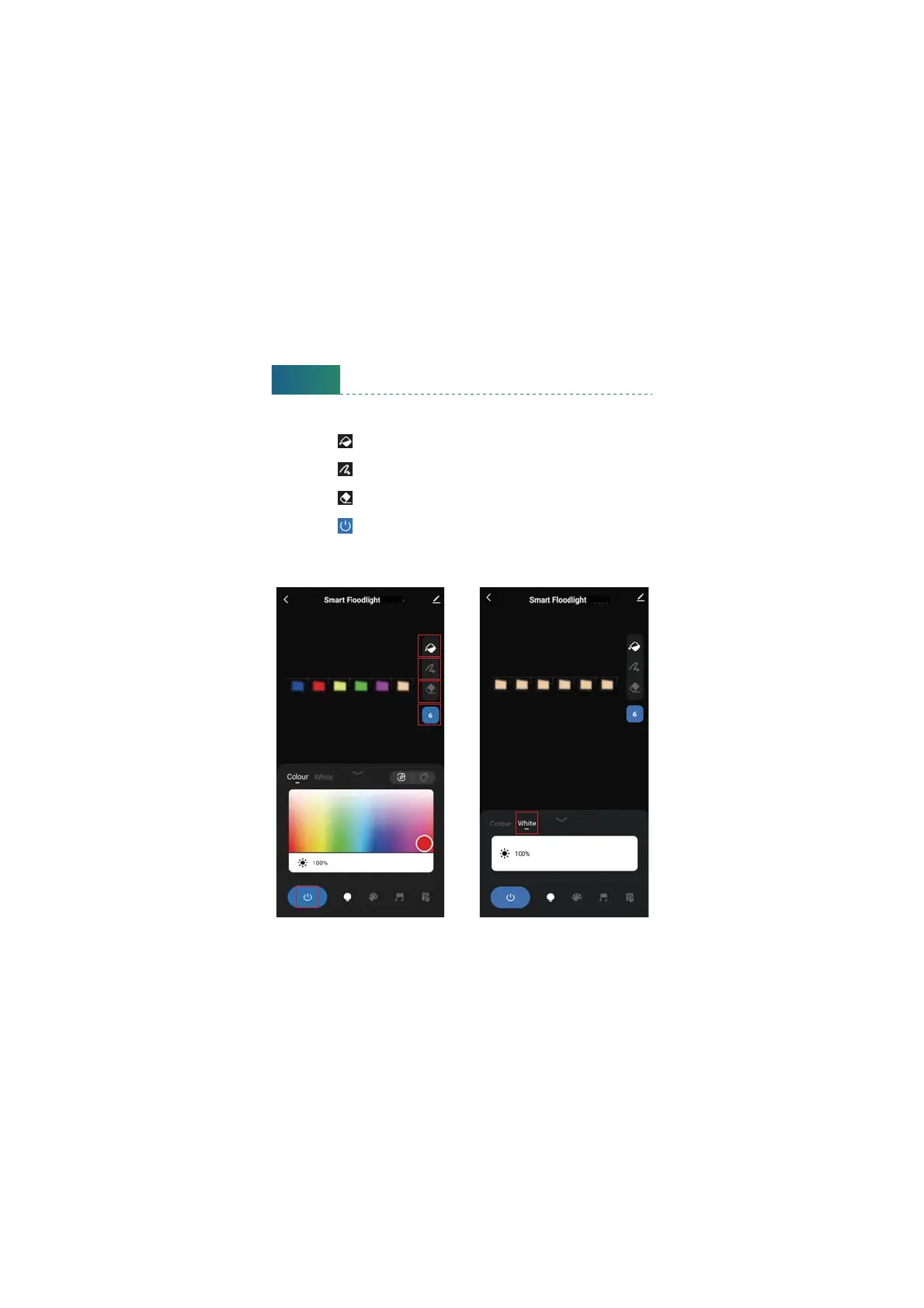
① This boon sets the number of flood lights, please click and set to ‘ 6 ’ .
② Click the ‘ ’ boon, and select the color in the color plate, the color
of all the flood lights will be changed at the same time.
③ Click the ‘ ’ boon, select the color in the color plate, and select the
flood light you want, the color will be changed separately.
④ Click the ‘ ’ boon, and select the flood light, the flood light will be
turn o separately.
⑤ Click the ‘ ’ boon, all the flood lights will be turn on/o at the same
time.
⑥ Click the ‘White’ tab, you can set the flood lights to warm white and
adjust the brightness.
Tips:
12



 To Next Page