06EN
Charge your devices
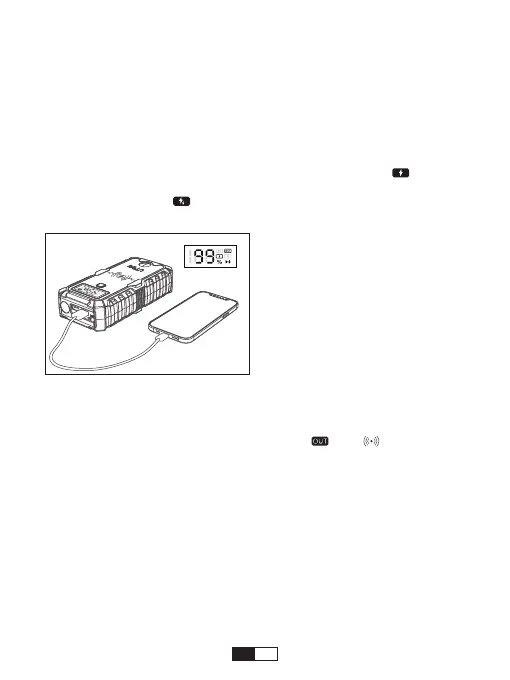
JS-1 Pro comes with 2 USB output ports.
• Plug the USB cable into the USB output ports on your jump starter.
• Connect the cable to your phones, tablets or other devices you want to
charge.
• Press the power button to start charging. When the “OUT” and “ ” show up
at the same time, it indicates that jump starter ordinarily charge your device.
• When the “OUT” and “ ” show up at the same time, it indicates that jump
starter quickly charge your device.
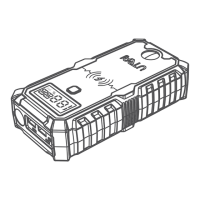
Wireless charging
1. Press the power button to activate the jump starter.
2. Place the mobile device face up on the wireless charging pad. Move the
mobile device slowly until the power percentage, “ ”and “ ” always-on
displays on the LCD display.
NOTE:
It is recommended to recharge the JS-1 Pro every 3 months to maintain
the battery eciency and prolong the battery life even if the unit has not been
used.


 To Next Page