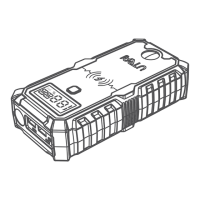
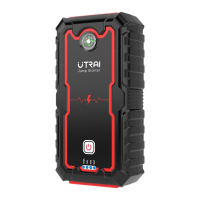
Step 4: Press and hold the OK button to start inflating. Once the preset pressure
has been reached, the device will automatically shut itself off. Just press / press
and hold the OK button to manually stop inflating. Then press the OK button the
turn off the device completely, disconnect the air hose and replace the dust cap
you have taken off.
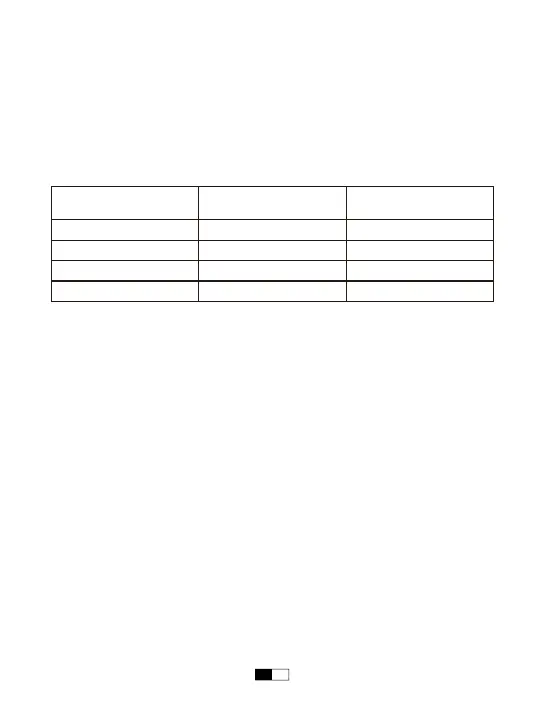
NOTE: To extend the service life, please let the device rest for 10 minutes to cool
down:
Inflating Air Pressure
Range
The Maximum Duration
of Continuous Inflating
Downtime
<38PSI
38PSI~60PSI
60PSI~110PSI
110PSI~150PSI
15 Minutes
8 Minutes
4 Minutes
2 Minutes
10 Minutes
10 Minutes
10 Minutes
10 Minutes
EN 11


 To Next Page