EasyManua.ls Logo

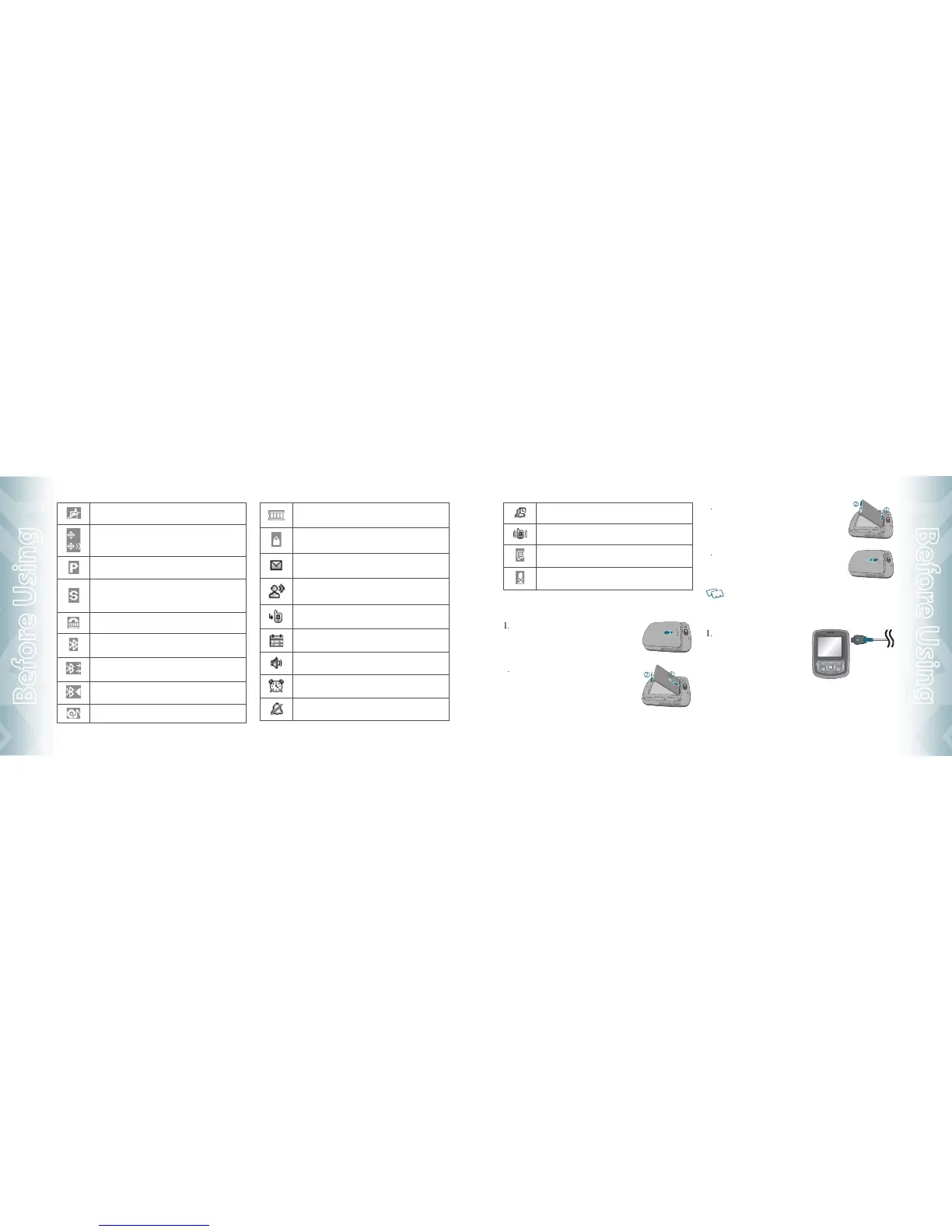
UTStarcom TXT8010 - Charging Your Battery; Install;Remove Battery

UTStarcom TXT8010
48 pages
Print Icon
To Next Page IconTo Next Page
To Previous Page IconTo Previous Page
Loading...





















10
10
Chapter 1 − Before Using TXT8010
Before Using






1

2



3


4




1




Before Using TXT8010 − Chapter 1
11
Before Using

Table of Contents

Related product manuals