
 Need help?
Do you have a question about the UVI Group GT02 and is the answer not in the manual?
Explains GPRS background and SMS methods for locating the device.
Details the web platform used for tracking and data access.
Configures automatic uploading of vehicle location data via GPRS.
Adjusts the frequency of GPRS data transmission for location updates.
Instructions on how to query the device's location using SMS commands.
Procedure for changing the device's access password.
Explains the meaning of the red LED for power and operational status.
Interprets the blue LED indicators for GPS signal acquisition.
Details the green LED indicators for GSM network status and GPRS.
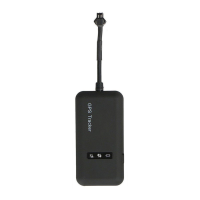
Overview of the physical interfaces and LEDs on the GT02 device.
Steps for checking the device and accessories before installation.
Guide on inserting and testing the GSM SIM card for GPRS functionality.
Recommendations for optimal placement of the device for GPS reception.
Important notes and safety guidelines for connecting the device's power wires.
Explanation of how the device powers on automatically and its LED behavior.
Describes the operation of the side key for changing working modes.
Solutions for common issues related to GPS and GSM signal reception.
Instructions for activating and using the online real-time tracking platform.

 To Next Page
 General