TRACKS CONTROL
+
VOICE ASSISTANT
RESET PAIRED DEVICES HISTORY
7
8
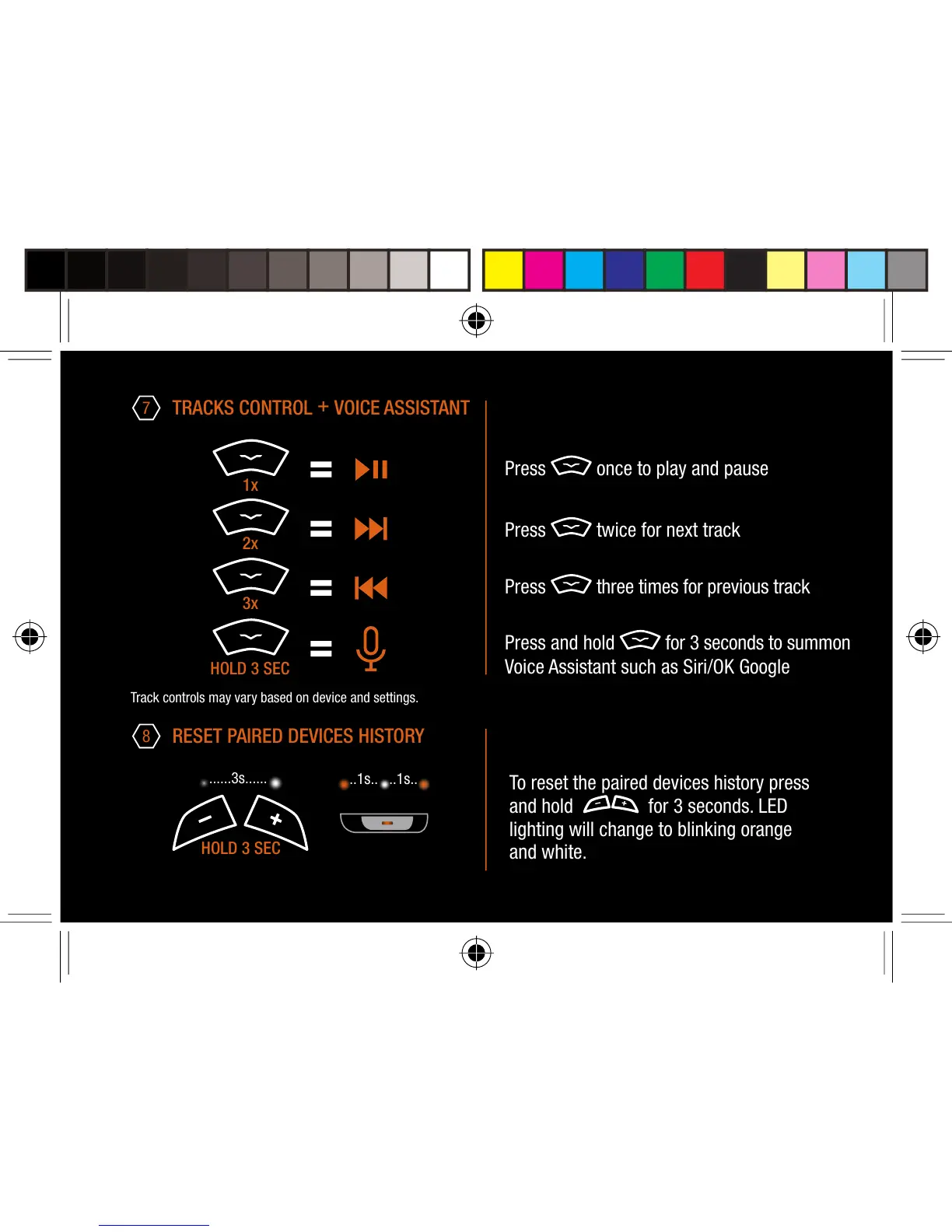
Press once to play and pause
Press twice for next track
Press three times for previous track
Press and hold for 3 seconds to summon
Voice Assistant such as Siri/OK Google
Track controls may vary based on device and settings.
......3s......
To reset the paired devices history press
and hold for 3 seconds. LED
lighting will change to blinking orange
and white.
..1s.. ..1s..
HOLD 3 SEC
3x
2x
1x
HOLD 3 SEC


 To Next Page