verza manual v1.0 12
Connecting VERZA with Computer
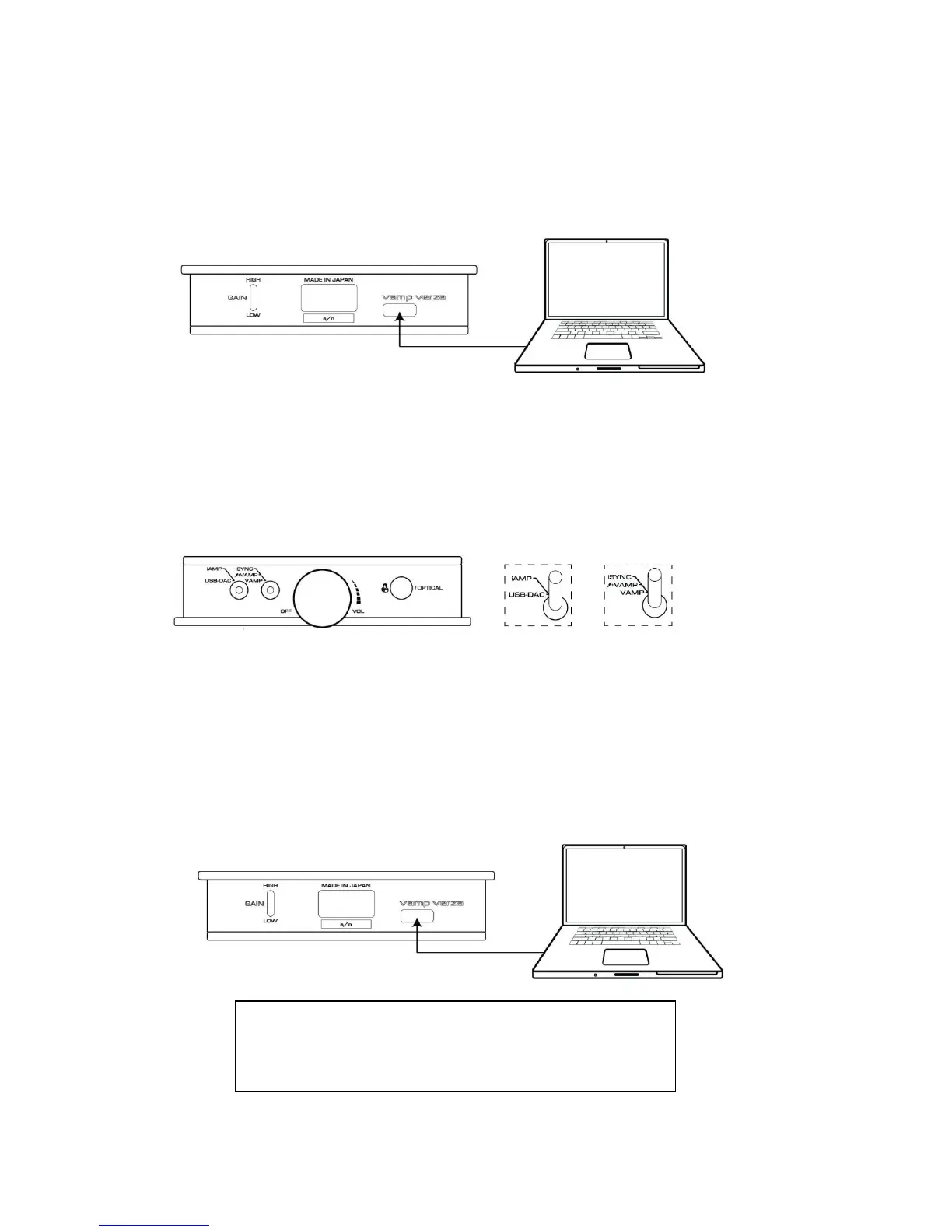
To connect with computer, connect the supplied USB cable (micro B type) to the USB connector (USB micro B
connecter) of VERZA. USB port of VERZA is at the rear panel.
Synchronizing with iPod/iPhone and iTunes on Computer in VERZA "iSYNC" Mode
Perform the following procedures.
1 Turn the power switch volume knob clockwise until it clicks to turn the power ON.
2 Set the toggle switch (1) to iAMP position
3 Set the toggle switch (2) to iSYNC position
Synchronization with iTunes on computer and charging iPod/iPhone get performed. No authentication is
performed during iSYNC, and the LED on the toggle switch stays off.


 To Next Page
 Loading...