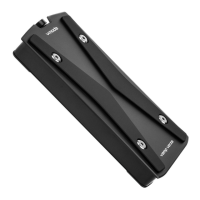
Connect the round optical digital connector.
The digital signal from iPod/iPhone is DD (Digital-to-Digital)
converted and output as S/PDIF digital signal.
By connecting to a device with digital input, audio source of
iPod/iPhone gets output as high-quality sound at
48kHz/16bit.
* It outputs at the sampling frequency set on computer when
USB DAC is selected.
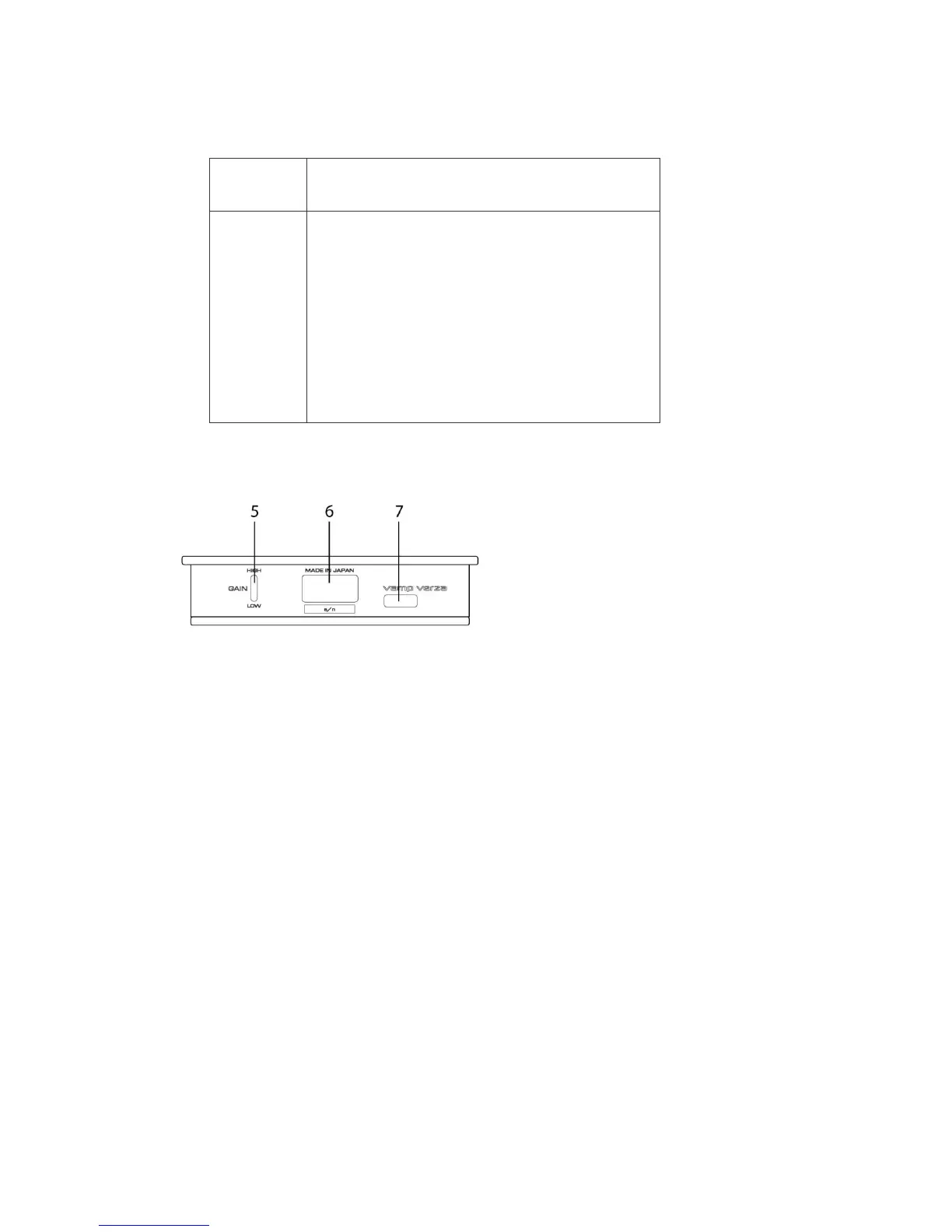
Rear panel
5. GAIN toggle switch
Switches the headphone output gain between HIGH and LOW.
6. USB standard A connector
Connects VERZA to iPod/iPhone.
7. USB micro B connector
Connects VERZA to computer, compatible android device or USB charger.


 To Next Page
 Loading...