USING CALL/MUSIC CONTROL* FEATURE
(FOR 1-BUTTON AND 3-BUTTON MODELS ONLY)
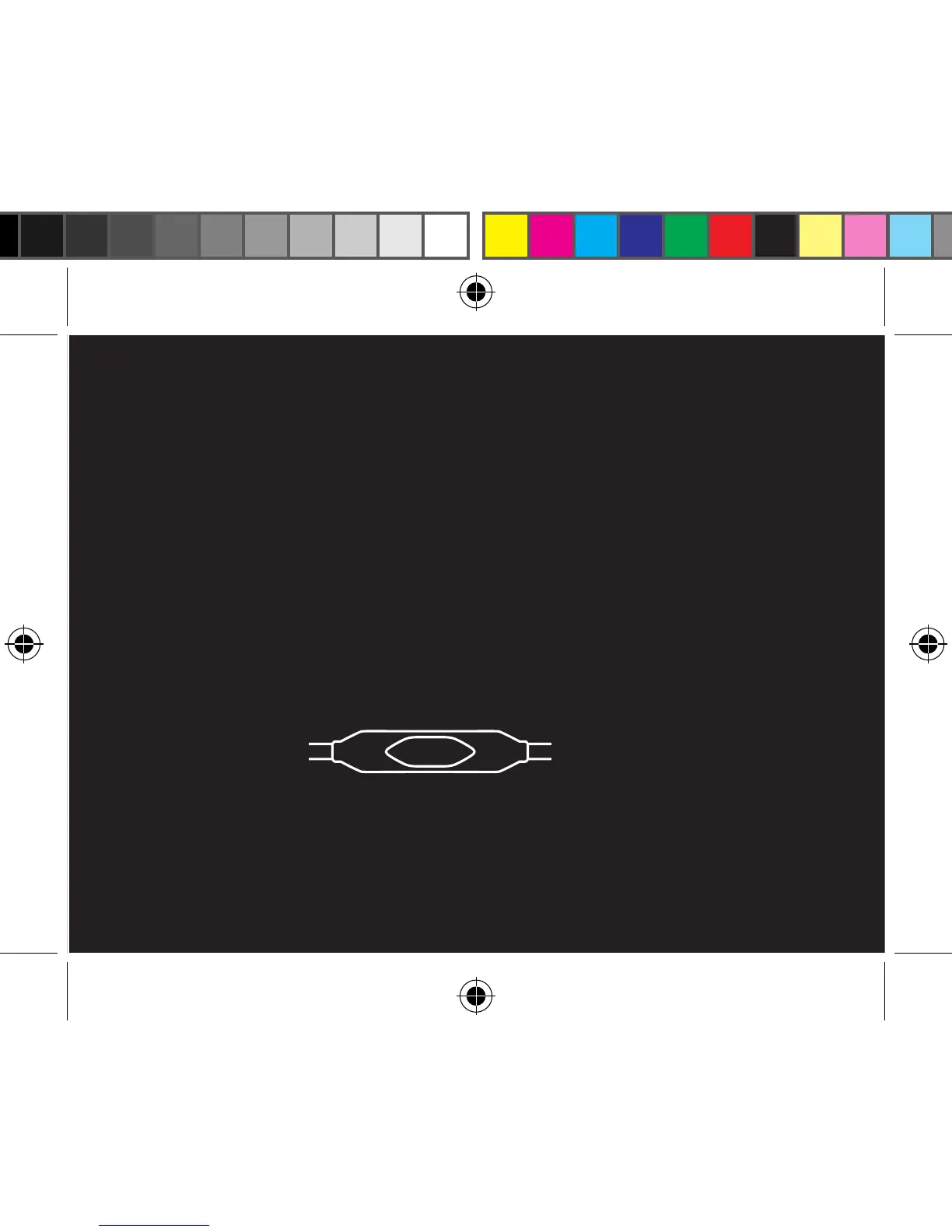
1. During music playback
• Click button once to pause and again to resume playback
• Click button twice quickly for next track
• Click button three times quickly for previous track
2. During calls
• Click button once to answer incoming call, click once to end call
• Press and hold button down for about two seconds to decline an incoming call
• Click button once to switch over to call waiting, click again to switch back to original call
* Mic + call control compatible with any iPhone and all phones with a 3.5mm port, results may vary.
Audio compatible with smartphones, tablets, iPhone
®
, iPad
TM
, iPod
®
, portable gaming, computers and
devices with a 3.5mm audio port.



 To Next Page