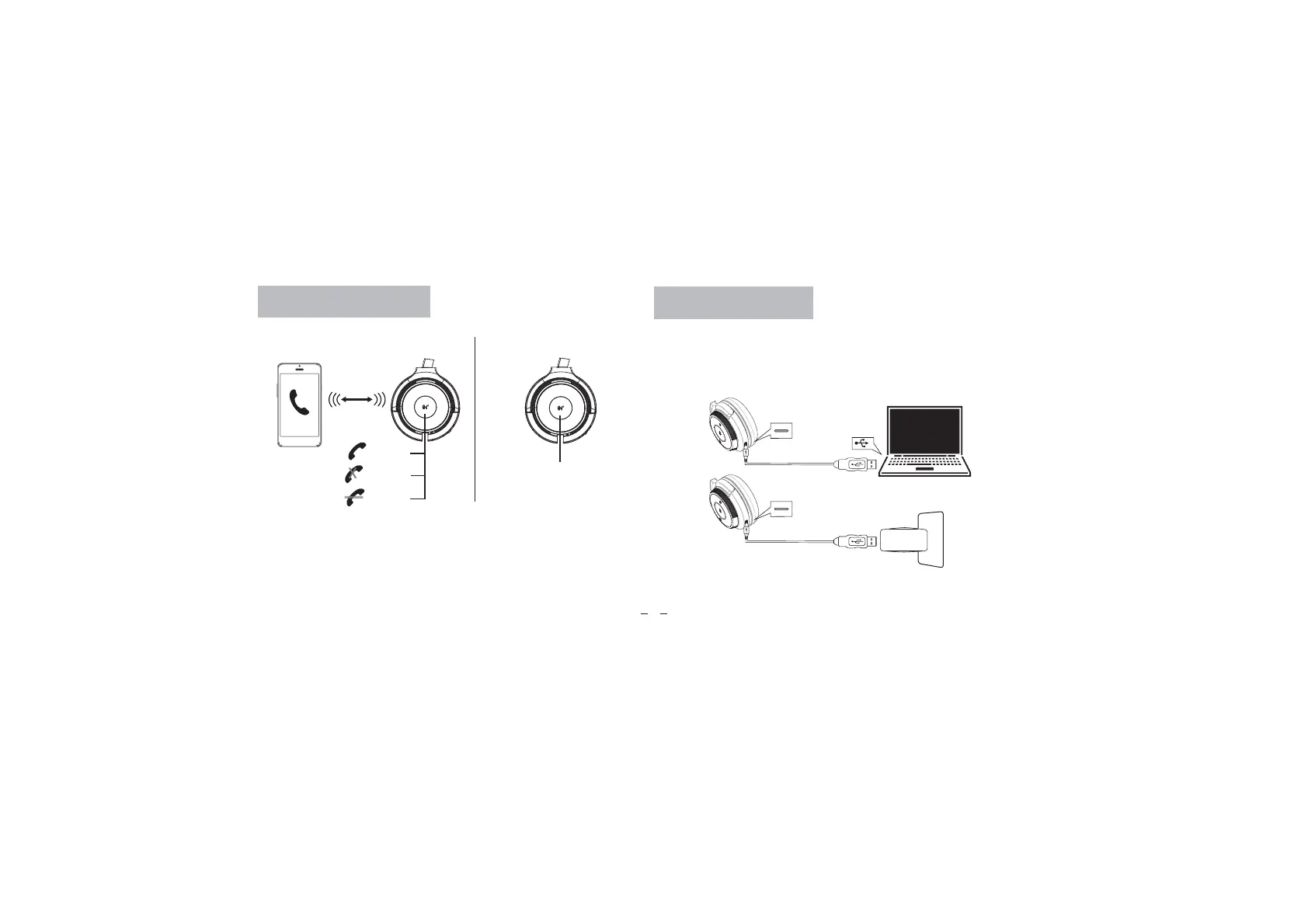
Calls with a Smartphone
Calls with a Smartphone Siri/Cortana/Assistance
Press 1 ×
Press 1 ×
Press 2 ×
10m
Answer
End Call
Decline
Press 2 ×
Charging the Headset
06
Plug the USB-C charging cable
into a computer’s USB port.
During charging the red LED will light. When fully charged, the LED will turn
off. The headset remains on during charging.
To power off, the headset’s power switch must be slid to the off position.
Plug the USB-C charging cable
into a USB wall charger.


 To Next Page