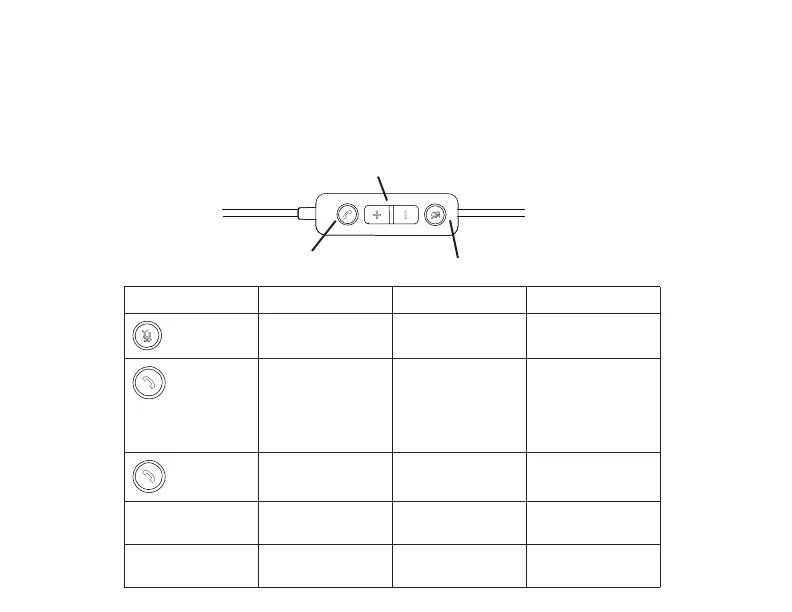
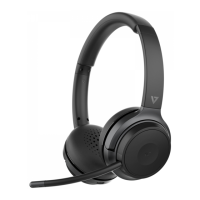
Pressing Mute button with Boom-Arm in the horizontal position will mute the headset
and the inline remote mute button lights red. Press again to unmute the headset and
the remote’s light will turn o.
Inline Remote
Call Button
Mute
Volume
Button Function Action Result
Mute / Unmute
Headset
Press MUTE Button
on Remote
Microphone Button
turns solid red
Answer Call Press Call Button Call Button and
Busy lights ash
until Call Button is
pressed, then turn
solid red
End Call Press Call Button Call Button and
Busy lights turn o
+ Volume Up Short Press Volume level
increases
- Volume Down Short Press Volume level
decreases



 To Next Page