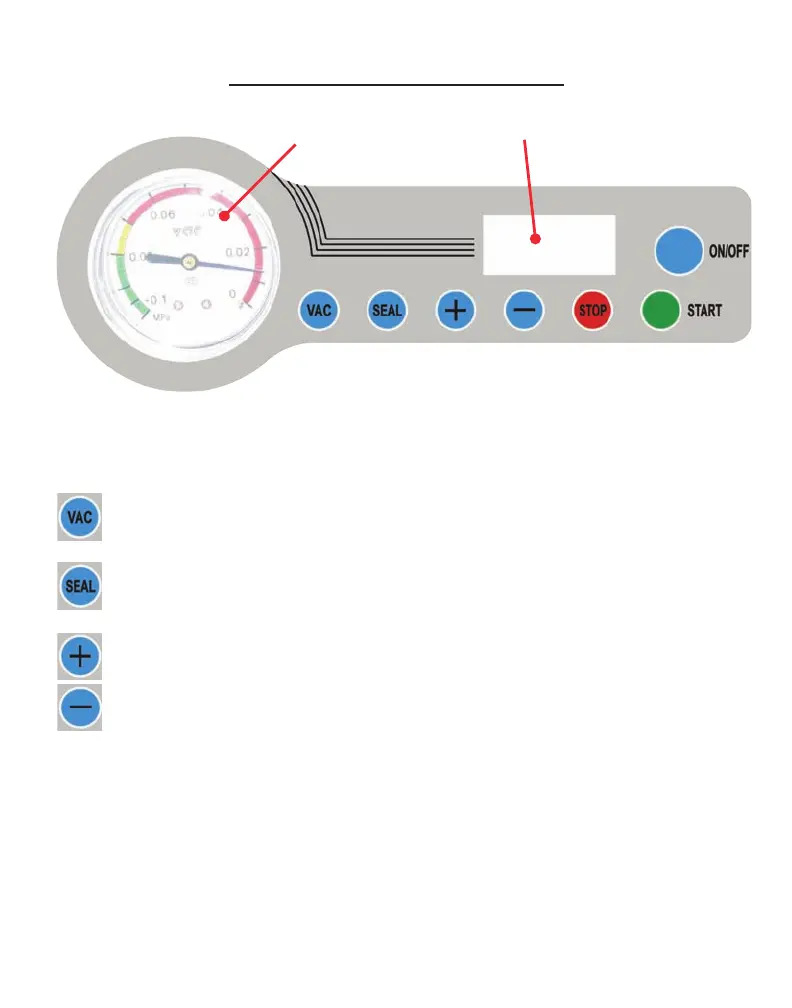
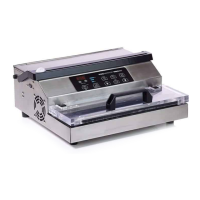
Vacuum Gauge: Indicates the vacuum level inside the chamber.
LED Screen: Displays current function or cycle time count.
Button: Press to adjust the vacuum time. Used in conjunction
with the + / - buttons.
Button: Press to adjust the seal time. Used in conjunction with
the + / - buttons.
Button: Press to increase the vacuum time or seal time.
Button: Press to decrease the vacuum time or seal time.
STOP Button: Press to stop the vacuum cycle and immediately seal the
pouch. This button will only work while the machine is in
the vacuum process.
ON/OFF Button: Press to turn the machine ON or OFF. This function is
displayed in the LED Screen.
START Button: With the machine turned ON, press the START button to
begin the vacuum and sealing process.
LED Screen
Vacuum Gauge
6
VP112 Control Panel


 To Next Page