www.VacMasterFresh.com • 800-821-7849
5
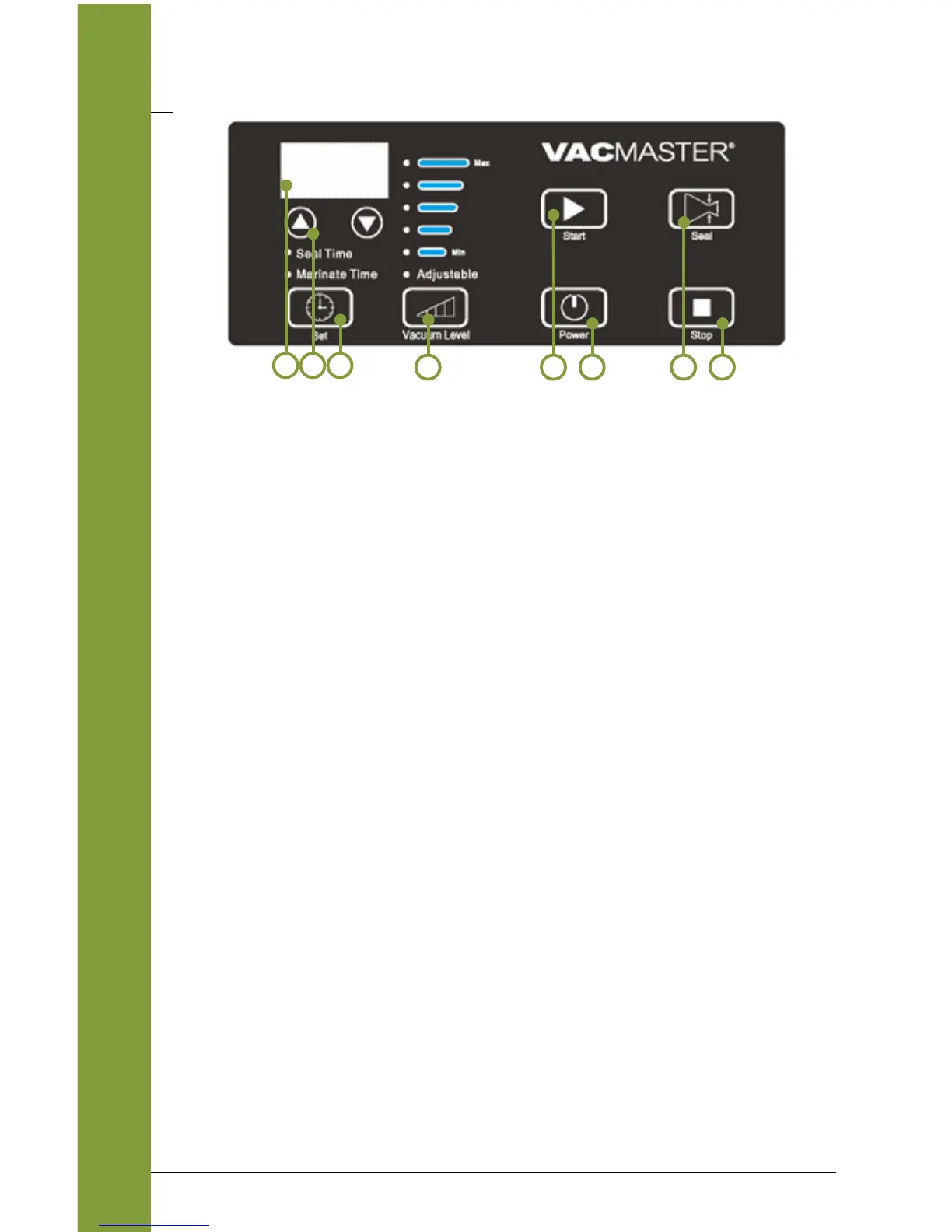
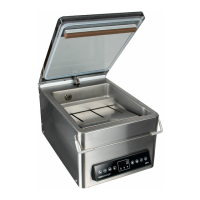
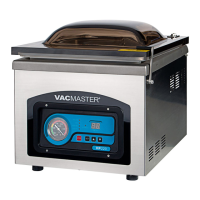
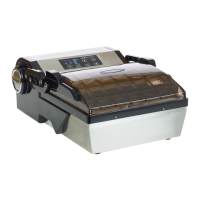
Control Panel of the VacMaster
®
VP112S
FEATURES
1. Digital Display - Displays the function settings and progress of the
working cycle.
2. Arrow Buttons - Press up or down to adjust the “Vacuum Level”,
“Seal Time” and “Marinate Time” functions.
3. “Set” Button - Press to select desired function:
a. Seal Time - Adjust the length of seal time from 0.5 to 6.0.
When value is adjusted to zero, the VP112S will not seal.
The last used seal time is stored in memory.
b. Marinate Time - Adjust the length of the marinating time
from 9 to 99 minutes.
4. “Vacuum Level” Button - Press to set desired vacuum level.
a. 23.5 hg - minimum vacuum setting
b. 26.0 hg
c. 27.5 hg - medium vacuum setting
d. 29.0 hg
c. 29.3 hg - maximum vacuum setting
e. Adjustable - manually control the vacuum level from a
minimum setting of 23.5hg to a maximum of 29.3hg.
5. “Start” Button - Begins the vacuum packaging and the marinate
process.
6. “Power” Button - Turns the machine ON/OFF.
7. “Seal” Button - Press to interrupt the vaccum cycle and begin
sealing the pouch.
8. “Stop” Button - Press to cancel any function in process.
NOTE: When “Stop” is pressed the seal feature will not function.
5
21
764
3
8


 To Next Page