3
ARY, Inc. | 5200 W 110th Street Suite 200, Overland Park, KS 66211 | www.VacMasterFresh.com | 800-821-7849
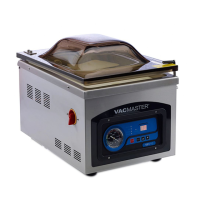
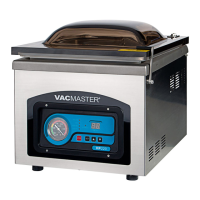
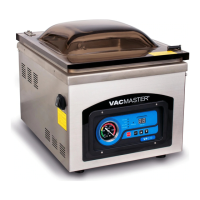
VP230 Chamber Vacuum Sealer | User Guide
Adding Oil to the VP230
1. Prepare the Oil: The VP230 includes a maintenance kit that
contains a 1/2 quart of oil and an empty oil bottle with spout. Fill
the empty oil bottle with oil.
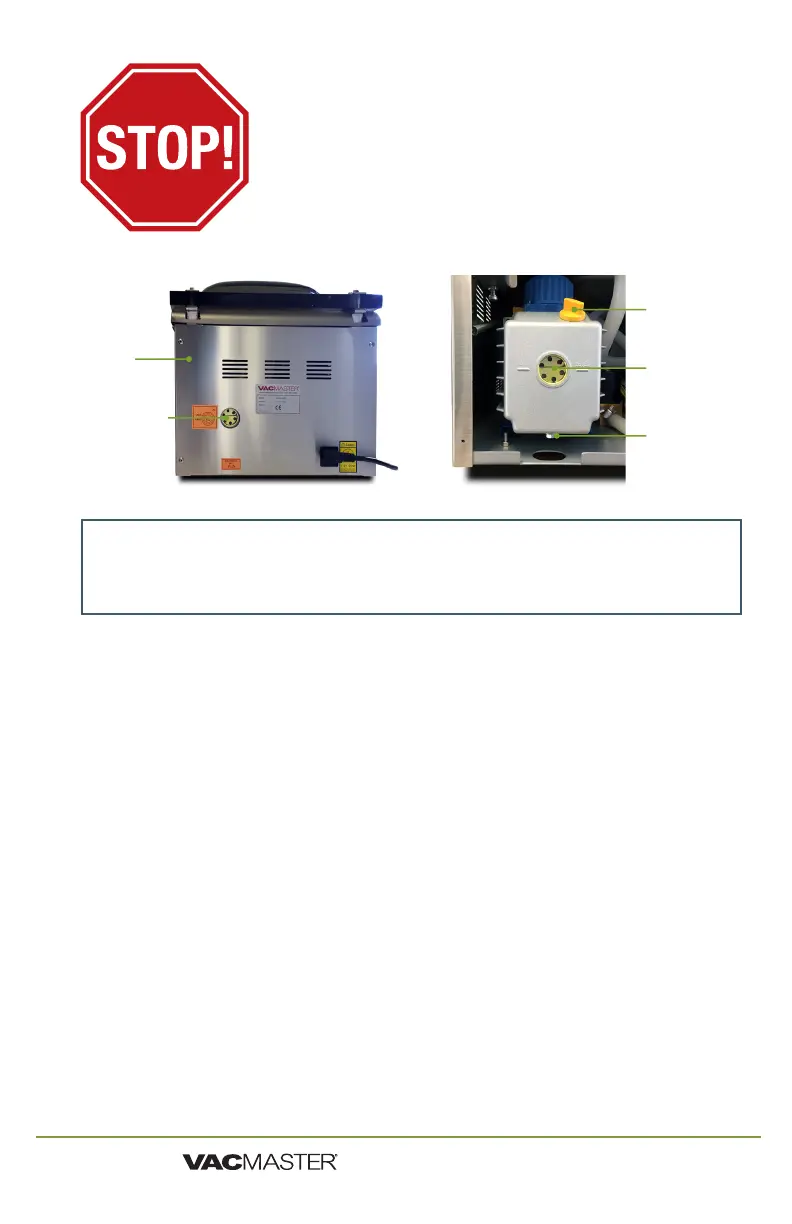
2. Remove the Back Panel: Using the enclosed Phillips head
screwdriver, remove the four screws from the back panel and take
the panel off the machine.
3. Remove the Oil Fill Cap: Locate the oil fill cap on the vacuum
pump and unscrew it.
4. Fill the Pump with Oil: Insert the spout into the open hole (oil
fill cap opening) and begin pouring the oil into the pump. Fill the
pump until the oil level is at 1/2 to 3/4 in the site glass. This is
approximately 3 - 3 1/2 ounces of oil.
5. Replace the Oil Fill Cap and Back Panel: Once the pump is filled
with oil, screw the oil fill cap back in place and put the back panel
on the machine.
The VP230 Chamber Vacuum Sealer is now ready for use.
Back of
Housing
Cabinet
Oil Fill Cap
Oil Site Glass
YOU MUST ADD OIL
BEFORE USE!
FAILURE TO DO SO WILL DAMAGE THE PUMP!
Required Supplies:
▫ 1/2 quart VacMaster machine oil
▫ Empty oil bottle with spout
▫ Phillips head screwdriver
Oil Site Glass
Oil Drain Bolt


 To Next Page