EasyManua.ls Logo

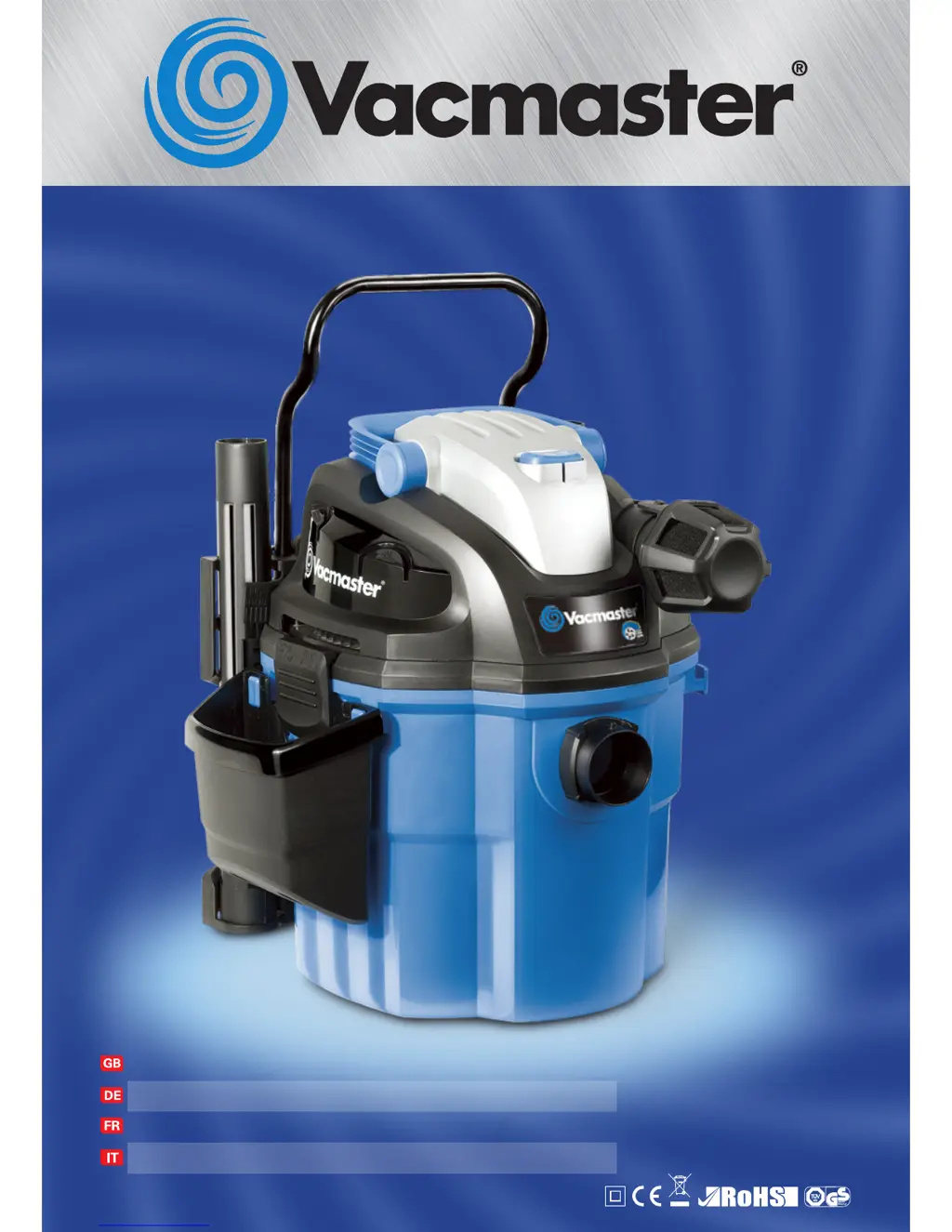
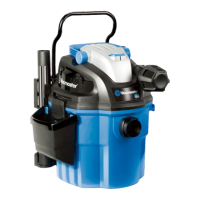
Vacmaster VWM1218R - User Manual

Vacmaster VWM1218R
64 pages
Print Icon
To Next Page IconTo Next Page
Loading...
ASPIRAPOLVERE/LIQUIDI CON MONTAGGIO A PARETE
01 - 15
47 - 61
32 - 46
WALL MOUNT WET/DRY VACUUM
Operator’s manual
ASPIRATEUR HUMIDE/SEC AVEC CADRE SUPPORT À MURAL
Mode d‘emploi
Istruzioni per l‘uso
NASS-TROCKENSAUGER MIT WANDMONTAGE
Gebrauchsanweisung
16 - 31
VWM1218R /
1200W
/
18L
VWM1518R /
1500W
/
18L
IPX4

Table of Contents

Questions and Answers

  • D
    Daniel BrooksAug 9, 2025
    What to do if my Vacmaster VWM1218R Vacuum Cleaner won't turn on?
    • J
      James DeanAug 10, 2025
      First, ensure the Vacmaster Vacuum Cleaner is properly connected to a power source and that the fuse is working. Check if the container is full and empty it if necessary. Make sure the power switch is in the ON position, indicated by the 'I' button on the power head. If these steps don't resolve the issue, the power cord, switch, or motor may have a functional fault. In this case, have the damaged part checked by qualified personnel or contact the after sales helpline.
  • R
    roger57Aug 25, 2025
    Why does my Vacmaster VWM1218R Vacuum Cleaner have low suction?
    • L
      Laura HermanAug 25, 2025
      If your Vacmaster Vacuum Cleaner has low suction power and is making unusual noises, start by checking for blockages in the nozzle, hose, and container inlets. Also, the cartridge filter might be clogged with fine dust, so clean or replace it. If you've been vacuuming liquids, empty the container and ensure the float valve under the filter can move freely. For models with remote control, reset it following the instructions. If the remote control battery is dead, replace it.

Vacmaster VWM1218R Specifications

General IconGeneral
BrandVacmaster
ModelVWM1218R
CategoryVacuum Cleaner
LanguageEnglish

Related product manuals