EasyManua.ls Logo

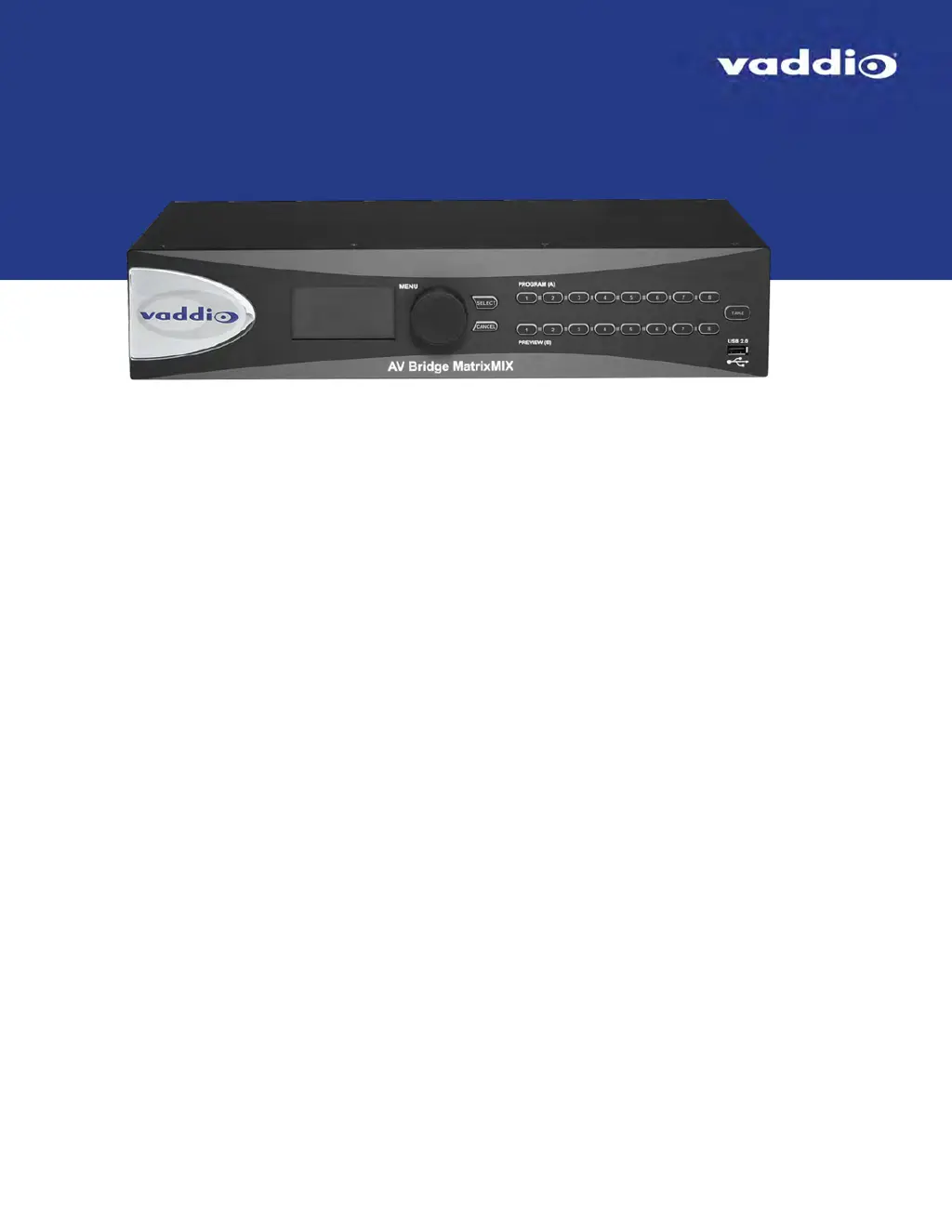
VADDIO AV Bridge MatrixMIX - User Manual

VADDIO AV Bridge MatrixMIX
82 pages
Print Icon
To Next Page IconTo Next Page
Loading...
Integrator's Complete Guide to the
AV Bridge MatrixMIX
Multipurpose AV Switcher
Document 411-0006-30 Rev A
August 2017

Table of Contents

Questions and Answers

  • L
    Lynn GonzalezAug 4, 2025
    Why am I unable to log in successfully to VADDIO AV Bridge MatrixMIX?
    • B
      boydderrickAug 4, 2025
      If you're unable to log in successfully to the VADDIO Switch, it could be due to the web interface being out of sync, especially if multiple users are controlling the unit. Try refreshing the browser page. Alternatively, the password might have been changed; in that case, contact your system administrator.
  • D
    Diana CarrAug 11, 2025
    What to do if program and preview indicators are blinking on VADDIO AV Bridge MatrixMIX Switch?
    • J
      Jonathan RojasAug 11, 2025
      If the program and preview indicators are blinking on the front panel and on the Video Switching page, and a take is in progress, it means that the controller's T-bar is not at either end of its travel. To resolve this, the operator should complete the take using the controller's T-bar.
  • D
    darrendavisAug 18, 2025
    How to access the switcher's stream on VADDIO AV Bridge MatrixMIX?
    • H
      Hannah SimsAug 18, 2025
      If you cannot access the VADDIO Switch's stream, it might not be enabled. Log in to the switcher's web interface as an administrator and enable the appropriate stream.
  • C
    cheryl27Aug 27, 2025
    Why is my VADDIO AV Bridge MatrixMIX Switch display off and the buttons don't light up?
    • A
      Ashley LaneAug 27, 2025
      If the display is off and the buttons do not light up on your VADDIO Switch, ensure that the mid-span power injector's power cord is properly connected. Check the network/PoE+ cable from the mid-span power injector using known good cables. Verify that the wall outlet is active by testing it with another device. If these steps don't resolve the issue, the device or its mid-span power injector may be faulty and you should contact your reseller or Vaddio Technical Support.

Summary

Overview

About this Guide

Describes the content and purpose of the guide.

Features

Product Compatibility

Control Devices Compatibility

Lists compatible control devices for the switcher.

Vaddio Camera Compatibility

Lists compatible Vaddio cameras and firmware notes.

Non-Vaddio Camera Compatibility

Lists compatible non-Vaddio cameras.

Unpacking the Switcher

Switcher Physical Overview

Status Indicator Lights

Explains the meaning of the status indicator lights on the device.

Connector Panel Description

Describes the various ports and connections on the switcher's panel.

Product Installation Guide

Warranty Protection during Installation

Warns against improper installation and environmental exposure to protect warranty.

Cabling Connection Notes

Provides recommendations for cabling and connector types.

Basic Connection Diagram

Ensuring Camera Compatibility

Powering Up the System

Web Interface Configuration

Supported Web Browsers

Lists the recommended web browsers for accessing the interface.

Accessing the Web Interface

Administrator Access

Compact Menu View Option

Describes the compact view option for menu buttons in the interface.

Web Interface Quick Reference

System Administration Tasks Overview

Managing User Access and Passwords

Covers setting security levels, passwords, and session timeouts.

Setting System Time and Time Zone

Configuring Network Settings

Adding Room Information

System Reboot Procedure

Configuration Data Backup and Restore

Firmware Update Process

Restoring Factory Default Settings

Contacting Technical Support

Accessing Diagnostic Logs

Performance and Behavior Settings

Working with Video Inputs

Configuring Video Output Settings

Operating the Switcher via Admin Interface

Switching Mode Configuration

Transition Type and Speed Settings

Separate A;B and Dual-Bus Transitions

Enabling Phantom Power for Microphones

Configuring General Audio Settings

Microphone Muting Controls

Describes how to mute microphones using the interface.

Controlling Individual Audio Volume

Default Microphone Settings Explained

Microphone Settings for Audience Environments

Microphone Adjustment with Filters and PEQ

Speaker and Audio Sync Adjustments

Audio Routing with the Matrix

Selecting Video Stream Sources

Streaming Settings Configuration

Enabling or Disabling Streaming

IP Streaming Settings Configuration

Advanced IP Streaming Options

Covers RTSP port and streaming URL configuration.

Setting Up Macros and Triggers

Working with On-Screen Graphics

Selecting PIP Source and Layout

Using Camera Presets

Using Defined Macros

Telnet Serial Command API

Audio Mute Command

Audio Volume Control Command

Audio Routing Command

Audio Crosspoint Gain Command

Camera Home Position Command

Camera Pan Control Command

Camera Tilt Control Command

Camera Zoom Control Command

Camera Focus Control Command

Camera Preset Recall and Store

Get Camera CCU Settings

Set Camera CCU Settings

Camera CCU Scene Store and Recall

Camera Standby Status Control

Video Mute Control Command

Video Source Selection Command

Video PIP (Picture-in-Picture) Command

Graphics Layer Enable;Disable

Graphics Layer Source Selection

Switching Mode Selection

Execute Video Take Command

Trigger Control Command

Get Streaming Settings

Get Network Settings

Network Ping Diagnostic Command

System Reboot Command

System Factory Reset Command

Sleep Command for Pausing

Firmware Version Information

Command History Retrieval

CLI Help Command

Exit Telnet Session Command

Technical Specifications

Warranty Information Details

Troubleshooting Common Issues

Photo Credits

VADDIO AV Bridge MatrixMIX Specifications

General IconGeneral
Network ConnectivityEthernet
ControlWeb Interface, RS-232
Power Supply100-240V AC, 50/60Hz
Resolution1080p
StreamingYes

Related product manuals