EasyManua.ls Logo

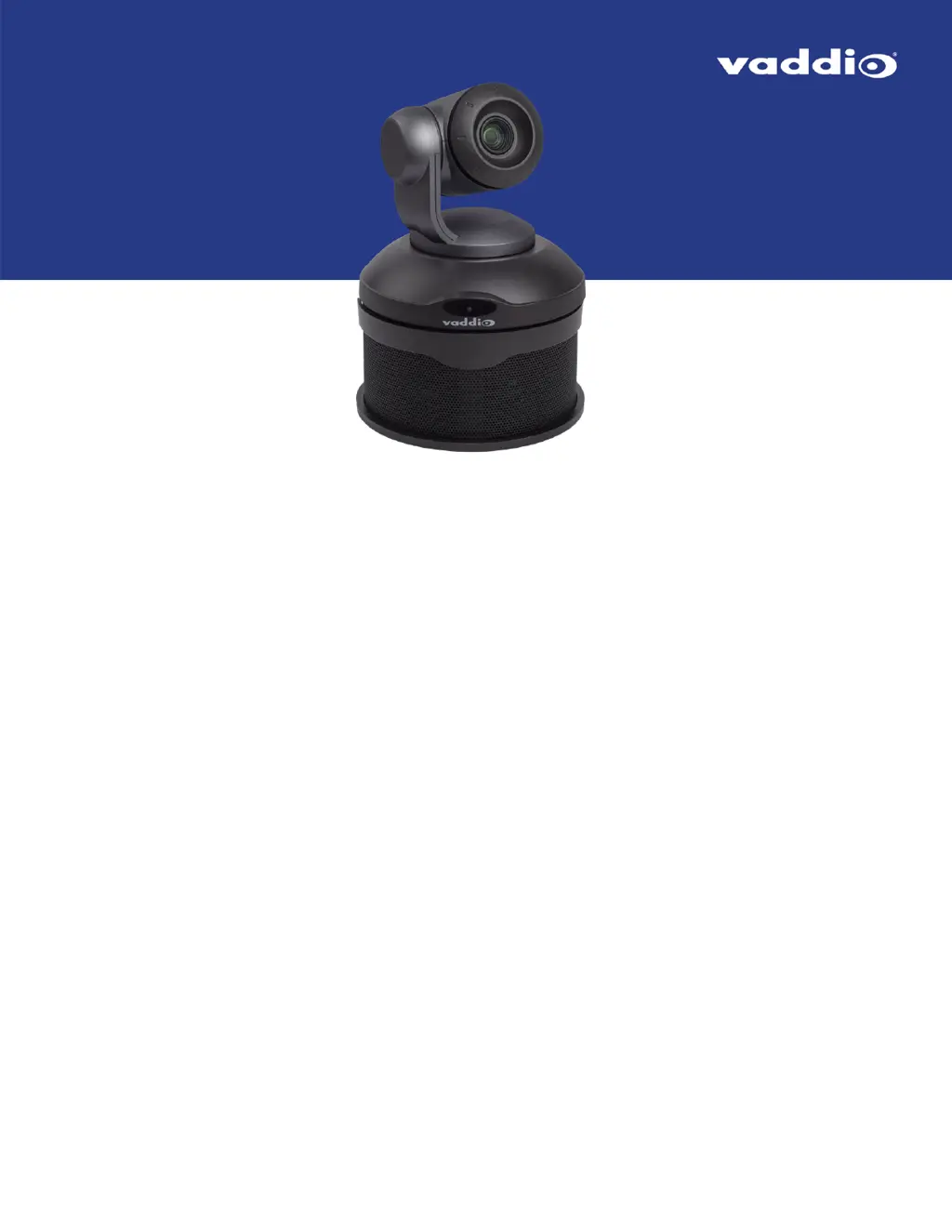
VADDIO ConferenceSHOT AV - User Manual

VADDIO ConferenceSHOT AV
114 pages
Print Icon
To Next Page IconTo Next Page
Loading...
Complete Manual for the
ConferenceSHOT AV
Enterprise-Class Conferencing System
Document 411-0001-30 Rev F
August 2020

Table of Contents

Other manuals for VADDIO ConferenceSHOT AV

Questions and Answers

  • A
    Amanda ThomasSep 10, 2025
    How to fix no H.264 video stream on VADDIO ConferenceSHOT AV?
    • J
      Johnny MartinSep 12, 2025
      If there is no H.264 video stream on your VADDIO Conference System, IP streaming might not be enabled. Enable IP streaming on the Streaming page in the web interface.
  • T
    Thomas JonesAug 23, 2025
    Why is there no H.264 video stream from my VADDIO ConferenceSHOT AV Conference System?
    • M
      Mr. Joseph ScottAug 23, 2025
      If you are experiencing no H.264 video stream from your VADDIO Conference System, the most likely cause is that IP streaming is not enabled. To resolve this, enable IP streaming in the Streaming page of the web interface.
  • K
    Kathy DixonAug 25, 2025
    What to do if the VADDIO ConferenceSHOT AV Conference System camera responds to the remote but the web interface is not available?
    • D
      Donna BrooksAug 25, 2025
      If the VADDIO Conference System camera responds to the remote but the web interface is unavailable, the camera might not be using the IP address you're browsing to. To find the correct IP address, press the Data Screen button on the remote to see camera information.
  • L
    Lindsey CombsAug 26, 2025
    Why is the status light continuing to blink blue on my VADDIO ConferenceSHOT AV?
    • D
      Dawn WarnerAug 26, 2025
      If the status light continues to blink blue on your VADDIO Conference System, it indicates that the USB cable is not connected. Ensure that the USB cable is properly connected.
  • M
    Matthew JohnsonAug 27, 2025
    Why is there no USB video stream from my VADDIO ConferenceSHOT AV?
    • T
      Timothy GrahamAug 28, 2025
      If you're not getting a USB video stream from your VADDIO Conference System, it's likely because USB streaming is not enabled. You can enable USB streaming in the Streaming page of the web interface.
  • A
    ashley78Aug 29, 2025
    What does it mean if the status light blinks yellow on my VADDIO ConferenceSHOT AV Conference System?
    • K
      Kimberly StaffordAug 29, 2025
      If the status light on your VADDIO Conference System is blinking yellow, it indicates that the pan or tilt motor is out of calibration. You should reset the pan and tilt motors. See Correct a Motor Calibration Error.
  • S
    Sandra MooreSep 18, 2025
    How to reboot VADDIO ConferenceSHOT AV?
    • B
      Brian BradySep 18, 2025
      To reboot the system, use the command: system reboot [].
  • M
    matthewjamesSep 12, 2025
    How to fix no USB video stream on VADDIO ConferenceSHOT AV Conference System?
    • B
      Brandon SpearsSep 12, 2025
      If there is no USB video stream on your VADDIO Conference System, USB streaming might not be enabled. Enable USB streaming on the Streaming page in the web interface.
  • J
    jamesrobinsonSep 8, 2025
    Why is the VADDIO ConferenceSHOT AV Conference System camera not responding to the remote and the light is yellow?
    • D
      Daniel BryantSep 8, 2025
      If your VADDIO Conference System camera isn't responding to the remote and the light is yellow, a firmware update might be in progress. Wait a few minutes, and try again when the light turns blue.
  • V
    Virginia AdamsSep 5, 2025
    How to fix VADDIO ConferenceSHOT AV when there is no video and the light on the front is off?
    • G
      Glenn WallaceSep 5, 2025
      If your VADDIO Conference System camera shows no video and the front light is off, here are a few things to check: * A bad cable could be the issue. Try using known good cables. * The wall outlet might not be active. Test it by plugging in something else, like a laptop or phone charger. If it doesn't work, use a different outlet. * The camera or its power supply might be faulty. In this case, contact your reseller or Vaddio Technical Support.

Summary

Overview

Whats in this Guide

Lists the topics covered in the manual.

Features

Highlights key features of the system.

Unpacking and Components

Camera Components

Lists components included for the camera.

Speaker Components

Lists components included for the speaker.

Installation Guide

Preparation and Safety

Considerations and safety warnings before installation.

Mounting Options

Instructions for wall and ceiling mounting.

Basic Connections

Example setup diagram for conference room.

Initial Setup and Configuration

Installing Camera and Speaker

Step-by-step guide for installing the system.

Powering Up and Status Lights

Steps for powering on and understanding indicator lights.

Initial Device Setup Procedures

Overview of initial setup and admin tasks.

Web Interface and Management Tools

Web Interface Access

How to access and use the camera's web interface.

Deployment Tool and Device Controller

Tools for provisioning, management, and web access.

Network Configuration

Static IP and Hostname Setup

Procedures for setting static IP and hostname.

Time Zone and NTP Server

Setting time zone and NTP for accurate logging.

Camera Operations

Configuring Camera Behavior

Settings for camera operation and streaming.

Preset and Movement Controls

Setting home position, presets, and movement speeds.

Image Quality Adjustments

Fine-tuning camera image settings like iris, gain, and detail.

Audio Management

Microphone and Speaker Tuning

Adjusting echo, noise cancellation, gain, and speaker EQ.

Streaming Configuration

USB and IP Streaming Setup

Configuration for USB, RTSP, and RTMP streaming.

RTMP Streaming Setup

Configuration for RTMP streaming to a service provider.

Advanced Features and Control

Custom Functions and Macros

Using Control Devices for programmed behaviors and macros.

Triggers and Assignments

Associating macros with hardware or software triggers.

System Maintenance and Updates

Configuration Management

Exporting and importing camera configurations.

Firmware Updates

Process for updating the camera's and microphone's firmware.

Troubleshooting and Support

Troubleshooting Common Issues

Solutions for power, video, audio, and status light problems.

Contacting Technical Support

Information on how to contact Vaddio support.

Remote Control Operation

IR Remote Control Guide

Guide to using the IR remote for camera control.

Web Interface Operations

Camera Control via Web Interface

Controls available via the web interface for users.

Command API Reference

Telnet Serial Command API

Introduction to using Telnet for camera control and macros.

Camera, Audio, Network Commands

Reference for various camera, audio, and network commands.

Specifications

Technical Specifications Summary

Detailed technical specifications for the system.

Compliance and Safety

Regulatory Compliance

FCC, ICES-003, and European compliance information.

VADDIO ConferenceSHOT AV Specifications

General IconGeneral
Video codecsH.264
Maximum frame rate60 fps
Supported video modes1080p
Megapixel2.14 MP
Lens modesNormal lens mode, Super-wide lens mode
Sensor typeCMOS
Sync systemInternal
White balanceAuto, Manual, One push
Focus adjustmentAuto/Manual
Image sensor size1/2.8 \
Aperture range (F-F)1.8 - 3.4
Minimum illumination100 lx
Remote control interfaceIR Wireless
Optical zoom (normal mode)10 x
Back Light Compensation (BLC)Yes
Optical zoom (super-wide mode)11 x
Closest focusing distance (tele)1 m
Closest focusing distance (wide)0.01 m
Focal length range (normal mode)3.8 - 38 mm
Tele end viewing angle (normal mode)7.6 °
Wide end viewing angle (normal mode)67 °
Wide end viewing angle (super-wide mode)74 °
Pan range-165 - 165 °
Pan speed90 °/sec
Product colorWhite
Tilt angle range-30 - 90 °
Number of persons- person(s)
Signal-to-Noise Ratio (SNR)50 dB
Ethernet LAN data rates10, 100, 1000 Mbit/s
Speaker power20 W
Frequency range20 - 20000 Hz
Output voltage Total Harmonic Distortion (THD)0.02 %
Built-in displayNo
Storage temperature (T-T)-5 - 60 °C
Operating temperature (T-T)0 - 40 °C
Operating relative humidity (H-H)20 - 80 %
Ethernet LAN (RJ-45) ports2
USB 3.2 Gen 1 (3.1 Gen 1) Type-B ports quantity1
Power over Ethernet (PoE) power per port25 W
Harmonized System (HS) code85176990
Weight and Dimensions IconWeight and Dimensions
Weight2080 g
Camera dimensions (WxDxH)155 x 145 x 163 mm
Speaker dimensions (W x D x H)184 x 171 x 92 mm

Related product manuals