Instructions and settings
64 27.06.2011
ver. 2
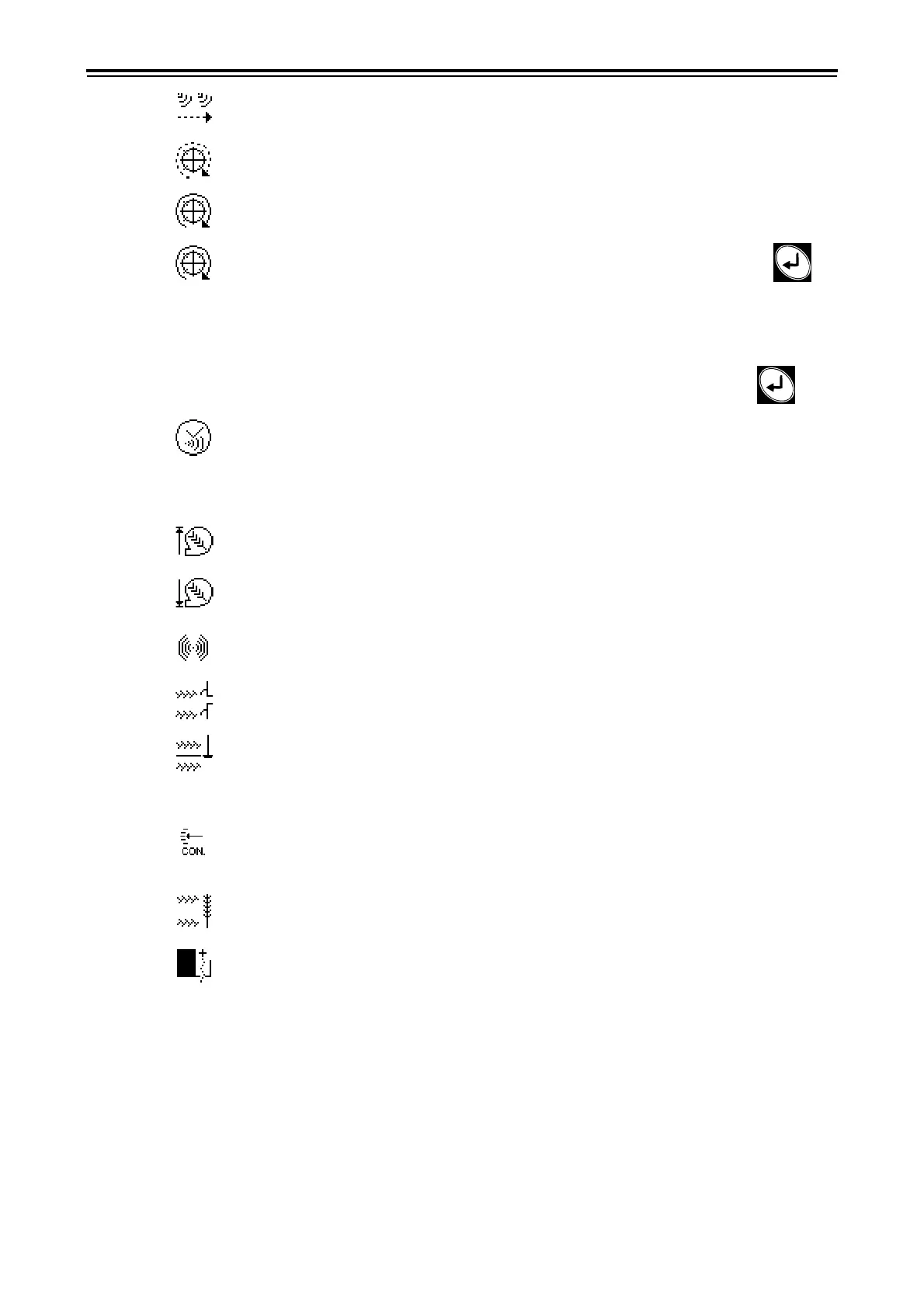
11 Number of radar pulses per meter of driven distance. Default setting 99/m.
12 Number of pulses per wheel rotation. Default setting: 1.
13 Drive wheel circumference Default setting 240 cm.
14
AUTO
. Automatic calibration. Measure a given distance (at least 100 m). Press
at the starting point. This will reset the pulse counter. Drive the selected distance with the ma-
chine lowered to the drilling position. The pulses are counted in the display. Enter the driven
distance in metres. The Control station now calculates the number of pulses per metre of driven
distance, and automatically adjusts this value for the wheel circumference in menu 14 or the
number of radar pulses per metre driven distance in menu 12. Select OK by pressing .
15 Alarm delay. Select the delay in seconds between receipt of the alarm signal from the
seed box rotation guard and the visual/audible alarm of the Control Station. The alarm should
be slightly delayed to avoid alarms at low speeds. Nevertheless, the delay should be as short as
possible to allow even sudden, brief interruptions. Default setting: 2.0 seconds.
16 Fan rpm, seed fan, upper alarm level. Default setting: 4800 rpm.
17 Fan rpm, seed fan, lower alarm level. Default setting: 3800 rpm.
18 Buzzer, On/Off
19 Pre-emergence bout marker, Yes/No
20 Side bout marker as pre-emergence bout marker, Yes/No. When "Yes" is selected, the
side bout marker will make a track in the centre of the previous furrow if this furrow was tram-
lined.
21 Interactive Depth Control (IDC), Yes/No. See ”3.31 Interactive Depth Control function,
IDC (option 15582-)” on page 67.
22 18m tramlining, NORMAL/TURBO.
23 BioDrill seed hopper, Yes/No


 To Next Page
 Loading...