EasyManua.ls Logo

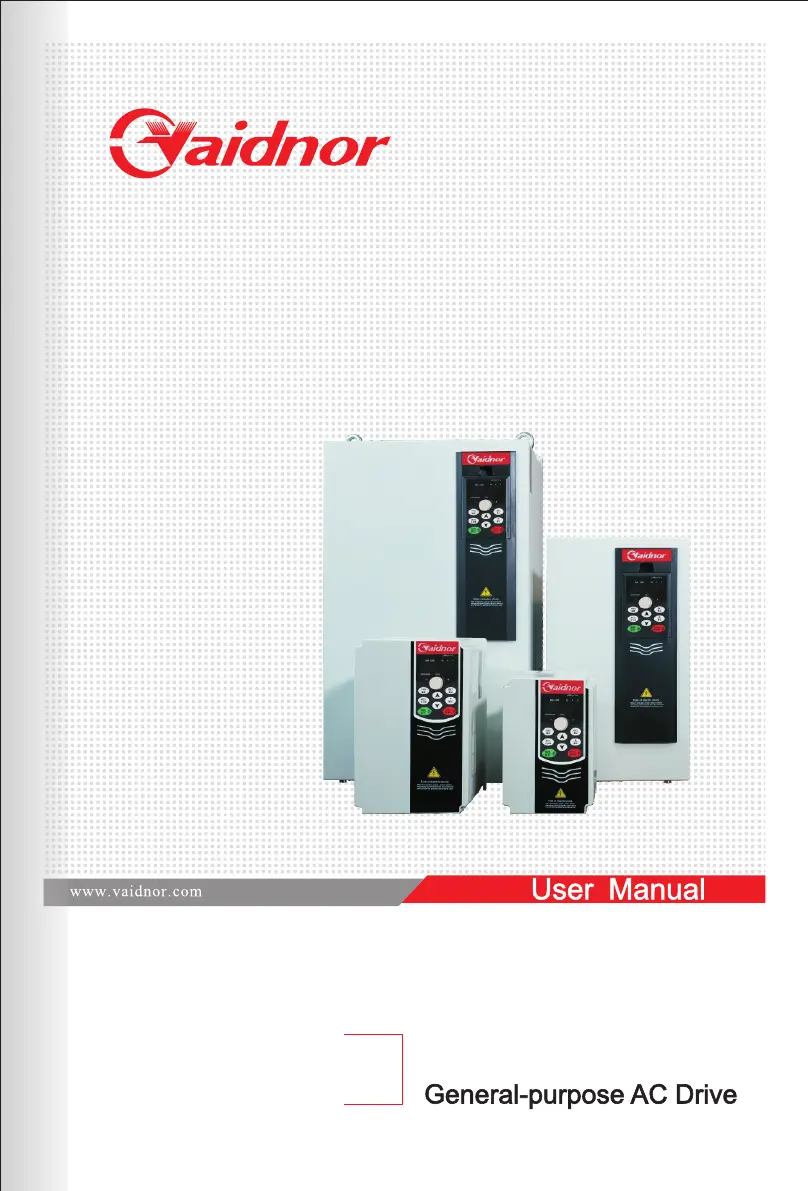
Vaidnor VDF730 Series - User Manual

Vaidnor VDF730 Series
166 pages
Print Icon
To Next Page IconTo Next Page
Loading...
VDF730 Series

Table of Contents

Questions and Answers

  • S
    steven31Sep 15, 2025
    What does "Err23" mean on Vaidnor VDF730 DC Drives at power-on?
    • S
      Shelley LarsenSep 15, 2025
      If your Vaidnor DC drive displays 'Err23' at power-on, it could be because the motor or the motor output cable is short-circuited to the ground, so measure the insulation of the motor and the output cable with a megger. If the AC drive is damaged, contact the agent or vendor for technical support.
  • D
    dennis56Aug 25, 2025
    Why is my Vaidnor VDF730 DC Drives showing overvoltage during deceleration?
    • J
      joneslauraAug 25, 2025
      If your Vaidnor DC drive displays overvoltage during deceleration, it could be due to several factors. The input voltage might be too high, so adjust it to the normal range. Also, an external force might be driving the motor during deceleration; cancel this force or install a braking resistor. The deceleration time could be too short, so increase it. Finally, the braking unit and braking resistor might not be installed, so install them.
  • W
    William LangAug 25, 2025
    What to do if Vaidnor DC Drives has overcurrent during deceleration?
    • K
      kyle48Aug 26, 2025
      If your Vaidnor DC drive is showing an overcurrent during deceleration, there are several potential causes. The output circuit could be grounded or short-circuited, so you should eliminate any external faults. The deceleration time might be too short, so increase it. The voltage might be too low, so adjust it to the normal range. A sudden load could be added during deceleration, so remove the added load. Finally, the braking unit and braking resistor might not be installed, so install them.
  • B
    Brian SullivanAug 27, 2025
    Why is my Vaidnor DC Drives showing undervoltage?
    • E
      Elizabeth HallAug 27, 2025
      If your Vaidnor DC drive is experiencing an undervoltage issue, it could be due to several reasons. There might be an instantaneous power failure on the input power supply, in which case you should reset the fault. The AC drive's input voltage might not be within the allowable range, so adjust the voltage to the normal range. If the bus voltage is abnormal, contact the agent or vendor.
  • V
    Vanessa BarberSep 16, 2025
    What does “VDVN” mean on Vaidnor VDF730 display?
    • E
      Elizabeth HernandezSep 16, 2025
      If your Vaidnor DC drive display is normal upon power-on, but "VDVN" is displayed after running and the AC drive stops immediately, it means the cooling fan is damaged or locked-rotor occurs. Replace the damaged fan.
  • W
    wbeasleySep 23, 2025
    What to do when accumulative running time reached on Vaidnor DC Drives?
    • C
      christopher57Sep 23, 2025
      If the accumulative running time has reached the setting value on your Vaidnor DC Drives, clear the record through the parameter initialization function.
  • F
    fitzgeraldrichardSep 8, 2025
    What causes current detection fault in Vaidnor VDF730?
    • S
      Sean JohnsonSep 8, 2025
      If your Vaidnor DC drive is experiencing a current detection fault, it could be because the HALL device is faulty, so replace the faulty HALL device. The drive board might be faulty, so replace the faulty drive board.
  • S
    scotthunterSep 9, 2025
    How to resolve motor auto-tuning fault in Vaidnor DC Drives?
    • K
      Kyle StewartSep 9, 2025
      If your Vaidnor DC drive is experiencing a motor auto-tuning fault, it could be because the motor parameters are not set according to the nameplate, so set the motor parameters according to the nameplate properly. The motor auto-tuning might time out, so check the cable connecting the AC drive and the motor.
  • P
    Patty BrownSep 2, 2025
    What causes power output phase loss in Vaidnor DC Drives?
    • S
      sriceSep 2, 2025
      If your Vaidnor DC drive has a power output phase loss, it could be due to a faulty cable connecting the AC drive and the motor, so eliminate external faults. The AC drive's three-phase outputs might be unbalanced when the motor is running, so check whether the motor three-phase winding is normal. The drive board might be faulty, so contact the agent or vendor.
  • M
    Mary ClarkAug 31, 2025
    What causes module overheat in Vaidnor VDF730 DC Drives?
    • T
      Tara NolanAug 31, 2025
      If your Vaidnor DC drive reports a module overheat, it could be due to several reasons. The ambient temperature might be too high, so lower the ambient temperature. The air filter might be blocked, so clean the air filter. The fan might be damaged, so replace the damaged fan. The thermally sensitive resistor of the module might be damaged, so replace the damaged thermally sensitive resistor. The inverter module might be damaged, so replace the inverter module.

Summary

Safety Information and Precautions

Safety Information

Covers safety grades and precautions for different stages of use: before installation, during installation, wiring, and after power-on.

Mechanical and Electrical Installation

Mechanical Installation

Covers installation environment requirements and clearance specifications for proper mechanical setup of the AC drive.

Electrical Installation

Details the selection of peripheral electrical devices, description of devices, wiring methods, terminal layouts, and main circuit terminal descriptions.

Operation and Display

Viewing and Modifying Function Codes

Explains the three-level menu structure and procedures for viewing and modifying function codes and parameters.

Starting or Stopping the AC Drive

Explains how to select command sources (panel, terminal, communication) and control start/stop operations.

Setting the Running Frequency

Covers setting the running frequency using main and auxiliary sources, including digital, analog, pulse, and PID inputs.

Setting and Auto-tuning of Motor Parameters

Guides on setting motor parameters and performing auto-tuning for optimal drive performance.

Function Code Table

Description of Function Codes

Group P1: Motor Parameters and V;F Control

Explains parameters for motor settings, V/F curve configuration, torque boost, and oscillation suppression.

Group P4: Start;Stop Control

Covers parameters for start modes, acceleration/deceleration, stop modes, DC braking, and startup features.

Group PB: Overload and Protection

Lists parameters for overload protection, voltage/current stall protection, and fault detection.

EMC

Troubleshooting

Faults and Solutions

Lists common faults with their possible causes and corresponding solutions for the VDF730 AC drive.

Common Faults and Solutions

Provides troubleshooting steps for frequently occurring common faults like no display or motor not rotating.

Vaidnor VDF730 Series Specifications

General IconGeneral
BrandVaidnor
ModelVDF730 Series
CategoryDC Drives
LanguageEnglish