EasyManua.ls Logo

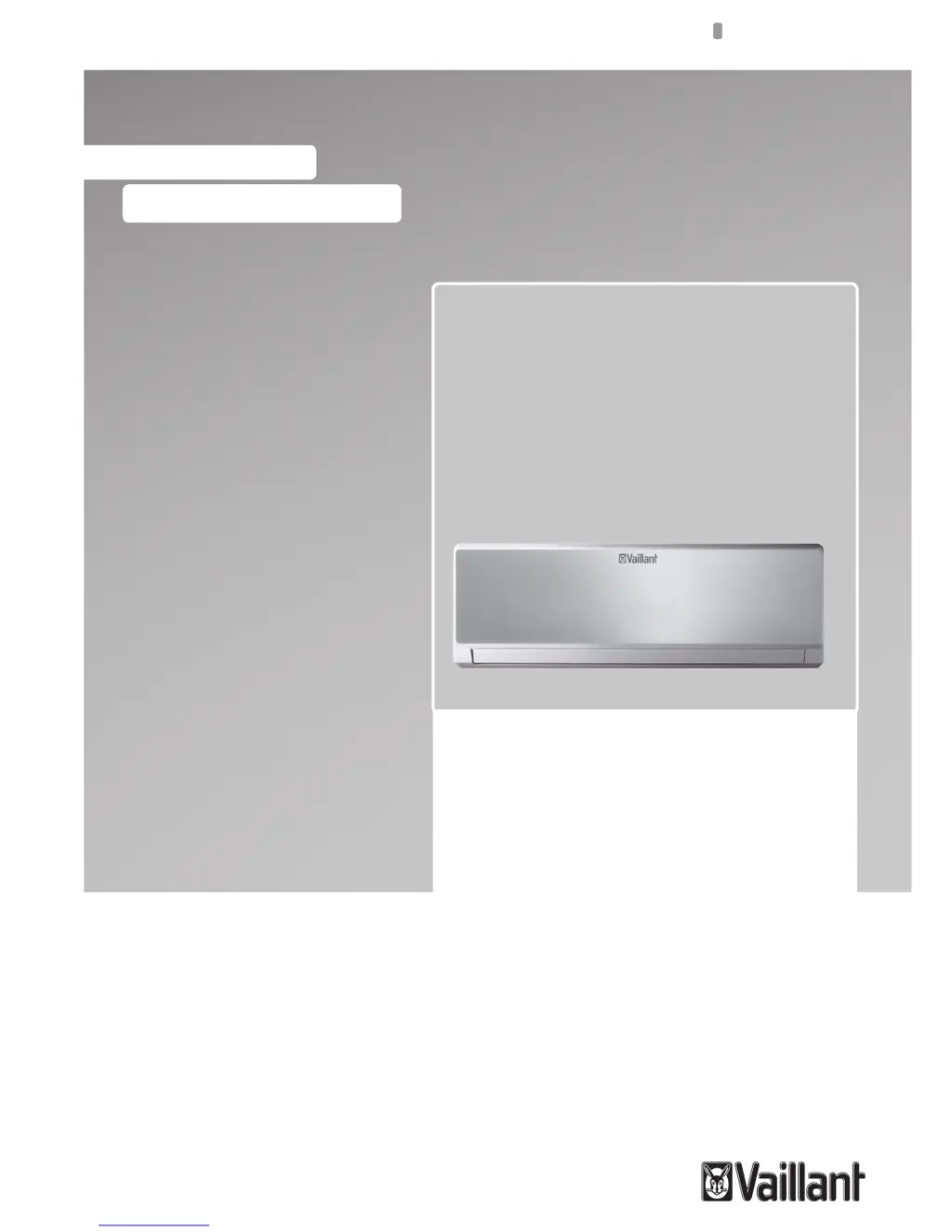
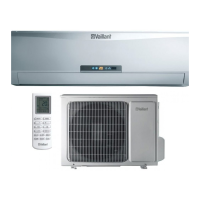
Vaillant VAI 3-035 WN - User Manual

Vaillant VAI 3-035 WN
144 pages
Go to English
Print Icon
To Next Page IconTo Next Page
Loading...
User manual
For the user
DK, EN, ES, HR, IT
User manual
VAI 3-025 WN
VAI 3-035 WN
VAI 3-050 WN
Wall Mounted Units

Table of Contents

Other manuals for Vaillant VAI 3-035 WN

Questions and Answers

  • J
    Jessica WardAug 6, 2025
    Why is my Vaillant VAI 3-035 WN Air Conditioner not cooling or heating properly?
    • D
      Donna PearsonAug 6, 2025
      If your Vaillant Air Conditioner isn't cooling or heating enough, several factors could be the cause. Check if doors or windows are open and close them. Remove any nearby heat sources, and ensure the thermostat is set correctly. Also, check for obstructions blocking the air inlet or outlet. Wait a few moments to see if the ambient temperature reaches the set level. Clean a dirty or blocked air filter, which should be done every 15 days. Finally, use a curtain to block direct sunlight during cooling.
  • R
    richard58Aug 11, 2025
    What to do if my Vaillant VAI 3-035 WN Air Conditioner does not turn on?
    • L
      Lawrence PerryAug 11, 2025
      If your Vaillant Air Conditioner isn't working at all, start by checking the power lead to ensure it's correctly connected. Verify that the power supply is properly connected. If the issue persists, inspect the fuse and replace it if it has blown, using only the correct type of fuse for your model to prevent fires.
  • M
    Mckenzie BartonAug 16, 2025
    How to fix a Vaillant Air Conditioner that won't restart immediately?
    • D
      Dr. Michael JohnsonAug 16, 2025
      Your Vaillant Air Conditioner is designed with a protective feature that prevents immediate restarts. If the unit has just been stopped, wait three minutes before attempting to restart it. Similarly, if the power has been disconnected and reconnected, allow three minutes for the protection circuit to reset before restarting the unit.
  • B
    Becky PhillipsAug 21, 2025
    Why is my Vaillant VAI 3-035 WN making noise?
    • J
      Jasmine HarrisAug 21, 2025
      During the operation of your Vaillant Air Conditioner, it's normal to hear certain noises. A gurgling sound, especially during the first few minutes, is typically due to the refrigerant flowing through the system. A cracking noise during operation is also normal, caused by the casing expanding or shrinking with temperature changes. However, if you hear a loud noise coming from the louvers, it may indicate that the air filters are dirty and need cleaning.
  • V
    veronicaellisonAug 27, 2025
    What to do if Vaillant VAI 3-035 WN blows mist or steam?
    • J
      James BeardAug 27, 2025
      During COOL or DRY mode, your Vaillant Air Conditioner may blow mist or steam due to the rapid cooling of indoor air. This is normal and does not require any action.
  • W
    William AndersenAug 31, 2025
    Why does my Vaillant Air Conditioner smell bad?
    • W
      wharmonAug 31, 2025
      Your Vaillant Air Conditioner might circulate odors from indoor sources like furniture or cigarettes. This is normal, and no action is required.

Summary

Your Safety

Symbols Used

Explains symbols used for safety warnings: Danger, Warning, and Note.

Correct Use of the Unit

Defines the unit's intended purpose and emphasizes following installation manual instructions.

Extreme Operating Conditions

Identification of the Unit

Declaration of Conformity

Description of the Unit

Remote Controller

Describes the remote control as an infrared device for unit operation and its aiming requirement.

Features and Benefits

Getting Started

Fitting the Remote Controller Batteries

Provides instructions on how to insert AAA batteries into the remote control.

Clock Settings

Explains how to set the unit's clock using the remote controller buttons.

Operating Instructions

General Safety Considerations During Use

Lists critical safety warnings for operating the unit, covering children, objects, chemicals, airflow, and power cords.

Identification of Functions

Remote Controller Buttons

Details the function of each button on the remote control, such as ON/OFF, MODE, FAN, etc.

Display Indicators

Advice on How to Use the Remote Controller

Remote Controller Lock

Describes how to lock and unlock the remote control buttons to prevent accidental changes.

Light Function

Explains how to activate the display light on the indoor unit using the remote.

Switching the Unit On and Off

Selection of the Operation Mode

Automatic Mode (AUTO)

Explains the AUTO mode, where the unit automatically selects cooling or heating based on ambient temperature.

Cooling Mode (COOL)

Dehumidifying Mode (DRY)

Fan Mode (FAN)

Heating Mode (HEAT)

Special Function Selection

Sleep Function

Explains the SLEEP function that adjusts temperature for comfortable night-time use.

Timer On;Off Function (Switch On;Switch Off Using Timer)

Details how to program the unit to turn on or off automatically at specific times.

Turbo Function

Describes the TURBO function for rapid cooling or heating when needed.

X-Fan Function

Explains the X-fan function which dries the indoor unit after operation to prevent mold.

Temp Function

I Feel Function

Active Ionizer Function

Freeze Protection Function

Indicators of the Indoor Unit

Emergency Operation

Advice for Saving Energy

Suitable Room Temperature

Advises on setting appropriate room temperatures for comfort and energy saving.

Eliminating Heat or Cold Sources

Recommends sealing windows and doors to prevent heat/cold loss and reduce energy use.

Operation in Heating Mode (Heat Pump)

Explains heat pump operation and its cost-effectiveness compared to conventional heating.

Ambient Temperature When Absent

Suggests lowering room temperature during absences to save energy.

Uniform Heating

Reduction in Consumption During Night Hours (Sleep Function)

Reduction in Consumption with Programmed Operating Time (Timer Function)

Appropriate Maintenance of the Unit

Troubleshooting

Table 9.1 Troubleshooting

Presents a detailed troubleshooting guide for common issues encountered with the unit.

Maintenance

Cleaning the Remote Controller

Instructs on how to clean the remote control using a dry cloth.

Cleaning the Indoor Unit

Provides steps for cleaning the indoor unit exterior and its filters.

Cleaning the Air Filters

Explains the importance of cleaning air filters and the procedure for removal and cleaning.

Cleaning the Outdoor Unit

Storage Over a Prolonged Period

Product Decommissioning

Vaillant VAI 3-035 WN Specifications

General IconGeneral
BrandVaillant
ModelVAI 3-035 WN
CategoryAir Conditioner
LanguageEnglish

Related product manuals