EasyManua.ls Logo

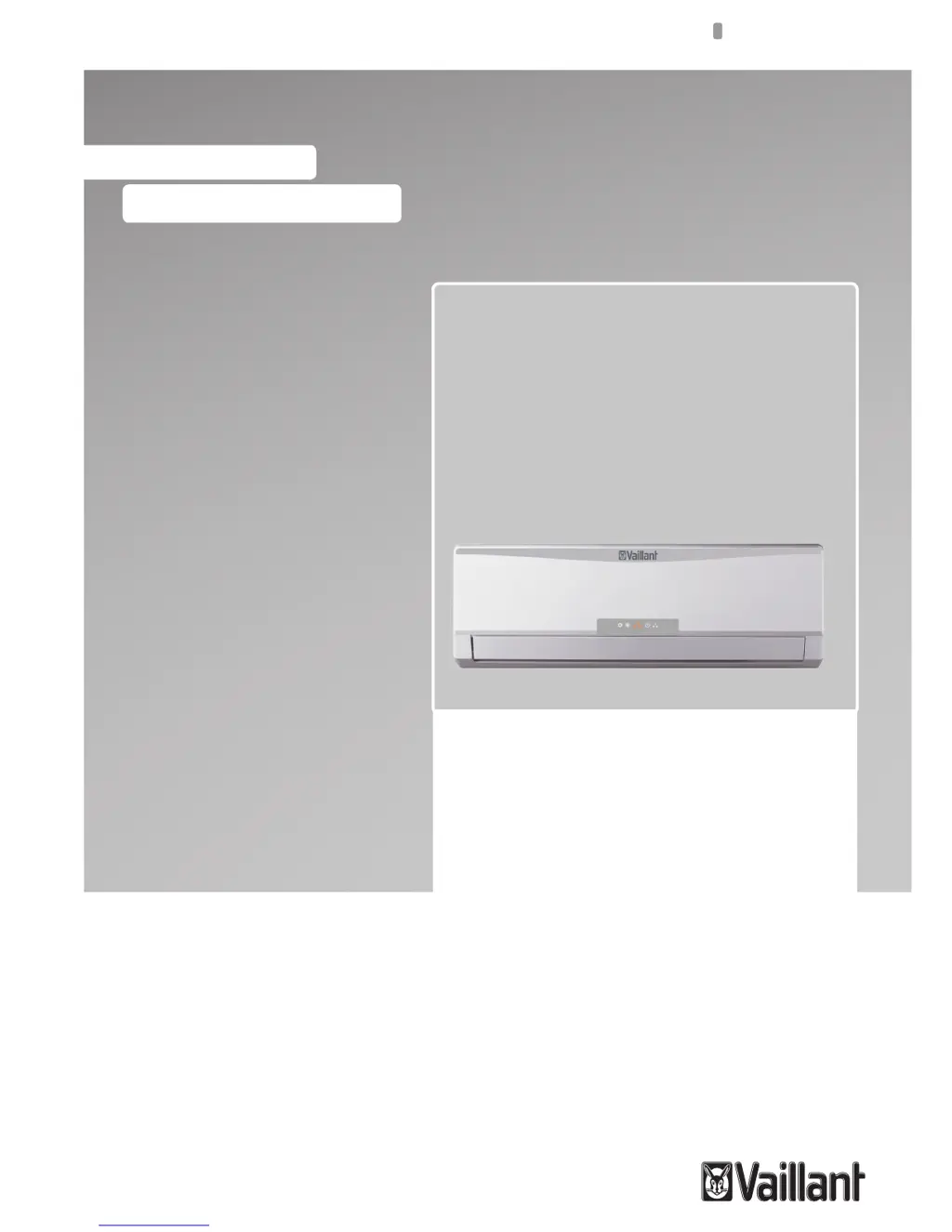
Vaillant VAI 6-035 WN - User Manual

Vaillant VAI 6-035 WN
124 pages
Print Icon
To Next Page IconTo Next Page
Loading...
User manual
For the user
EN, ES, HR, IT, TK
User manual
VAI 6-025 WN
VAI 6-035 WN
VAI 6-050 WN
VAI 6-065 WN
Wall Mounted Units

Table of Contents

Other manuals for Vaillant VAI 6-035 WN

Questions and Answers

  • V
    velezvirginiaAug 12, 2025
    Why is my Vaillant VAI 6-035 WN not cooling enough?
    • J
      Jay LangAug 12, 2025
      Several factors can cause insufficient cooling or heating. Ensure that all doors and windows are closed. Remove any nearby heat sources. Check that the thermostat is set correctly for cooling or heating mode. Clear any obstacles blocking the air inlet or outlet. The unit may need a few moments to reach the set temperature. Clean a dirty or blocked air filter, as it should be cleaned every 15 days. Use a curtain to block direct sunlight during cooling.
  • C
    Christine GarrettAug 16, 2025
    What to do if my Vaillant VAI 6-035 WN does not turn on?
    • M
      Melissa BartlettAug 16, 2025
      If your Vaillant Air Conditioner isn't turning on, check the following: Ensure the power lead is correctly connected. Verify that the power supply is properly connected. Inspect the fuse and replace it if it has blown, using only the correct type of fuse for your model to prevent fire hazards.
  • K
    Kyle RobinsonAug 20, 2025
    Why is my Vaillant VAI 6-035 WN Air Conditioner making noise?
    • R
      rchavezAug 20, 2025
      During operation, a gurgling noise might be heard, especially in the first few minutes, which is normal due to refrigerant flow. A cracking noise during operation is also normal as the casing expands or shrinks with temperature changes. However, if the noise is loud and coming from the louvers, clean the air filters.
  • T
    Tanya OrtizAug 25, 2025
    Why is my Vaillant Air Conditioner not cooling or heating properly?
    • C
      criveraAug 25, 2025
      If your Vaillant Air Conditioner isn't cooling or heating enough, several factors could be at play. Check if doors or windows are open and close them. Remove any nearby heat sources, such as a lot of people in the room. Ensure the thermostat isn't set too high in cooling mode or too low in heating mode. Clear any obstructions from the air inlet or outlet. If the ambient temperature hasn't reached the set level, give it some time. Clean a dirty or blocked air filter, ideally every 15 days. Finally, use a curtain to block direct sunlight during cooling operation.
  • M
    Mr. William WolfAug 28, 2025
    What to do if my Vaillant Air Conditioner does not work at all?
    • O
      osullivanAug 28, 2025
      If your Vaillant Air Conditioner isn't working at all (ventilation doesn't start), check these potential causes: * Ensure the power lead is correctly connected. * Verify the power supply is connected; reconnect if necessary. * Inspect the fuse; replace it if blown, using only the correct type to prevent fire hazards.
  • J
    Jennifer CrossAug 31, 2025
    Why does my Vaillant Air Conditioner not restart immediately?
    • P
      Patrick MckenzieAug 31, 2025
      Your Vaillant Air Conditioner might not restart immediately due to a built-in protection mechanism. If the unit was just stopped, it won't restart for 3 minutes to protect the system. Similarly, if the power was disconnected and reconnected, the protection circuit needs 3 minutes. Wait 3 minutes before attempting to restart the unit.
  • P
    patrick96Sep 4, 2025
    Why does my Vaillant Air Conditioner generate smells?
    • D
      debra04Sep 4, 2025
      The Vaillant Air Conditioner might circulate smells from the indoor environment such as furniture or cigarettes. This is normal and does not require any action.
  • E
    Eric RamirezSep 8, 2025
    What to do if Vaillant Air Conditioner blows mist or steam?
    • A
      Aaron AnthonySep 8, 2025
      If your Vaillant Air Conditioner blows mist or steam during COOL or DRY mode, it's due to the rapid cooling of indoor air. This is normal and does not require any action.

Summary

Safety and Unit Overview

Warning Symbols and Usage

Explains DANGER, WARNING, and NOTE symbols for user safety and correct unit operation.

Operating Temperature Limits

Specifies the operational temperature limits for cooling and heating modes.

Unit Identification and Compliance

Guides on identifying the unit model and its compliance with relevant standards.

Unit Components and Remote Control

Unit Components Description

Provides an overview of the unit's main components and their functions.

Remote Controller Operation

Explains the remote controller's functions and positioning requirements for effective communication.

Getting Started and Initial Setup

Remote Controller Battery Installation

Step-by-step instructions for inserting batteries into the remote controller.

Operating Instructions and Safety Precautions

Clock Setting Procedure

Instructions on setting the clock on the remote controller for timed operations.

General Safety Precautions During Use

Crucial safety warnings and precautions for operating the unit safely.

Remote Control Functions and Display

Remote Controller Buttons Overview

Identifies and explains the purpose of each button on the remote control.

Remote Display Indicators Explained

Explains the meaning of various icons and indicators shown on the remote display.

Remote Controller Usage Tips

Recommendations for optimal remote control usage, range, and handling.

Remote Controller Lock Function

Instructions on how to lock and unlock the remote controller buttons.

Remote Light Function

How to activate and deactivate the light feature for the remote display.

Unit On;Off Switching

Instructions on how to turn the air conditioning unit on and off.

Operation Mode Selection Guide

Automatic Mode (AUTO)

Explains how the unit automatically selects cooling or heating based on ambient temperature.

Cooling Mode (COOL)

Details how to activate and use the cooling mode, including fan speed settings.

Dehumidifying Mode (DRY)

Explains the operation and benefits of the dehumidifying mode.

Fan Mode (FAN)

Describes the fan-only mode and how to select fan speeds.

Heating Mode (HEAT)

Details how to activate and use the heating mode, including fan speed settings.

Airflow Direction Control

Adjusting Airflow Direction

How to adjust the vertical and horizontal direction of the airflow for optimal comfort.

Special Function Operations

Sleep Function Operation

How to activate the sleep function for optimized comfort and energy saving during nighttime.

Timer ON;OFF Programming

Instructions for programming the unit's automatic switch-on and switch-off times.

Turbo Function Activation

How to use the turbo function for rapid cooling or heating.

X-FAN Function Explained

Explains the X-FAN function for drying the indoor unit to prevent moisture issues.

Temp Function Display

How to display indoor setting and ambient temperatures on the unit.

Indoor Unit Display Indicators

Understanding Indoor Display Icons

Explains the various indicators and their meaning on the indoor unit display.

Emergency Operation Mode

Manual Unit Operation

How to operate the unit manually when the remote controller is unavailable.

Energy Saving Tips and Strategies

Optimal Room Temperature Settings

Guidance on setting optimal room temperatures for comfort and efficiency.

Temperature Management When Absent

How to adjust temperature when the room is unoccupied to save energy.

Room Environment Optimization

Tips to reduce energy consumption by sealing rooms and optimizing heating distribution.

Heat Pump Heating Mode Benefits

Explains the efficiency of heat pump operation compared to conventional heating systems.

Sleep and Timer Functions for Savings

How sleep and timer functions save energy by adjusting temperature and operating times.

Maintenance for Energy Efficiency

Importance of regular maintenance for efficient energy consumption and performance.

Troubleshooting Common Issues

Problem-Cause-Solution Guide

Table of common problems, their possible causes, and recommended solutions.

Unit Maintenance Procedures

Cleaning the Remote Controller

Instructions for cleaning the remote control using a dry cloth and avoiding liquids.

Cleaning the Indoor Unit Exterior

Steps for cleaning the indoor unit's exterior and removing stubborn stains with a neutral detergent.

Cleaning and Replacing Air Filters

Detailed guide on removing, cleaning, drying, and refitting air filters for optimal performance and efficiency.

Outdoor Unit Cleaning and Care

How to clean the outdoor unit's exterior and heat exchanger fins, and check its base.

Storage and Decommissioning

Prolonged Storage Preparation

Procedures for preparing and storing the unit when not in use for an extended period.

Safe Unit Disposal Guidelines

Guidelines for safe and environmentally friendly disposal of the unit according to local regulations.

Vaillant VAI 6-035 WN Specifications

General IconGeneral
Cooling power3.5 kW
RefrigerantR32
Energy Efficiency Class (Cooling)A++
Energy Efficiency Class (Heating)A+
Power Supply (Voltage/Phase/Frequency)220-240V/1Ph/50Hz
TypeSplit system

Related product manuals