Easy User Guide;
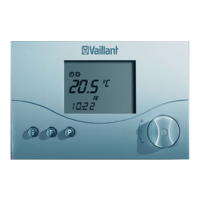
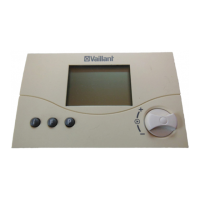
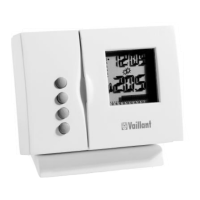
Vaillant VRT 392f
V 1.1 Apr_2010
To change the programmed times or temperatures, please follow the steps shown below.
Setting Time and Temperature Programmes
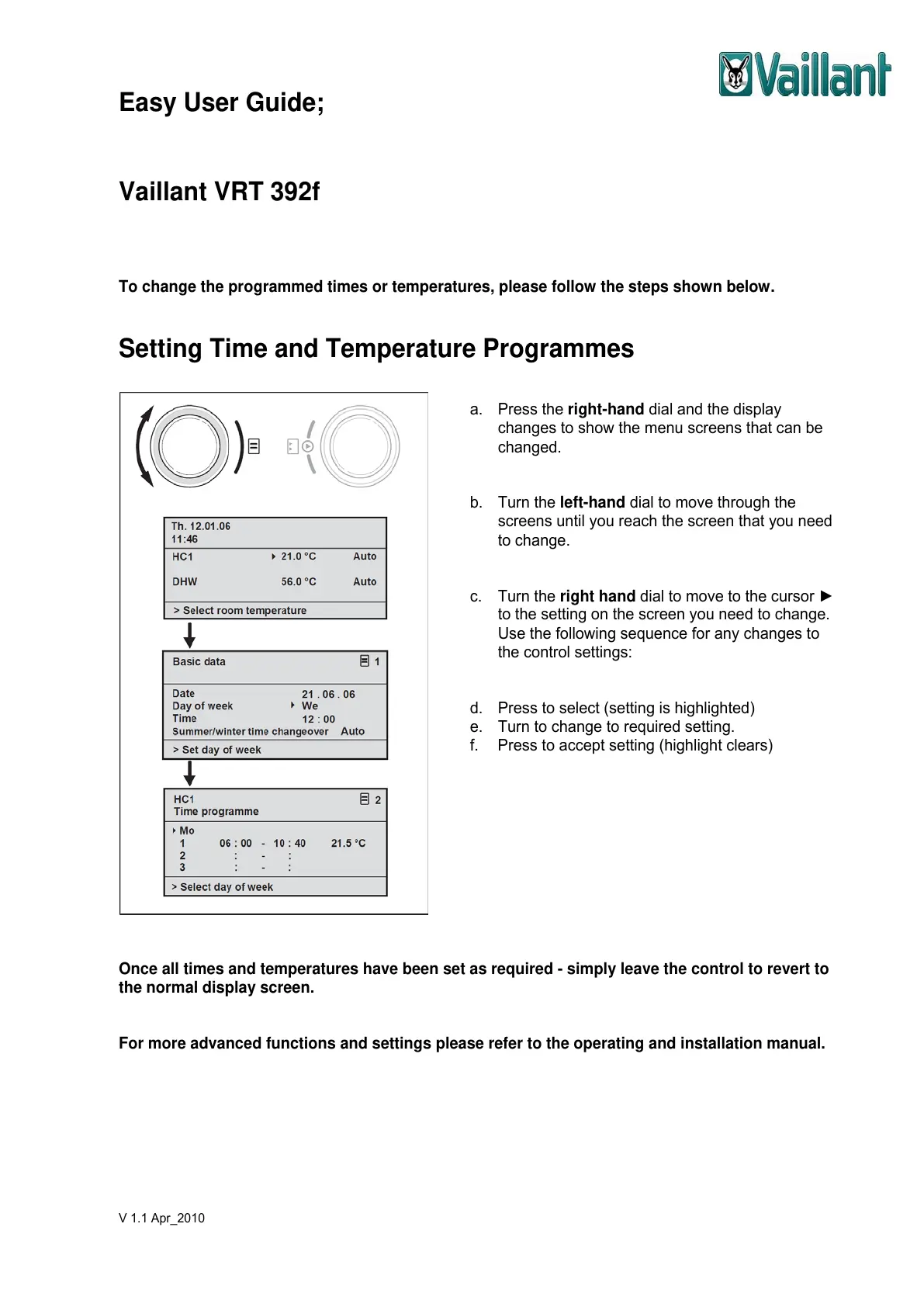
a. Press the right-hand dial and the display
changes to show the menu screens that can be
changed.
b. Turn the left-hand dial to move through the
screens until you reach the screen that you need
to change.
c. Turn the right hand dial to move to the cursor ►
to the setting on the screen you need to change.
Use the following sequence for any changes to
the control settings:
d. Press to select (setting is highlighted)
e. Turn to change to required setting.
f. Press to accept setting (highlight clears)
Once all times and temperatures have been set as required - simply leave the control to revert to
the normal display screen.
For more advanced functions and settings please refer to the operating and installation manual.


 To Previous Page