21
Use
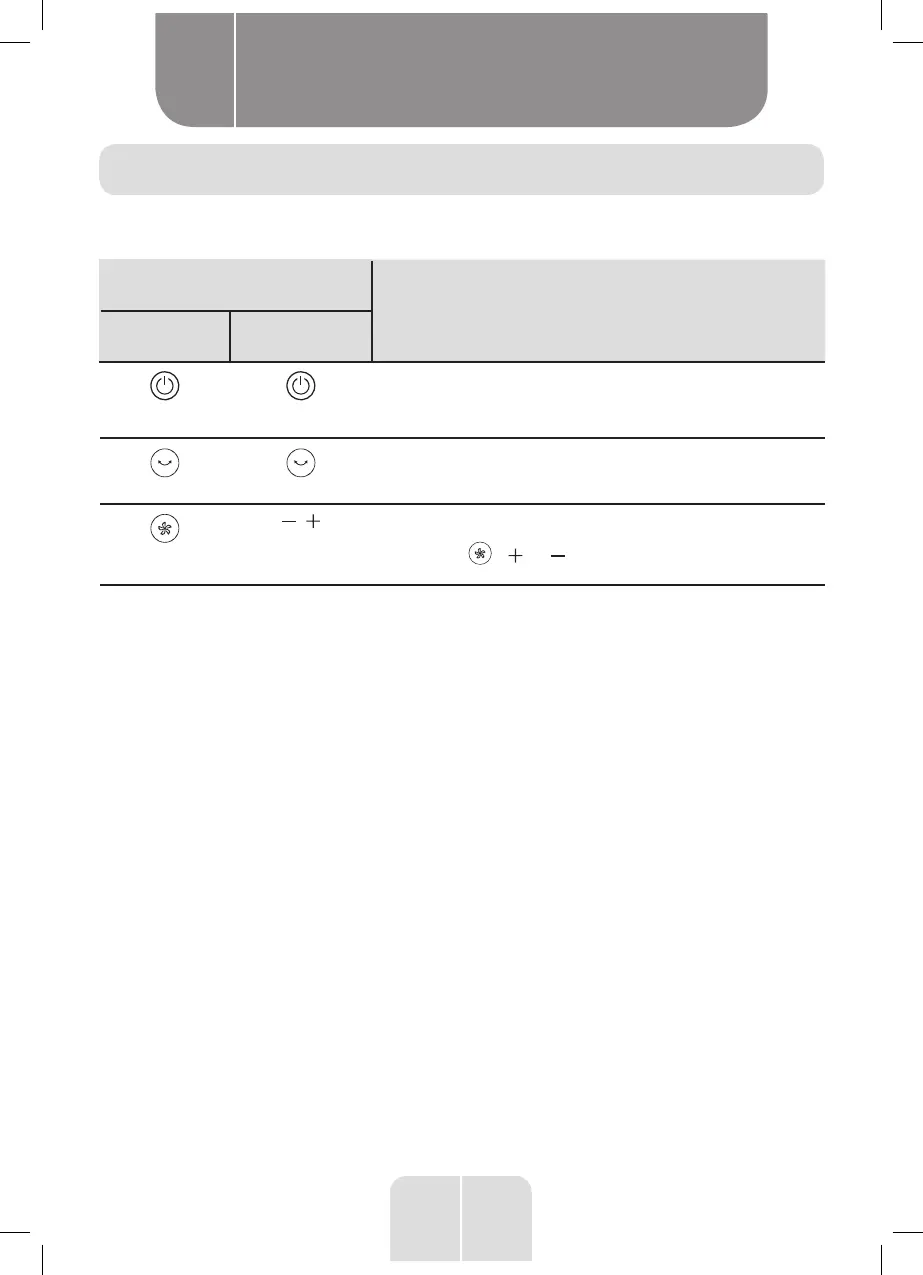
Control panel and remote control description
button
Function
Control panel Remote control
POWER
• Press this button to turn on the fan. The screen displays
the current speed.
• Press this button to turn off the fan and put it in Standby
mode. The screen will go off.
Oscillation
Press this button to start or stop the automatic left-right
oscillation (85°).
Speed
/
Upon connecting the fan, the default speed is “1”(the slowest
speed).
• Press the / or buttons several times to increase
or decrease the fan speed (from level 1 to 8) in a loop.
Product usage
B


 To Next Page