29
Selecting a mode
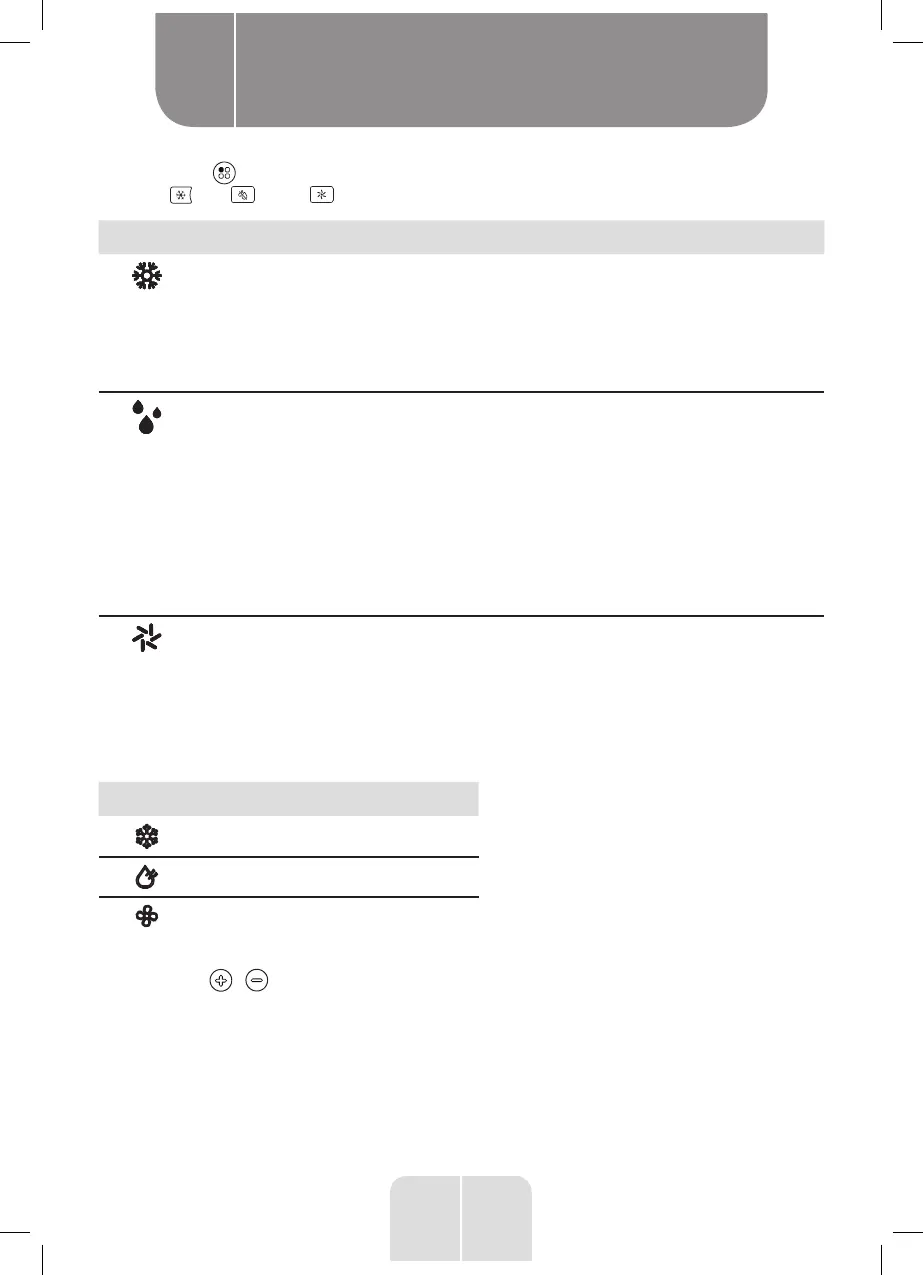
1. Press the button on the unit to select 1 of the 3 modes or press the remote control’s
cool , dry or fan buttons, (the corresponding indicator will light up):
Indicator Mode Description
Cool
(Air Conditioner)
•
Cools the air temperature to the set temperature
(16°C to 32°C).
•
All this mode’s functions can be selected:
temperature, speed, timer, swing and sleep.
IMPORTANT: The exhaust pipe must be connected to
expel the hot air outside.
Dry
(Dehumidifier)
• Removes moisture from the air.
•
The fan speed is set to low speed. The timer and swing
modes can be selected but the speed, temperature
and sleep functions are disabled in this mode.
IMPORTANT: When Ft displays on the screen, you
must empty the unit of water, refer to the Manually
draining the unit section for how to drain the unit.
IMPORTANT: The drain hose must be connected
to the dehumidifier drain outlet, see Installing the
drain hose section.
Fan • Circulates the air without cooling it.
•
Only the speed, timer and swing functions can be
selected in this mode.
NOTE: No drain hose or exhaust pipe is required.
When a mode is selected via the remote control, the corresponding icon will be displayed on
the remote control:
Icon Mode
Cool
Dry
Fan
Temperature (air conditioner mode only)
•
Press the / buttons as many times as necessary to adjust the temperature indicated
on the screen (from 16°C to 32°C). When the air conditioner is in operation, the target
temperature will be displayed.
• If the room temperature is lower than the set temperature, the air conditioning function
will stop but the fan will continue to run.
• The unit turns the air conditioning function on and off to maintain the set temperature.
Product usage
B


 To Next Page