30
Speed (air conditioner/fan mode only)
•
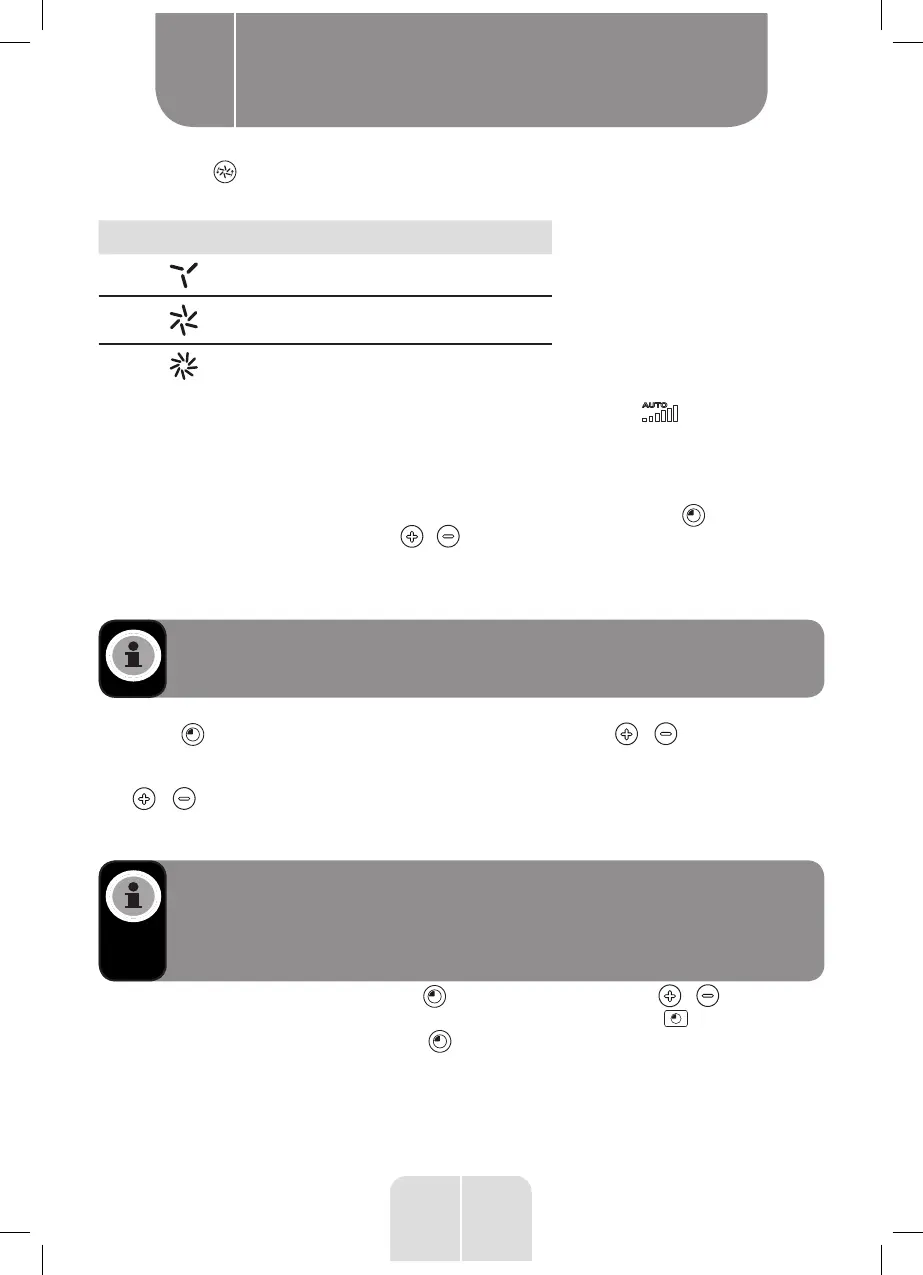
Press the button to select one of the following speeds, (the corresponding indicator
light will light up):
Indicator light Speed level
Low
Medium
High
• When you set the speed using the remote control, the speed icon bars will show the
speed level. AUTO only appears in cool and fan modes.
Timer (all modes)
You can set the timer to turn the unit on or off after a period ranging between 1 and 24 hours.
•
To set the unit’s switch-off time, make sure the power is on. Press the button to enter
the timer function. Then press the / buttons to set the number of hours after which
you would like the unit to turn off. The hours stop flashing and remain steady when the
setting is confirmed, and the timer indicator remains on. After a few seconds, the screen
will display the current room temperature.
NOTE: When using the remote control to set the unit’s switch-off time, the TIME
OFF timer icon and the set time (e.g. 2.0h) will be displayed on the remote control.
•
To set the unit to turn on at a certain time, make sure that it is turned off. Press the
unit’s button to enter the timer function. Then press the / buttons to set the
number of hours after which you would like the unit to turn on. The hours stop flashing
and remain steady when the setting is confirmed. In cool mode only, you can press the
/ buttons to change the desired temperature. The temperature stops flashing
and remains steady when the setting is confirmed. After the settings are confirmed, the
screen will display the set time.
NOTE: When the unit’s control panel is used to set the switch-on time, the display
indicates the remaining number of hours. When using the remote control to set
the unit’s switch-on time, the TIME ON timer icon and the set time (e.g. 2.0h) will
be displayed on the remote control and then the display will show the remaining
number of hours.
• To cancel the timer, press the unit’s button and then press the / buttons until
00 displays on the screen. Alternatively, press the remote control’s button and while
the time digits are blinking press the button again and then 00 will display.
Product usage
B


 To Next Page