6
ICON LINK Power Supply and Wire Connections
1. Attach the magnetic mount cellular antenna onto the top of the
Valley panel and route the antenna wire behind the panel and into
the bottom of the panel using the included cable grip.
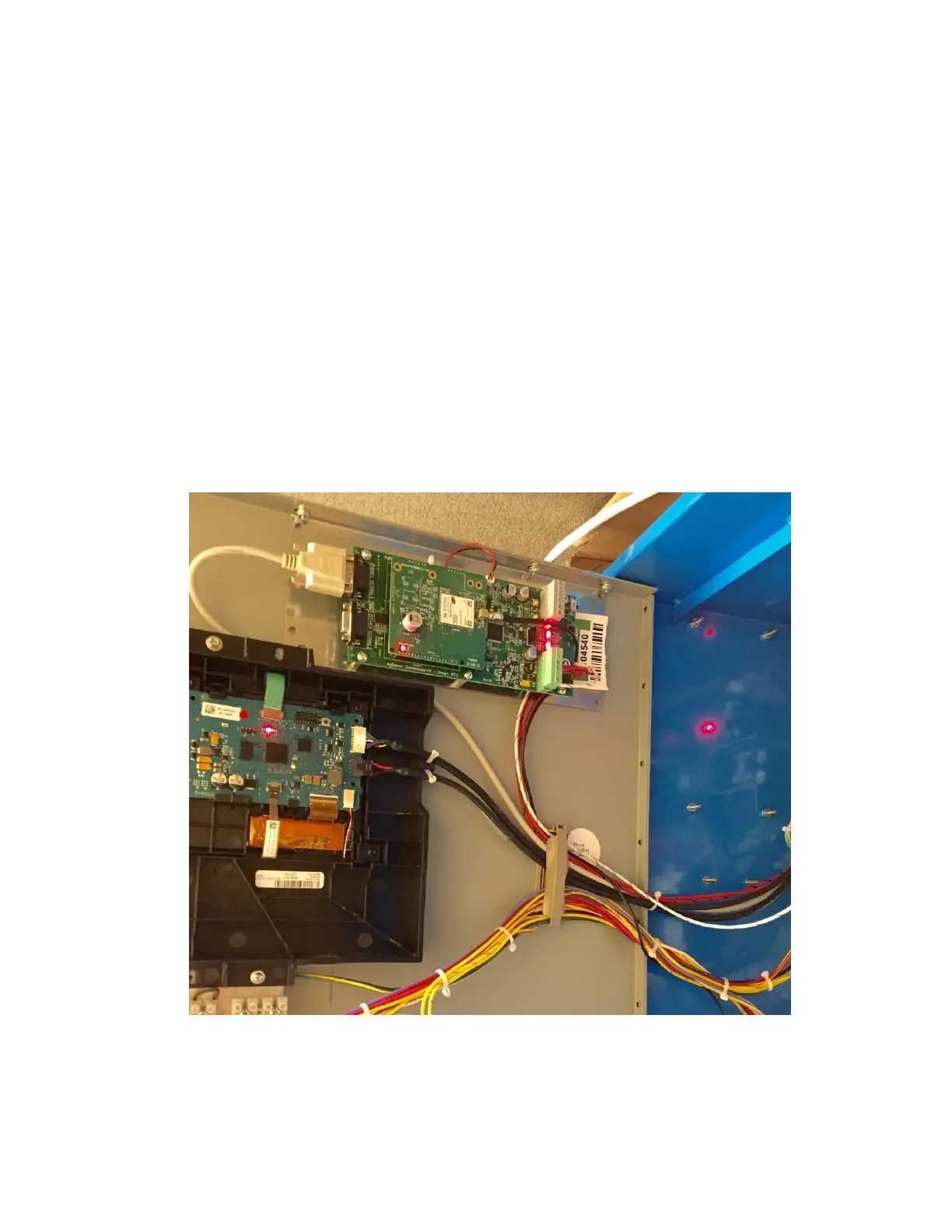
2. Then, route the Antenna cable plus the Red, and Red/Black
wires next to the existing door cables/wires and through the
existing wire holders on the Valley panel door up to the ICON
LINK and plug in the wire harness to the ICON LINK as shown in
the photo below.



 To Next Page